

A: An Ableton Move running Cycling ’74’s RNBO Takeover firmware (1.4.4-alpha), which is a free download from Cycling ’74. You also need a computer with a browser once, to install the device, and a data-capable USB cable to connect Move to your gear.
MIDI Commander by Justin Joe
TAKE COMMAND WITH YOUR ABLETON MOVE.
MIDI Commander by Justin Joe turns your Ableton Move into a standalone MIDI controller — 8 assignable encoders, 32 velocity-sensitive pads and 16 saveable presets, all running on the Move itself. No laptop after install.
- Ableton Move native: Runs on the Move as an RNBO Takeover device — no computer needed once installed
- 128 knobs, eight at a time: Sixteen banks of 8 encoders, flipped instantly with the step buttons — every one assignable on the device
- Assign on the fly: Hold Shift, turn a knob — the new CC number appears on the OLED. No menu diving, no laptop
- Notes and velocity: 32 pads play notes with selectable scales, layouts, root note, drum mode and MIDI channel
- Program Change and Bank Select: Assign an encoder to send PC; Bank MSB/LSB changes re-fire it automatically for browsing patches on hardware
- 16 saveable presets: Every assignment, label and setting stored to a slot — and they persist across reboots
- DAW control surface ready: Four encoder modes — Absolute plus three Relative — for endless-encoder control in Live and beyond
- Transport out: Play sends MIDI Start/Stop, Shift+Play sends Continue
- Pure MIDI, no DSP: Minimal CPU. Outputs over USB-A and USB-C simultaneously
PLEASE NOTE: Coupons are not valid on this product during the Intro Pricing - Ends 24th September 2026
USER GUIDE:
MIDI Commander Isotonik Manual
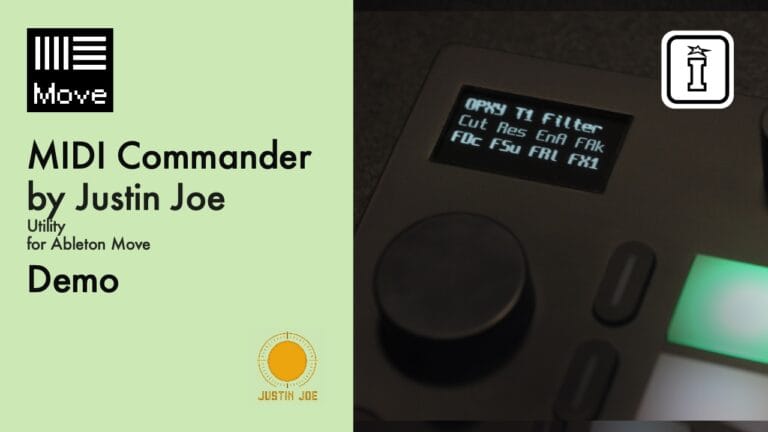
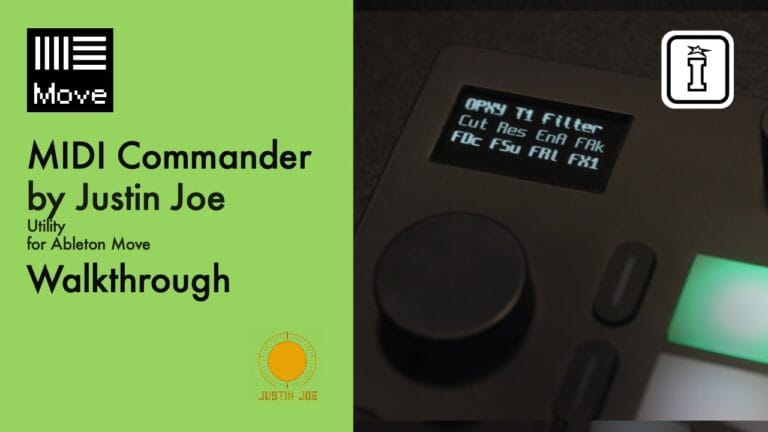
MIDI Commander by Justin Joe
TAKE COMMAND WITH YOUR ABLETON MOVE.
MIDI Commander by Justin Joe turns your Ableton Move into a standalone MIDI controller — 8 assignable encoders, 32 velocity-sensitive pads and 16 saveable presets, all running on the Move itself. No laptop after install.
- Ableton Move native: Runs on the Move as an RNBO Takeover device — no computer needed once installed
- 128 knobs, eight at a time: Sixteen banks of 8 encoders, flipped instantly with the step buttons — every one assignable on the device
- Assign on the fly: Hold Shift, turn a knob — the new CC number appears on the OLED. No menu diving, no laptop
- Notes and velocity: 32 pads play notes with selectable scales, layouts, root note, drum mode and MIDI channel
- Program Change and Bank Select: Assign an encoder to send PC; Bank MSB/LSB changes re-fire it automatically for browsing patches on hardware
- 16 saveable presets: Every assignment, label and setting stored to a slot — and they persist across reboots
- DAW control surface ready: Four encoder modes — Absolute plus three Relative — for endless-encoder control in Live and beyond
- Transport out: Play sends MIDI Start/Stop, Shift+Play sends Continue
- Pure MIDI, no DSP: Minimal CPU. Outputs over USB-A and USB-C simultaneously
PLEASE NOTE: Coupons are not valid on this product during the Intro Pricing - Ends 24th September 2026
USER GUIDE:
MIDI Commander Isotonik Manual
Product reviews
4 out of 5
2 reviews
How item rating is calculated
We show the average based on reviews. Only genuine reviews are displayed.
Sort by
September 10, 2026
ALMOST a home run
ALMOST exactly what I needed. Love this concept but what it really needs is different MIDI channels for each "bank" button, and more encoders per bank (scroll jog wheel) for controlling up to 16 devices and 128 parameters each.
Being able to use only one MIDI channel at a time severely limits the usability. I REALLY hope the dev considers this option in future updates.
Button combo actions need better illumination to be easier to follow as well. Illuminating the shift button by default would be great, then subsequently illuminating the following relevant buttons on press would really help.
I'm wanting to use this as a standalone controller for Syntakt, which has 12 channels and lots of params. Sadly also, none of the Relative encoder modes work properly. Stuck with Absolute and stuck with single MIDI channel unless there's a future update.
Thanks for making this!
Great concept, very usable for single channel MIDI setup.
Advanced installation and connectivity process, but doable. Button combos for some actions are not easy to navigate.
I recommend this product
Reply from justin-joe
September 10, 2026
September 6, 2026
This reviewer bought this product from our store.
Midi control for nothing
Cheap midi hack for move
Good results , i feel good using my external synths and drumachines
Move Working as midi controler is fantastic, easy to use
The instalation is not for beginners
I recommend this product