

Chillwave Textures is designed exclusively for the Arturia MiniFreak synthesiser. It will not work with other Arturia instruments or any other hardware and software synths.
Chillwave Textures for the Arturia MiniFreak by Andbo
RETRO REMASTERED
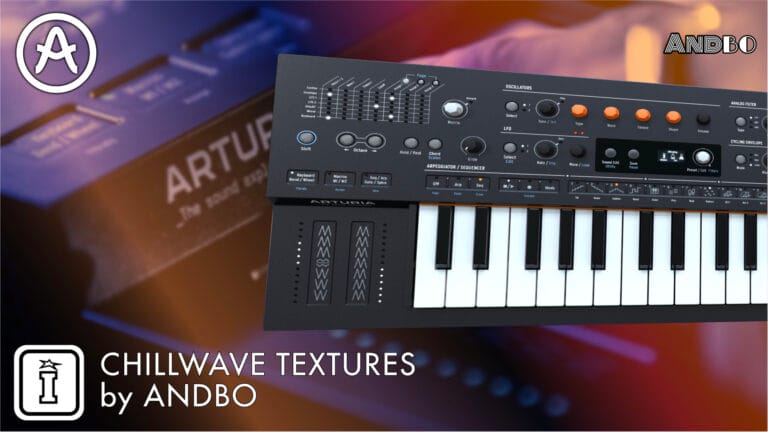
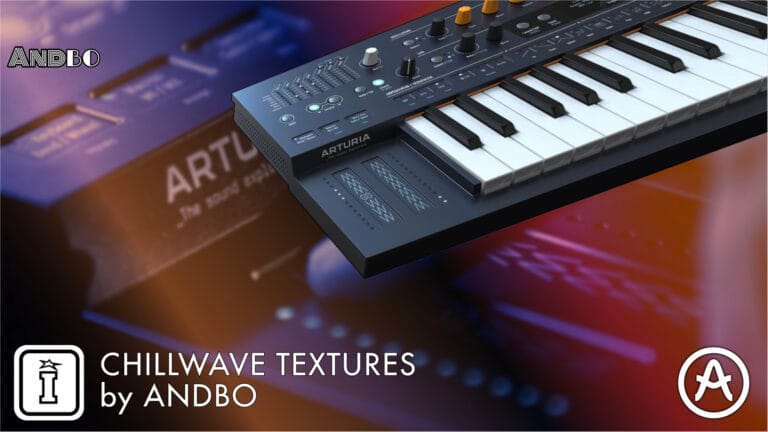
Elevate your sound with Chillwave Textures, a sound bank designed by Andbo for the Arturia Minifreak. Featuring 32 synth patches, this collection is perfect for creating soothing lofi, ambient, downtempo, and chillwave tracks. Inside, you'll find rich basses, dreamy pads, expressive leads, and morphing sound effects, all infused with a gritty lofi vibe.- Dynamic Macro Sliders: Morph each patch to dial in your tone or add expression to your performance. Find inspiring macros with every preset and unlock the Minfreak's full capabilities.
- Contemporary Nostalgia: Discover warm gritty textures, 16-bit gen inspired sounds, and flickering chorus saturated tones all crafted with modern techniques.
- Evolving Timbres: Chillwave Textures was designed to take advantage of Arturia's deep Mod Matrix to produce patches that bring rhythmic and development as the notes ring out
Chillwave Textures for the Arturia MiniFreak by Andbo
RETRO REMASTERED
Elevate your sound with Chillwave Textures, a sound bank designed by Andbo for the Arturia Minifreak. Featuring 32 synth patches, this collection is perfect for creating soothing lofi, ambient, downtempo, and chillwave tracks. Inside, you'll find rich basses, dreamy pads, expressive leads, and morphing sound effects, all infused with a gritty lofi vibe.- Dynamic Macro Sliders: Morph each patch to dial in your tone or add expression to your performance. Find inspiring macros with every preset and unlock the Minfreak's full capabilities.
- Contemporary Nostalgia: Discover warm gritty textures, 16-bit gen inspired sounds, and flickering chorus saturated tones all crafted with modern techniques.
- Evolving Timbres: Chillwave Textures was designed to take advantage of Arturia's deep Mod Matrix to produce patches that bring rhythmic and development as the notes ring out
Buying for someone?Send a gift card →
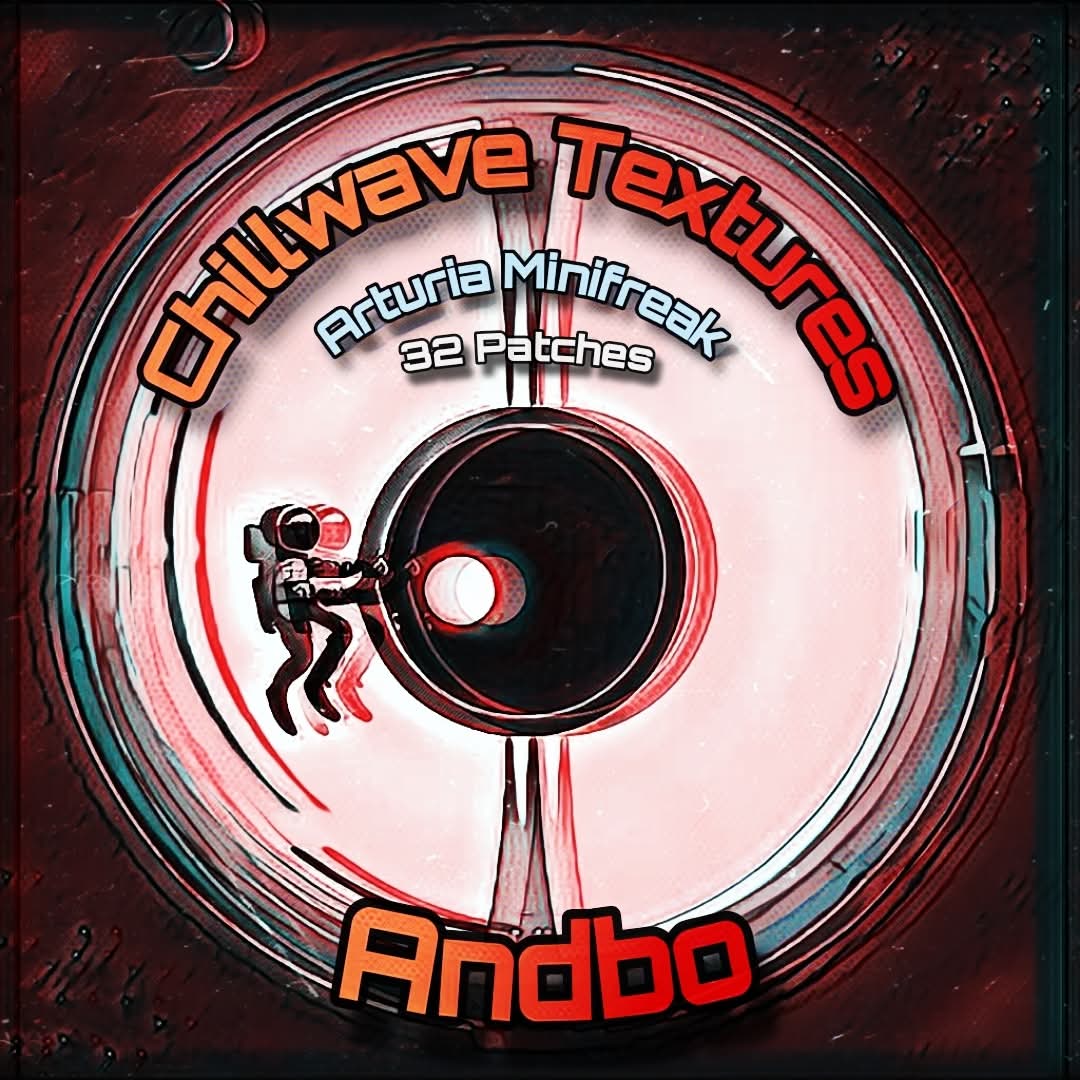
Chillwave Textures Demo
Unknown Artist
0:00
0:00
Additional information
| Synth Compatibility | Arturia MiniFreak |
|---|
PRICE: £18.00
Product reviews
No reviews yet. Be the first to review this product.
Chillwave Textures for the Arturia MiniFreak by Andbo
Step into a world where vintage meets modern with Chillwave Textures, a brand-new sound bank developed by Andbo, exclusively for the Arturia Minifreak synthesizer. Featuring 32 crafted presets, this collection draws inspiration from the evocative soundscapes of the past, blending them with innovative sound design techniques to create a sonic palette perfect for today’s downtempo electronic music.
Presets that Evoke Nostalgia and Inspire Creativity
Chillwave Textures offers a balanced selection of 32 presets, each carefully designed to layer your track with a warm dusty vinyl tone.
- 11 Pads: From light and playful to mysterious and foreboding, pads will take you on an atmospheric journey. The dynamic macros allow for expressive modulation and improvisation.
- 10 Keys: Melodic, delicate tones with a hint of retro charm, ideal for both lead melodies and harmonic layers. Broken speaker bells, rhythmic plucks, lofi guitars and more.
- 5 Basses: Deep, resonant basses that can hold down the low end of any track. For your hiphop needs, check out the funky filtered bass. Ambient producers will be thrilled with a dark atmospheric bass.
- 4 Leads: Expressive and distinct, with tones ranging from soft and sweet to sharp and cutting, these leads add clarity and character. Chiptune to Chopin, no melodies are off-limits.
- 2 SFX: Find fun and workable sound effects. An 8-bit UFO crash effect with huge range and utility. And a melodic stab that morphs into a dog piano.
Each preset is designed to be as versatile as it is emotive, offering performers and producers the tools to create rich, layered compositions.
Built for Evolution and Expression
One of the standout features of Chillwave Textures is its focus on modulation and expressive control. The curated Macro sliders are programmed to offer seamless control over potent parameters of each sound. Whether you want to add subtle variations or transform a patch completely, these sliders provide an intuitive, hands-on approach to sound manipulation. This makes the pack perfect for both live performances and studio sessions, giving you the ability to adapt and mold the sound in real time. Each slider on the Minifreak allows for control of up to 4 different parameter; use the pre-programmed macros as inspiration to create your own unique combinations.
Perfect for Downtempo Genres
Chillwave Textures was specifically designed for producers working in downtempo electronic genres, offering a sound palette that’s ideal for creating introspective and laid-back tracks. Whether you’re working on:
- Lofi Hip-Hop
- Ambient
- Chillhop
- Chillwave
- Dream Pop
- Downtempo Electronica
- Synthwave
- Trip-Hop
These presets will provide the essential building blocks for crafting lush, atmospheric soundscapes. With its combination of nostalgic influences and modern sound design techniques, this sound bank is perfect for any artist looking to evoke emotion, create space, and bring a unique vibe to their music.
Whether you’re a seasoned sound designer, a producer looking for fresh inspiration, or a performer who needs expressive and dynamic sounds, Chillwave Textures by Andbo is a must-have addition to your Arturia Minifreak library. Unlock a world of evolving textures, retro-inspired tones, and modern techniques that will take your music to new heights. Dive into this collection and let the sounds guide you on a journey through time and space—where nostalgia meets innovation, and tone becomes truly timeless.
Frequently Asked Questions
The pack includes 32 presets in total, comprising 11 pads, 10 keys, basses, leads, and morphing sound effects. Each preset is crafted around a warm, lofi chillwave aesthetic with a gritty vintage character.
The presets are designed with lofi, ambient, downtempo, and chillwave production in mind. They work particularly well for atmospheric, nostalgic tracks that blend vintage warmth with modern electronic production.
Each preset makes use of the MiniFreak’s dynamic Macro Sliders to allow expressive real-time modulation. This lets you morph and shape sounds during performance or recording without diving into deeper editing.
The presets are loaded onto the MiniFreak via Arturia’s MIDI Control Centre software. Simply import the preset files through the software and transfer them to your instrument.
No additional plugins are required. You just need a MiniFreak hardware synthesiser and Arturia’s free MIDI Control Centre application to manage and transfer the presets.
The collection was designed by Andbo, a sound designer with a focus on atmospheric and textural electronic music. The presets reflect a deep understanding of the MiniFreak’s architecture and lofi sound design aesthetics.
Important Information
Initial Release – October 2024
How to Install MiniFreak Presets
Follow these simple steps to install your MiniFreak presets.
Step 1: Download and Extract the Presets
Once you’ve purchased and downloaded the preset pack, the file will usually be in a compressed .zip format. First, unzip the downloaded file.
- Windows: Right-click the .zip file and choose “Extract All.”
- Mac: Double-click the .zip file to unzip it.
This will extract the presets into a folder on your computer.
Step 2: Open the MiniFreak V Software
Ensure that you have the Arturia MiniFreak V software installed. You’ll be importing the presets into this application.
- Launch the MiniFreak V software.
- Navigate to the Preset Browser by clicking the browser icon located in the top right corner of the interface.
Step 3: Import the Presets
In the Preset Browser:
- Click on the Import button located at the bottom right of the browser window.
- Browse to the folder where you extracted your preset files and select them.
- Click Open to import the presets.
Once imported, the presets will be available in the preset browser for use.
Step 4: Access Your Presets
After importing, you can find your new presets in the MiniFreak V’s User Bank or whichever category they were saved in. Simply scroll through the list or use the search function to locate them.
Troubleshooting
If you’re having issues:
- Ensure you’re using the latest version of the MiniFreak V software.
- Make sure the presets you’ve downloaded are compatible with the MiniFreak version you’re using.
- Double-check that you’ve unzipped the files properly and selected the correct preset file format (.fxp or other supported formats).
For any further assistance, consult Arturia’s official MiniFreak documentation or reach out to the preset provider for support ny using the contact button in the header of this website.
Frequently Bought Together

TechtronixHip-Hop Foundations TWO - Circuit Rhythm (Limited Edition)For Novation Circuit RhythmFrom £5.00