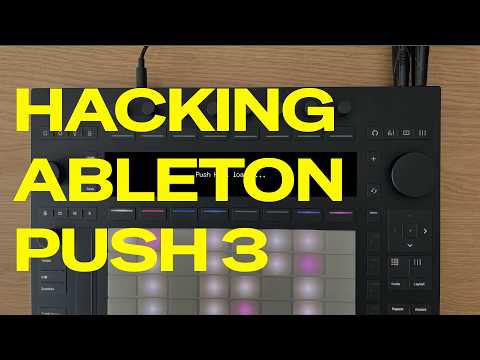
Push Hack is an open-source framework that gives you deep, unofficial control over Ableton Push 3 Standalone, from LED takeover to MIDI remapping and a full on-device UI.
Push Hack is an unofficial, open-source framework for Ableton Push 3 Standalone that hands you a level of control the factory firmware simply does not offer. Built by developer Federico Pepe and inspired by the Move Hackers community, it opens up a toolkit of features ranging from a web-based file manager to full LED and display takeover, on-device custom interfaces, and a MIDI automation sequencer.
Please note: Push Hack is not approved, endorsed, or supported by Ableton. Use it at your own risk. Read the full disclaimer on the GitHub repository and in the walkthrough video before installing.
What It Does
At its core, Push Hack sits on top of Push 3 Standalone and intercepts hardware-level communications, giving you programmatic access to components that are otherwise locked away. The result is a modular set of capabilities you can pick from depending on your workflow.
- Push Manager: A web app that lets you browse, copy, and manage files and folders on Push 3 directly from a browser, including transfers to and from a USB drive connected to Push’s USB-A port.
- Browser Bridge: Extends the preset browsing experience on the device itself, giving you more flexibility over how you navigate your library.
- Full Screen Takeover: Override Push 3’s display entirely and render your own content on the screen for custom visual feedback or interface design.
- Buttons, Knobs, and Grid Takeover: Gain direct programmatic control over every physical input on the device, including the full pad grid, encoders, and buttons.
- MIDI Intercept: Capture and redirect MIDI data generated by Push 3’s controls before it reaches Ableton Live, enabling custom routing and processing.
- LEDs Takeover: Control every LED on the device independently, allowing fully custom lighting states across the pad grid and buttons.
- MIDI Remap: Reassign MIDI messages from any physical control to different notes, CCs, or channels to suit your performance setup.
- Shadow UI: Build and display a custom on-device interface that runs alongside or instead of the standard Push UI.
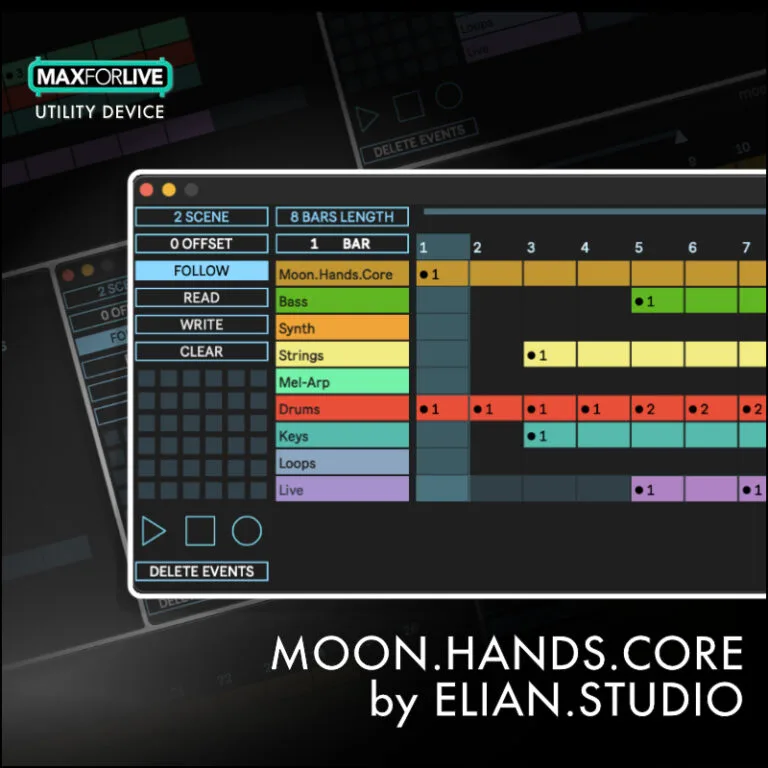
- Draw Automations: A MIDI automation sequencer built directly into the framework, letting you draw and trigger automation from within Push Hack itself.
- System Stats: Monitor device-level performance data directly on Push 3 for visibility into what is running under the hood.
How to Use It
- Visit the GitHub repository at github.com/federico-pepe/ableton-push-hack and read the README and full disclaimer before proceeding.
- Follow the installation instructions in the manual to install Push Hack onto your Push 3 Standalone unit.
- Once running, open Push Manager in a browser on the same network to manage files, copy from USB, and configure the framework.
- Use the modular feature set selectively. You can enable Screen Takeover, Shadow UI, LED control, and MIDI Intercept independently depending on what your session needs.
- Join the Discord community to connect with other Push Hack users, report issues, and follow development updates.
Why It Matters
Push 3 Standalone is already a powerful piece of hardware, but Push Hack reveals how much more is possible when the hardware layer is accessible. For developers, educators, and experimentally minded producers, this framework is a serious research and performance tool. The ability to take over the screen, remap every control, and sequence automation from within a custom UI points to a future where Push 3 can behave however you need it to, not just however Ableton intended. It is ambitious, community-driven, and actively evolving.