
PinkAI Performer + HarmonAIzer Chain Synced to Conductor:
TRIPLE PACK SAVINGS: Add any three or more 4 Chamber Sound products to your cart and save 15% automatically at checkout!
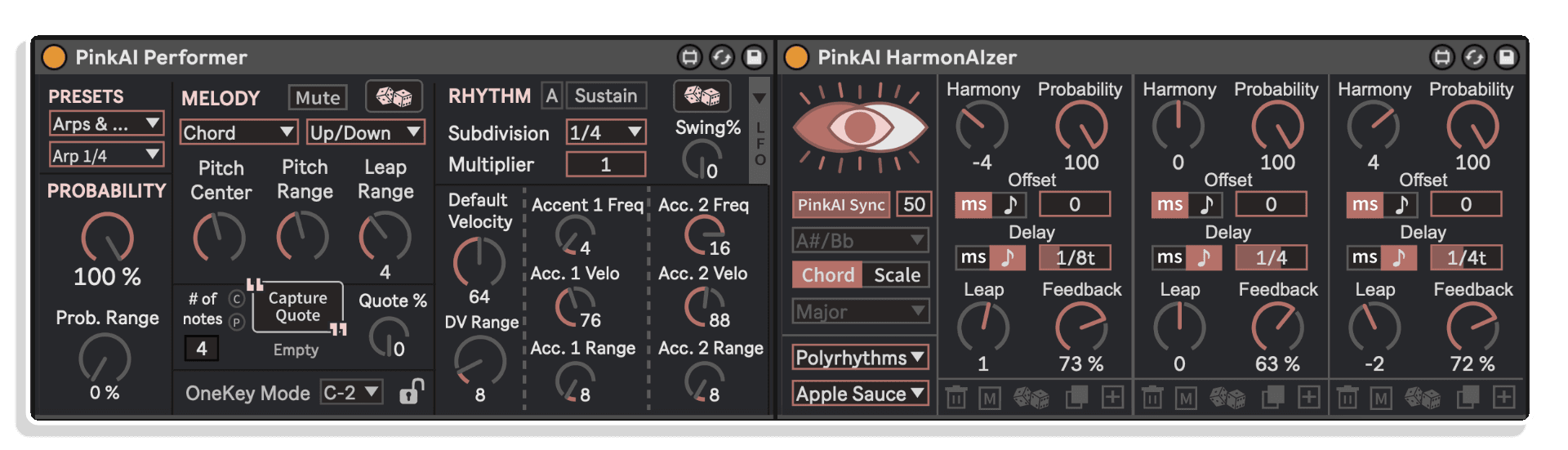
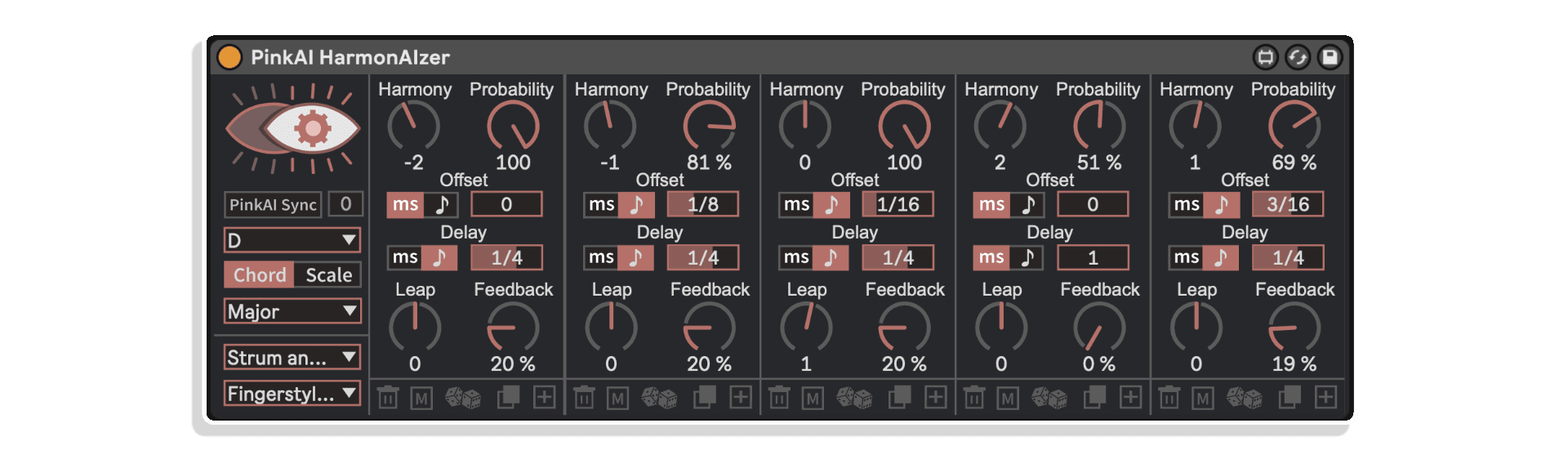
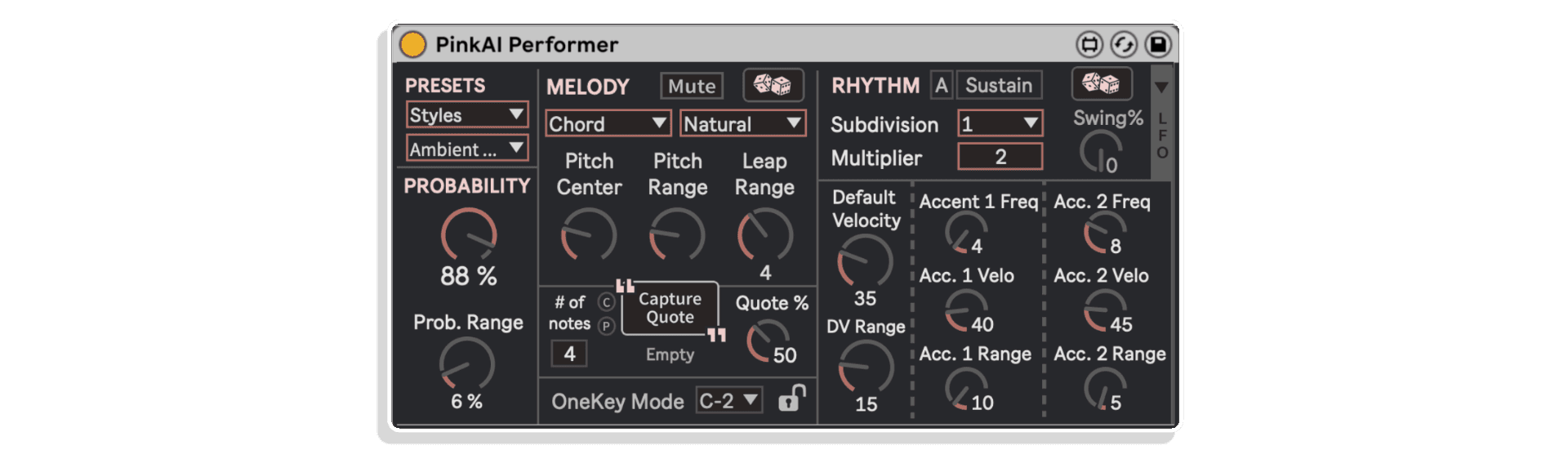
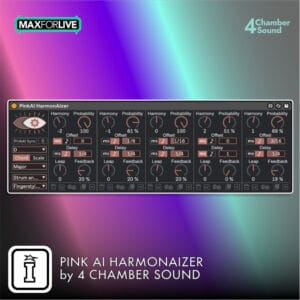
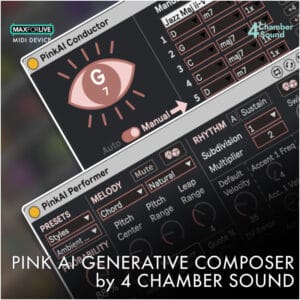
This bundle consists of both the Generative Composer and HarmoAIzer from 4 Chamber Sound! PinkAI Generative Composer is a groundbreaking modular generative MIDI device for Ableton Live (Max for Live) PinkAI is the only plugin that synchronizes instruments across as many tracks as you want! Whether you want a full symphony orchestra, jazz trio, solo piano performance, or anything in between, PinkAI creates and performs multi-track compositions in real time. Generate melodies, rhythms, and entire songs with the click of a button and interact with parameters in real time. Create endless soundscapes, or easily record and shape your output for full ensembles or single instruments. For professional and novice producers PinkAI is the essential tool for composers, creators, performers, and DJs. Its straightforward and responsive interface combined with 100+ presets and template sessions make it extremely easy to start creating music on the fly. PinkAI HarmonAIzer transforms the simplest MIDI into captivating and rich harmonic patterns. HarmonAIzer receives any individual MIDI note from any of your MIDI Clips, MIDI Controller Input, or from PinkAI’s Performer Module and creates anywhere from basic-to-intricate, practical-to-abstract reharmonized sequences within your pre-selected scale, using Probability, Note Offsets and Pitch-shifting Feedback loops. With 12 keys, 25 chord types, and over 30 scales to choose from, HarmonAIzer offers nearly 700 tonal colors, making it so simple to explore diverse and astonishing melody, harmony and dynamic musical patterns all the while learning and applying some fundamentals of music theory. HarmonAIzer synchronizes output with the PinkAI Conductor module’s auto-generated or user-programmed chord sequences. HarmonAIzer works both as a standalone device as well as with PinkAI’s Generative Composer. Turning on “PinkAI Sync” lets your pre-recorded MIDI Clips revoice to fit with the generated chords (or chord-based Scales) from the PinkAI Conductor module. Feed HarmonAIzer with MIDI input from PinkAI’s Performer module and generate ever-changing, richly harmonized musical compositions. Modern, flexible and responsive User Interface with 150+ quick-change presets makes it extremely easy to get started. Add, Delete, Copy or Randomize patterns in up to 9 simultaneous harmonized voices with HarmonAIzer’s easy-to-use, engaging and intuitive user interface. Select from 9 different built-in Preset Banks to learn how HarmonAIzer excels at creating vibrant, harmonized arpeggios (“Rainbows”), elaborate melodic patterns (“Color Riffs”), polyphonic polyrhythms (“Polyrhythms”), practical strumming patterns (“Strum and Pick”), and much more! Combined with the variety of tonal colors, HarmonAIzer offers 100,000+ possibilities in MIDI output by using the same single MIDI Note input.
TRIPLE PACK SAVINGS: Add any three or more 4 Chamber Sound products to your cart and save 15% automatically at checkout!
This bundle consists of both the Generative Composer and HarmoAIzer from 4 Chamber Sound! PinkAI Generative Composer is a groundbreaking modular generative MIDI device for Ableton Live (Max for Live) PinkAI is the only plugin that synchronizes instruments across as many tracks as you want! Whether you want a full symphony orchestra, jazz trio, solo piano performance, or anything in between, PinkAI creates and performs multi-track compositions in real time. Generate melodies, rhythms, and entire songs with the click of a button and interact with parameters in real time. Create endless soundscapes, or easily record and shape your output for full ensembles or single instruments. For professional and novice producers PinkAI is the essential tool for composers, creators, performers, and DJs. Its straightforward and responsive interface combined with 100+ presets and template sessions make it extremely easy to start creating music on the fly. PinkAI HarmonAIzer transforms the simplest MIDI into captivating and rich harmonic patterns. HarmonAIzer receives any individual MIDI note from any of your MIDI Clips, MIDI Controller Input, or from PinkAI’s Performer Module and creates anywhere from basic-to-intricate, practical-to-abstract reharmonized sequences within your pre-selected scale, using Probability, Note Offsets and Pitch-shifting Feedback loops. With 12 keys, 25 chord types, and over 30 scales to choose from, HarmonAIzer offers nearly 700 tonal colors, making it so simple to explore diverse and astonishing melody, harmony and dynamic musical patterns all the while learning and applying some fundamentals of music theory. HarmonAIzer synchronizes output with the PinkAI Conductor module’s auto-generated or user-programmed chord sequences. HarmonAIzer works both as a standalone device as well as with PinkAI’s Generative Composer. Turning on “PinkAI Sync” lets your pre-recorded MIDI Clips revoice to fit with the generated chords (or chord-based Scales) from the PinkAI Conductor module. Feed HarmonAIzer with MIDI input from PinkAI’s Performer module and generate ever-changing, richly harmonized musical compositions. Modern, flexible and responsive User Interface with 150+ quick-change presets makes it extremely easy to get started. Add, Delete, Copy or Randomize patterns in up to 9 simultaneous harmonized voices with HarmonAIzer’s easy-to-use, engaging and intuitive user interface. Select from 9 different built-in Preset Banks to learn how HarmonAIzer excels at creating vibrant, harmonized arpeggios (“Rainbows”), elaborate melodic patterns (“Color Riffs”), polyphonic polyrhythms (“Polyrhythms”), practical strumming patterns (“Strum and Pick”), and much more! Combined with the variety of tonal colors, HarmonAIzer offers 100,000+ possibilities in MIDI output by using the same single MIDI Note input.
Buying for someone?Send a gift card →
| MaxforLive | MIDI Devices, Sequencers |
|---|---|
| Ableton Live Compatibility | Ableton Live 11 Standard with MaxforLive, Ableton Live 11 Suite, Ableton Live 12 Standard with MaxforLive, Ableton Live 12 Suite |
| Min. Requirements | Ableton Live 11 Standard with MaxforLive Installed or Ableton Live 11 Suite |
| OS | Mac, Windows |

No reviews yet. Be the first to review this product.
PinkAI Generative Composer is an essential tool that enables users to:
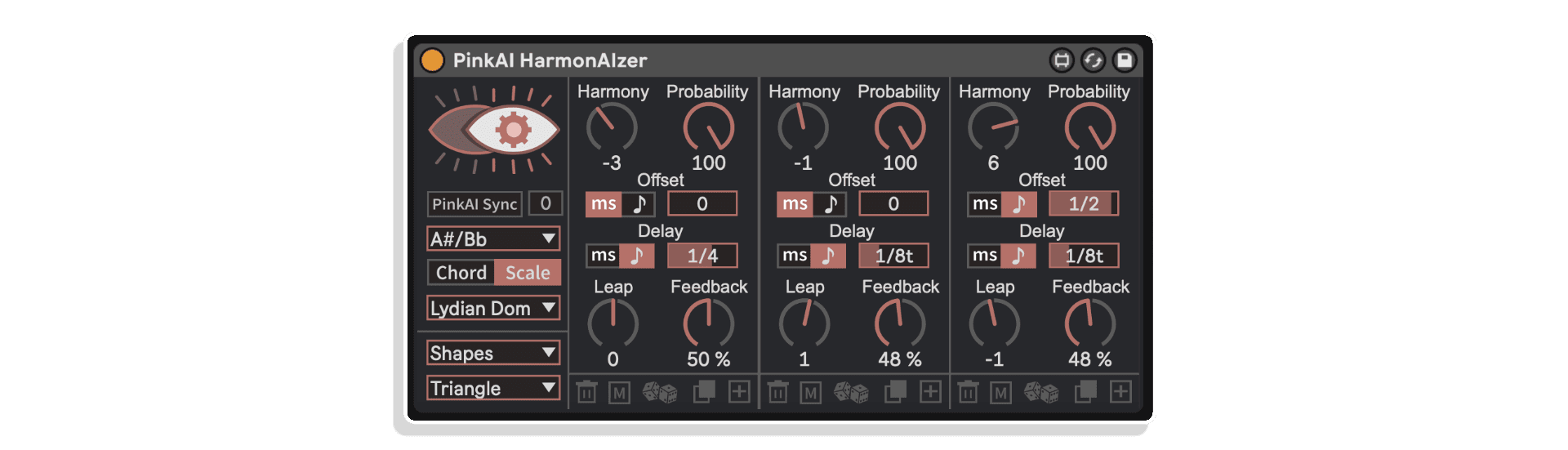
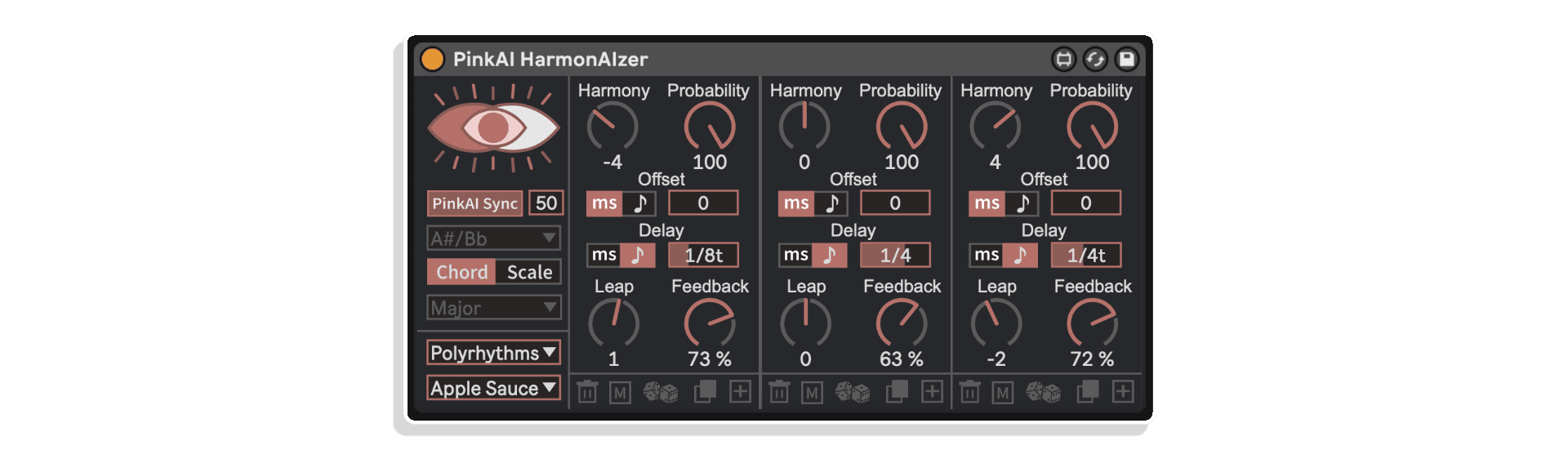
HarmonAIzer receives any incoming MIDI note and transforms it into chord- or scale-based harmonic patterns using any of the following controls for up to 9 simultaneous harmonized voices:
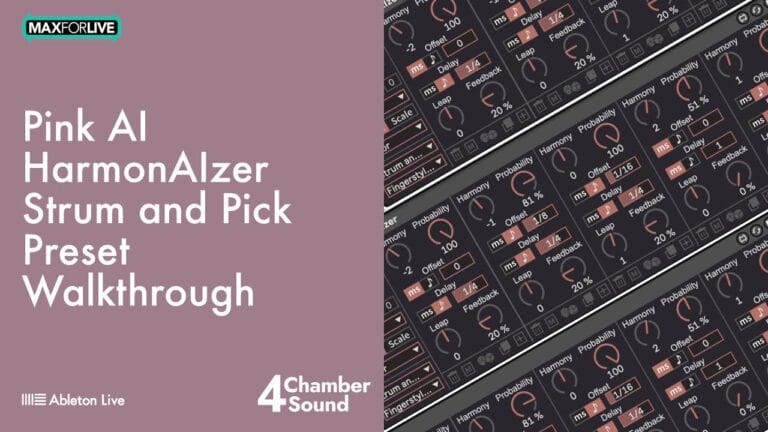
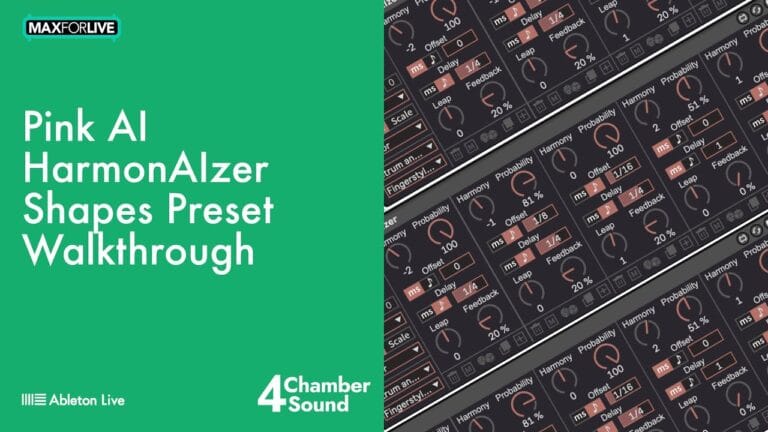
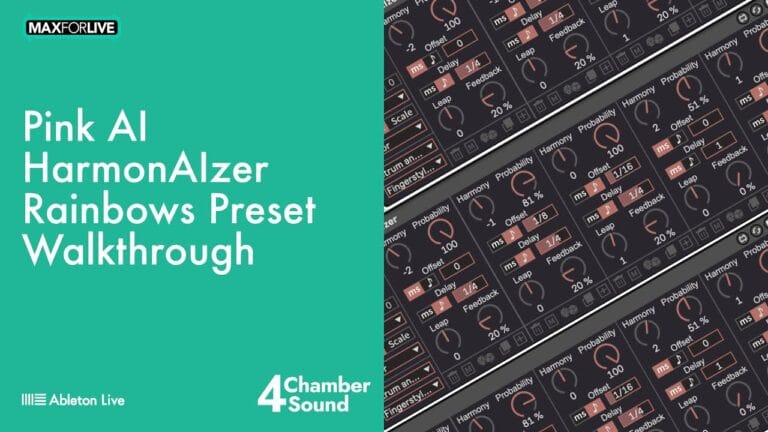
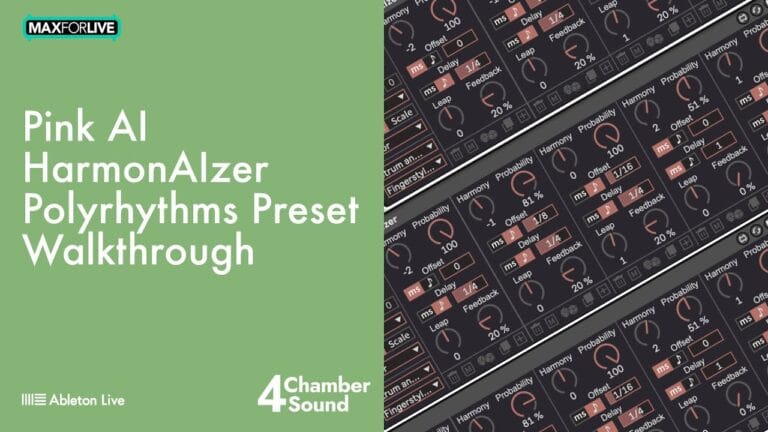
HarmonAIzer’s 9 Preset Banks with over 150 quick-change Presets offer incredible diversity in output. Every single preset can be a phenomenal launching point for discovering the power of HarmonAIzer. Often times, adjusting a single dial on one preset’s harmony line results in fascinating, practical and creative changes difficult to otherwise conceive of. HarmonAIzer’s Preset Banks include:
Using PinkAI’s HarmonAIzer with the Generative Composer’s Conductor and Performer modules unlocks new levels of generative creativity and pure fun than accessible from any other MIDI Device:
Use HarmonAIzer’s Chord and Scale dropdowns to easily reharmonize your MIDI patterns into any of the following tonal colors, in any of the 12 musical keys:
ALSO AVAILABLE FROM 4 CHAMBER SOUND – PINK PONG GENERATOR

PinkAI Conductor Module:
PinkAI Performer Module:
The bundle includes two Max for Live devices: the PinkAI Generative Composer, which creates generative MIDI compositions with full ensembles, and the PinkAI HarmonAIzer, which transforms incoming MIDI notes into chord- and scale-based harmonies. Both are developed by 4 Chamber Sound.
Both devices require Ableton Live with Max for Live, so you’ll need either Ableton Live Suite or Ableton Live Standard with a separate Max for Live licence. Check the product page for the minimum recommended versions of Live and Max for Live.
It’s a modular generative MIDI device that autonomously creates chord sequences, melodies, and rhythms in real time, routing multi-track MIDI output directly to instruments in your Ableton Live set. You can shape and customise the generative behaviour rather than being locked into fixed patterns.
Yes, the device supports real-time multi-track MIDI recording, so you can capture generated performances directly into your Ableton Live session and edit or build on them as normal.
The HarmonAIzer is ideal for harmonising a melody line, thickening a single MIDI instrument with chord voicings, or generating scale-aware harmony parts on the fly. It works with any incoming MIDI note, making it useful for both studio composition and live performance.
Absolutely. The Generative Composer is specifically designed for use cases like public installations, retail environments, live streaming, and music library content where extended, evolving compositions are needed without constant manual input.
After purchase you’ll receive the device files to add to your Ableton Live User Library or a designated Max for Live folder. Simply drag them onto a MIDI track in Live and they’re ready to use, with no additional standalone software required.
Initial Release – February 2025
Follow the steps below to correctly install PinkAI’s Generative Composer & HarmonAIzer:
1. Double-click on .alp file
2. When Ableton prompts you to save the pack, navigate to your Live Library and create a new folder (alongside Factory Packs and User Library). You may name this “PinkAI”, “4 Chamber Sound”, “3rd Party Plugins”, or anything else you choose. Save this pack in that location.
3. When the installation completes, add this folder to your ‘Places’ in Ableton Live’s browser
4. Enjoy PinkAI!!
For help with installation or any other troubleshooting, you may contact [email protected]. Happy creating!
PinkAI Generative Composer End-User License Agreement
1. Introduction
This End-User License Agreement (“EULA”) governs your use of the “PinkAI Generative Composer” Max for Live device (“Software”) developed by 4 Chamber Sound, Inc. (“4 Chamber Sound”). By installing, copying, or using the Software, you agree to be bound by the terms of this EULA. If you do not agree to these terms, do not install or use the Software.
2. License Grant
4 Chamber Sound grants you a non-exclusive, non-transferable, limited license to use the Software for your personal or commercial use. You may use the Software to generate audio content within the Max for Live environment.
3. Restrictions
You may not:
4. Ownership
The Software and all related intellectual property rights, including but not limited to copyrights, trademarks, and patents, are owned by 4 Chamber Sound. This EULA does not grant you any ownership rights in the Software.
5. Updates
4 Chamber Sound may, from time to time, provide updates or upgrades to the Software. These updates may include bug fixes, new features, or security enhancements. You agree to accept and install these updates as they become available.
6. Third-Party Content and Software
The Software may include third-party content or software that is subject to separate terms and conditions. Your use of such third-party content or software is governed by those terms and conditions. 4 Chamber Sound is not responsible for the content or functionality of any third-party content or software.
7. Termination
This EULA will terminate automatically if you fail to comply with any of its terms. 4 Chamber Sound may also terminate this EULA at any time, for any reason.
8. Disclaimer of Warranties
THE SOFTWARE IS PROVIDED “AS IS” WITHOUT WARRANTY OF ANY KIND, EXPRESS OR IMPLIED, INCLUDING BUT NOT LIMITED TO THE WARRANTIES OF MERCHANTABILITY, FITNESS FOR A PARTICULAR PURPOSE, AND NON-INFRINGEMENT. 4 CHAMBER SOUND DOES NOT WARRANT THAT THE SOFTWARE WILL BE ERROR-FREE OR THAT IT WILL OPERATE WITHOUT INTERRUPTION.
9. Limitation of Liability
IN NO EVENT SHALL 4 CHAMBER SOUND BE LIABLE FOR ANY INDIRECT, INCIDENTAL, SPECIAL, CONSEQUENTIAL, OR EXEMPLARY DAMAGES (INCLUDING, BUT NOT LIMITED TO, PROCUREMENT OF SUBSTITUTE GOODS OR SERVICES; LOSS OF USE, DATA, OR PROFITS; OR BUSINESS INTERRUPTION) ARISING OUT OF OR IN CONNECTION WITH THE USE OR INABILITY TO USE THE SOFTWARE, EVEN IF 4 CHAMBER SOUND HAS BEEN ADVISED OF THE POSSIBILITY OF SUCH DAMAGE.
10. Download Sales
Due to the nature of our products as downloadable software, we do not accept returns. If you encounter any issues with your purchase, please contact [email protected]
11. Governing Law
This EULA shall be governed by and construed in accordance with the laws of the State of [State], United States.
12. Entire Agreement
This EULA constitutes the entire agreement between you and 4 Chamber Sound regarding the Software and supersedes all prior or contemporaneous communications and proposals, whether oral or written.
By installing the Software, you acknowledge that you have read, understood, and agreed to be bound by the terms of this EULA.
Copyright 2024 4 Chamber Sound, Inc.

Join the list for fresh Max for Live devices, sound packs and offers. No spam, unsubscribe anytime.

Curated Ableton Live, Max for Live & sound-design tools from the world's best independent developers.
Trusted by thousands of music producers worldwide