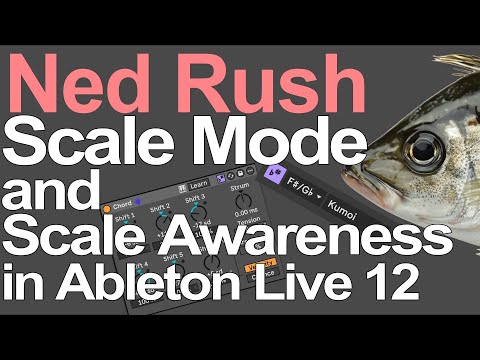
See how the flat-and-sharp “Scale Mode” button in Live 12 transforms your MIDI workflow—locking chords, arps, vocals, and drum racks into wrapped-in-scale expression across multiple clips with ease.
Elevate Your Jams with Smart Scale-Based MIDI Expression
In this teaser-level, hands-on session, Ned Rush shows how a single flat-and-sharp button activates Live’s Scale Awareness mode—unlocking creative potential across MIDI Clips, Devices, and even Drum Racks. It’s less about theory and more about accessible, expressive music-making.
What’s Happening:
- Enabling Scale Mode
The flat/sharp button sets the scale for every selected clip. Live displays this in the transport bar, and multiple clips can be updated at once by selecting them all and picking a scale—no manual tuning required.
- Scale-Aware MIDI Effects
Ableton’s built-in MIDI effects such as Random, Chord, Arpeggiator, and Auto Shift respond intelligently to the active clip scale. Randomization, chord voicing, pitch shifts—all are quantized to stay in key.
- Effortless Song-Level Harmony
Clip-based scale settings propagate through your MIDI chain—switch to a new clip and everything jumps to a new key. It’s modular transposition without rewriting notes.
- Rhythmic Play & Fluid Key Modulation
Follow Actions let you move through clips with different scale settings mid-session. This enables harmonic variation without manual re-mapping—perfect for generative composition or live jamming.
- Sample & Drum Integration
Scale Awareness works in Sampler, Drum Racks, and even Auto Shift. When enabled, your chord generators or vocal samplings automatically snap to the defined scale.
When the Pixels Light Up, Expect Magic
This isn’t just feature flexing—it’s a foundation for expressive and experimental songwriting without overthinking key signatures. Whether you’re exploring generative MIDI, building evolving lead voices, or harmonizing drum racks, Scale Awareness pulls everything into alignment with minimal setup.