KVNDRA’s Ambient Atelier gets a substantial 1.1 update with a reworked Performance FX Rack, two new sounds, ten snapshots, and MIDI data across all eight stock instruments.
Ambient Atelier by KVNDRA has received a significant 1.1 update, and every existing owner gets it for free. The update centres on a completely rebuilt Performance FX Rack, two brand-new swap-in sounds, and pre-written MIDI sequences across all eight stock instruments — making the template more expressive and more immediately playable than ever.
What it does
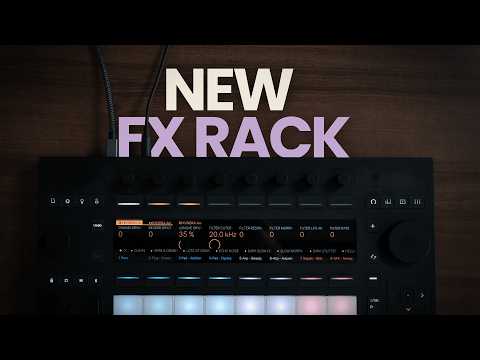
The new Performance FX Rack 2.0 replaces the previous stutter effect with a morphable ladder-style filter that moves smoothly between low-pass, band-pass, and high-pass in a single control. A sine-wave LFO with dedicated amount and rate macros lets you animate the filter cutoff from subtle slow movement right through to rhythmic stutter-like sweeps. Because the filter sits at the top of the signal chain, it shapes both the dry and wet paths simultaneously, giving you full-frequency control over the entire mix before any other effect is applied.
Alongside the filter, a new Phaser effect has been added. Three macros cover dry/wet blend, phasing speed, and feedback amount. Push the feedback into the 90 to 99% range and the phaser begins to oscillate, producing deep, resonant whale-like tones — a character that is already showcased in the included “No Lows Sweep” snapshot. The Echo has also been reworked, and all six original snapshots have been revised to take advantage of the new signal chain. Four additional snapshots bring the total to ten: Slow Morph, Helicopter, No Lows Echo, and No Lows Sweep sit alongside the updated originals, and the randomise button lets you generate your own variations on the fly.
Two new swap-in sounds arrive on channels 11 and 12. “Arp – Filter Delay” is a glassy Operator-based arpeggio run through a filter delay for cascading, rhythmic repeats; a high LFO amount pushes it into haunted, vocal-sweep territory across four presets. “Pad – Chant” is a choir-like wavetable pad built in Ableton’s Wavetable synthesiser, with a slow LFO-modulated filter that breathes the timbre brighter and darker over time across three presets. Both sounds come with their own snapshot states for the Performance FX Rack.
How to use it
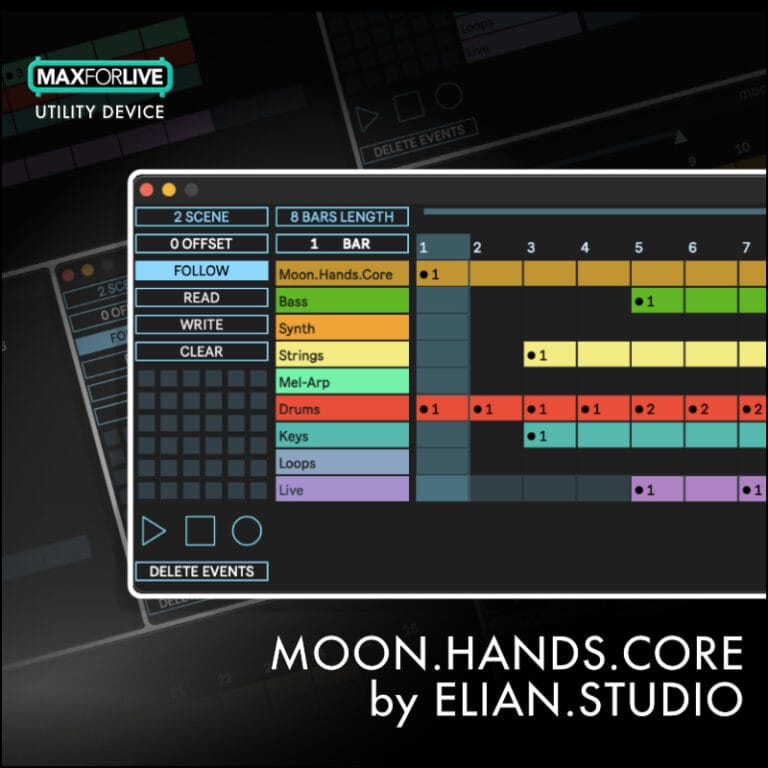
- Hit play immediately: All eight stock sounds now carry pre-written MIDI data across all seven scenes, so every instrument plays the moment you press play — no note input required to hear a full ambient set.
- Perform with the FX Rack: Use the filter morph, LFO rate, phaser feedback, and echo macros to shape the live sound in real time; switch between the ten snapshots to make broad, instant textural changes.
- Dial in the filter: Set the morph control to 0% for pure low-pass, 50% for band-pass, or 100% for high-pass — or automate it to create movement throughout your set.
- Explore the Phaser: Start with a low feedback value for subtle stereo width, then push feedback toward 90–99% to unlock the oscillating, resonant character best heard in the No Lows Sweep snapshot.
- Swap in the new sounds: Load “Arp – Filter Delay” or “Pad – Chant” from channels 11 and 12, audition their presets, and blend them with the stock eight instruments using the template’s fade and macro controls.
- Make it your own: Once comfortable with the stock MIDI scenes, delete them and replace with your own chords and melodies, or play sounds entirely live via Push 3 or any MIDI controller.
- Save custom snapshots: Use the randomise button on the FX Rack to discover new states, then save them as snapshots — keep echo feedback below 100% to protect your ears.
Why it matters
The 1.1 update turns Ambient Atelier into a more complete performance instrument. The combination of a morphable filter with LFO control, a feedback-capable phaser, and ten ready-to-trigger snapshots gives performers genuine real-time expressive range without requiring any deep sound design knowledge. The addition of MIDI data across all stock sounds removes the last barrier to entry for producers new to live performance templates, while the two new sounds expand the sonic palette meaningfully. For existing owners it is a straightforward upgrade; for anyone considering the template for the first time, version 1.1 is the most well-rounded starting point yet.