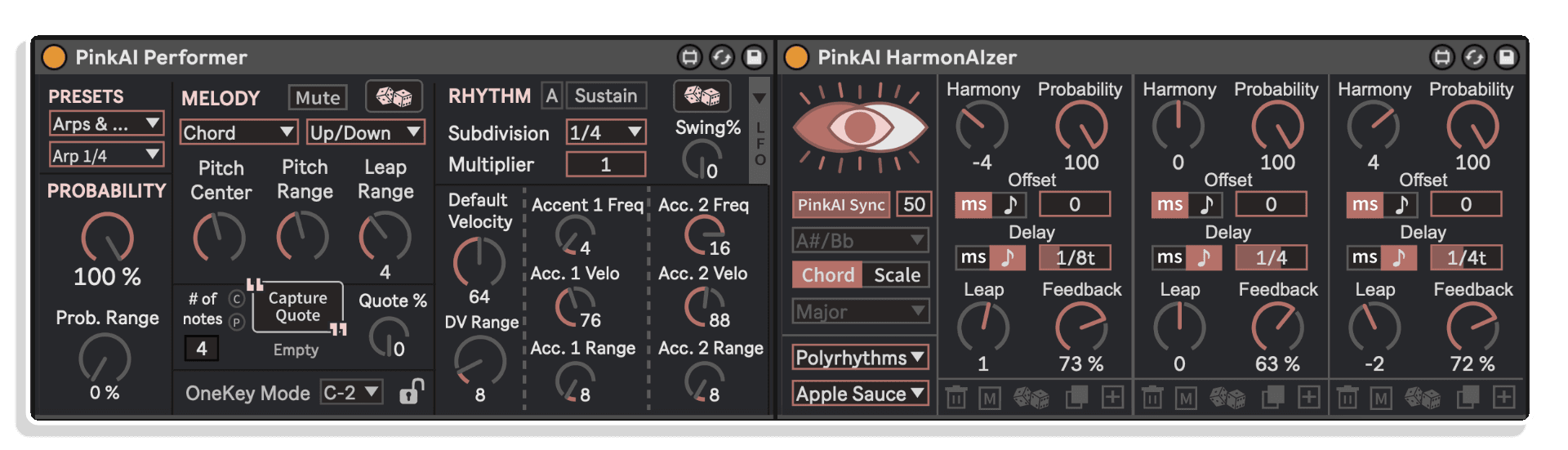
PinkAI Performer + HarmonAIzer Chain Synced to Conductor:


TRIPLE PACK SAVINGS: Add any three or more 4 Chamber Sound products to your cart and save 15% automatically at checkout!
PinkAI HarmonAIzer transforms the simplest MIDI into captivating and richly harmonized patterns.
HarmonAIzer receives any individual MIDI note from clips, controller input, or PinkAI's Performer Module and creates anywhere from basic to intricate, practical to abstract reharmonized sequences within your pre-selected scale. Using probability, note offsets, and pitch-shifting feedback loops across 12 keys, 25 chord types, and over 30 scales, HarmonAIzer offers nearly 700 tonal colors—making it simple to explore diverse melody, harmony, and dynamic musical patterns while learning music theory fundamentals.
HarmonAIzer synchronizes with the PinkAI Conductor module's auto-generated or user-programmed chord sequences.
It works both standalone and with PinkAI's Generative Composer. Turn on "PinkAI Sync" to let pre-recorded MIDI clips revoice to fit generated chords from the Conductor module. Feed HarmonAIzer with MIDI from PinkAI's Performer module and generate ever-changing, richly harmonized musical compositions.
Modern, flexible, and responsive UI with 150+ quick-change presets makes it extremely easy to get started.
Inside you'll find:
Add, delete, copy, or randomize patterns in up to 9 simultaneous harmonized voices with HarmonAIzer's easy-to-use, engaging, and intuitive interface. Combined with the variety of tonal colors, HarmonAIzer offers 100,000+ possibilities in MIDI output from the same single MIDI note input.
TRIPLE PACK SAVINGS: Add any three or more 4 Chamber Sound products to your cart and save 15% automatically at checkout!
PinkAI HarmonAIzer transforms the simplest MIDI into captivating and richly harmonized patterns.
HarmonAIzer receives any individual MIDI note from clips, controller input, or PinkAI's Performer Module and creates anywhere from basic to intricate, practical to abstract reharmonized sequences within your pre-selected scale. Using probability, note offsets, and pitch-shifting feedback loops across 12 keys, 25 chord types, and over 30 scales, HarmonAIzer offers nearly 700 tonal colors—making it simple to explore diverse melody, harmony, and dynamic musical patterns while learning music theory fundamentals.
HarmonAIzer synchronizes with the PinkAI Conductor module's auto-generated or user-programmed chord sequences.
It works both standalone and with PinkAI's Generative Composer. Turn on "PinkAI Sync" to let pre-recorded MIDI clips revoice to fit generated chords from the Conductor module. Feed HarmonAIzer with MIDI from PinkAI's Performer module and generate ever-changing, richly harmonized musical compositions.
Modern, flexible, and responsive UI with 150+ quick-change presets makes it extremely easy to get started.
Inside you'll find:
Add, delete, copy, or randomize patterns in up to 9 simultaneous harmonized voices with HarmonAIzer's easy-to-use, engaging, and intuitive interface. Combined with the variety of tonal colors, HarmonAIzer offers 100,000+ possibilities in MIDI output from the same single MIDI note input.
| MaxforLive | MIDI Devices |
|---|---|
| Ableton Live Compatibility | Ableton Live 11 Standard with MaxforLive, Ableton Live 11 Suite, Ableton Live 12 Standard with MaxforLive, Ableton Live 12 Suite |
| Min. Requirements | Ableton Live 11 Standard with MaxforLive Installed or Ableton Live 11 Suite |
| OS | Mac, Windows |
A creative tool , should be a must to envellope interesting harmonics and chords .
Some music theory knowledge is needed.
Altough quick results when experimenting with it.
Solid pattern making and even more interesting dissipator. A bit difficult to parse visually, but can hear right away results building on the input.
Fascinating and deep take on creating melodic patterns
Overview & Inspiration
What if a single MIDI note could become an entire harmonic universe? PinkAI HarmonAIzer transforms the simplest MIDI input into captivating, richly harmonized patterns—from elegant arpeggios to intricate polyrhythmic textures.
Feed HarmonAIzer any individual MIDI note from clips, controller input, or PinkAI’s Performer Module, and watch it create anywhere from basic to intricate reharmonized sequences within your selected scale. Using probability, note offsets, and pitch-shifting feedback loops, HarmonAIzer offers nearly 700 tonal colors across 12 keys, 25 chord types, and over 30 scales—making it effortless to explore diverse melodic and harmonic possibilities while learning music theory fundamentals.
Use it standalone or sync with PinkAI Generative Composer’s Conductor module to automatically reharmonize everything to generated or user-programmed chord sequences.
Features & Highlights
Up to 9 Simultaneous Harmony Voices – Transform a single MIDI note into dyads, triads, tetrads, or complex multi-voice patterns. Each voice has independent controls for harmony interval, probability, time offset, feedback, delay rate, and pitch leap.
MIDI Delay Lines with Pitch-Shifting Feedback – Unlike traditional audio delays, HarmonAIzer’s MIDI delay lines let you set feedback amounts and pitch leaps for each repetition. Create infinite ascending arpeggios, descending cascades, or rhythmic patterns that evolve with each repeat.
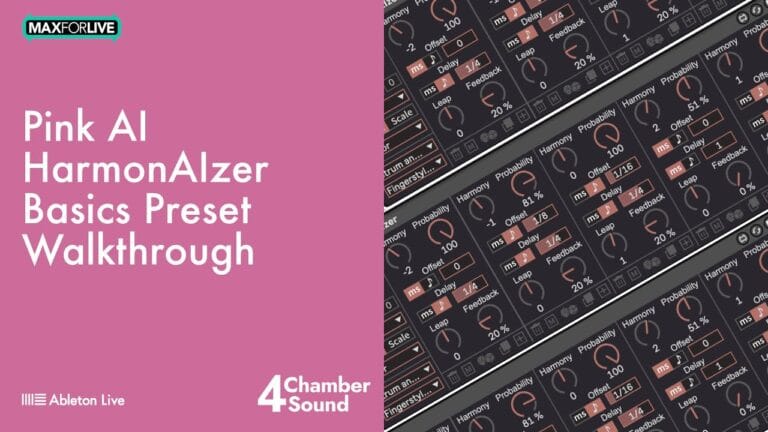
150+ Presets Across 9 Banks – Instantly access Rhythm Grids, Shapes, Rainbows (polyphonic arpeggios), Color Riffs (full-measure melodies), Polyrhythms, Time Shifts, Strum and Pick patterns, Basics, and experimental Misc & FX. Each preset is a launching point for endless creative exploration.
Standalone or Synced with PinkAI Conductor – Run independently with manual chord and scale selection, or enable PinkAI Sync to automatically reharmonize all output to match the Conductor module’s chord progressions. Pre-recorded MIDI clips instantly adapt to changing harmonies.
Probability-Based Harmony Generation – Control the likelihood of each harmony voice triggering, from guaranteed output at 100% to complete silence at 0%. Add variation and unpredictability to static MIDI patterns.
Time and Note Value Offsets – Displace harmonized notes by milliseconds or musical note values (quarters, eighths, sixteenths). Create strumming effects, grace notes, or rhythmically displaced patterns from single-note input.
Automatic Pitch Correction – When triggered notes don’t belong to the selected chord or scale, HarmonAIzer automatically adjusts them to the nearest valid pitch—ensuring every output stays musically coherent.
Modern, Intuitive Interface – Add, delete, copy, or randomize harmony voices with a clear, responsive UI. Visual feedback shows exactly how each voice contributes to the final pattern.
How to Use
Drop PinkAI HarmonAIzer onto any MIDI track in Ableton Live. Select a root note and choose between chord or scale mode—HarmonAIzer offers 25 chord types and over 30 scales. Send MIDI from clips, your controller, or PinkAI’s Performer Module into HarmonAIzer and route the output to any instrument or VST.
Start with a preset from one of the 9 banks to hear instant results. Adjust harmony intervals to change pitch relationships, set probability to control voice density, and use offsets to create rhythmic displacement. Dial in feedback and delay settings to create repeating MIDI patterns, and adjust the leap parameter to make each repetition ascend or descend by scale degrees.
For integration with PinkAI Generative Composer, enable PinkAI Sync and HarmonAIzer will automatically follow the Conductor module’s chord changes—allowing pre-recorded clips or live input to seamlessly adapt to evolving progressions.
Preset Bank Highlights
Rhythm Grids – Transform single notes into rhythmic chord patterns. Presets like “2×8” create 2-note chords with 8th note delay lines. Options include dyads, triads, and tetrads with various rhythmic subdivisions.
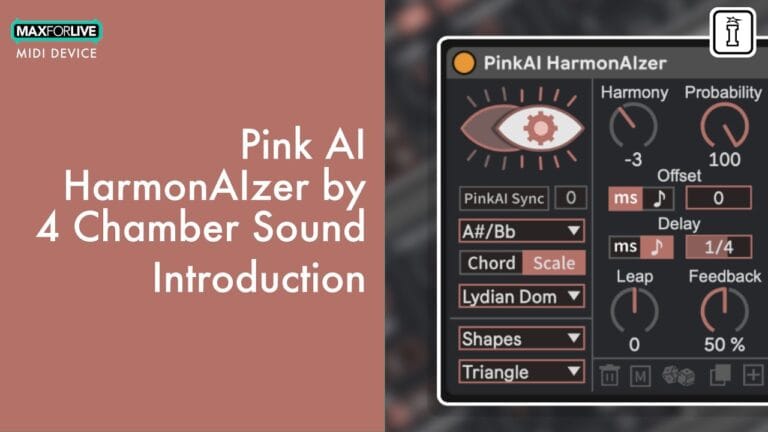
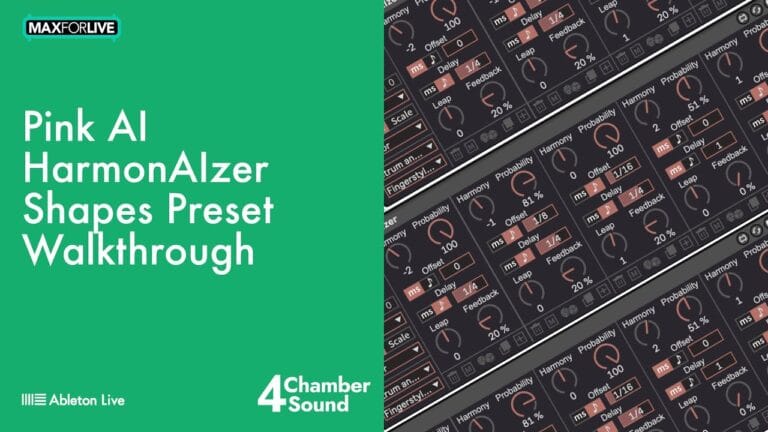
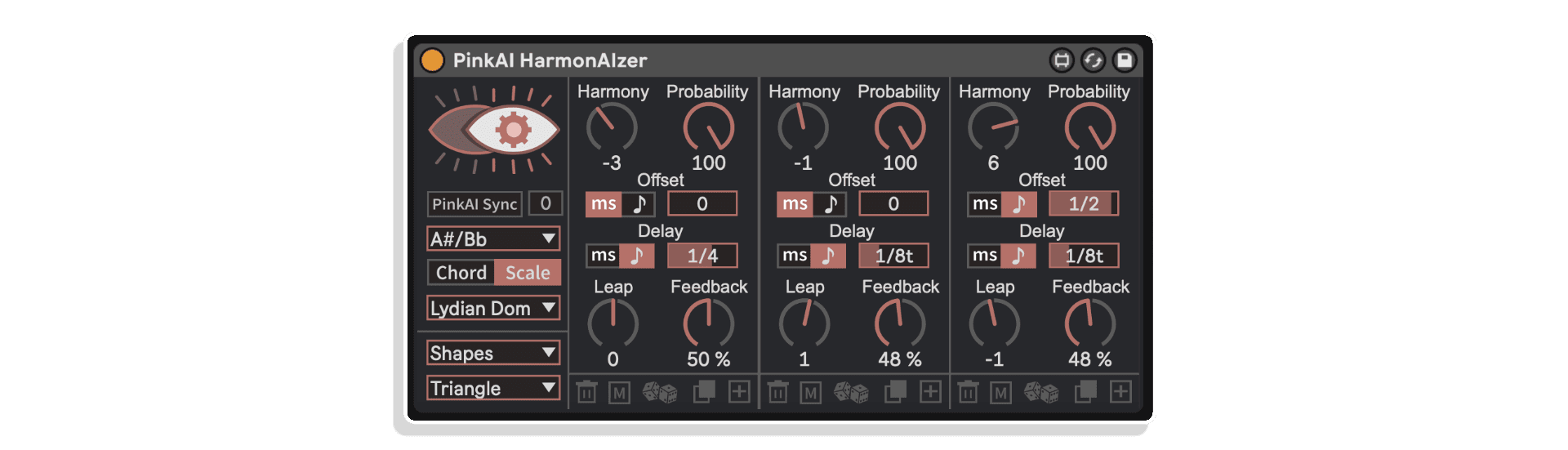
Shapes – 18 presets that output time-arranged patterns resembling visual shapes. “Triangle” makes notes ascend and descend around the original pitch, creating geometric melodic contours.
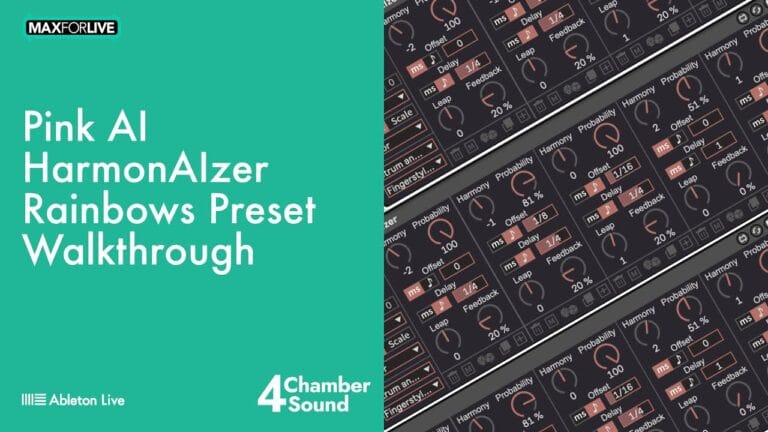
Rainbows – Polyphonic arpeggios with harmonic overlaps that create intricate cascading patterns when combined with varied MIDI input spacing.
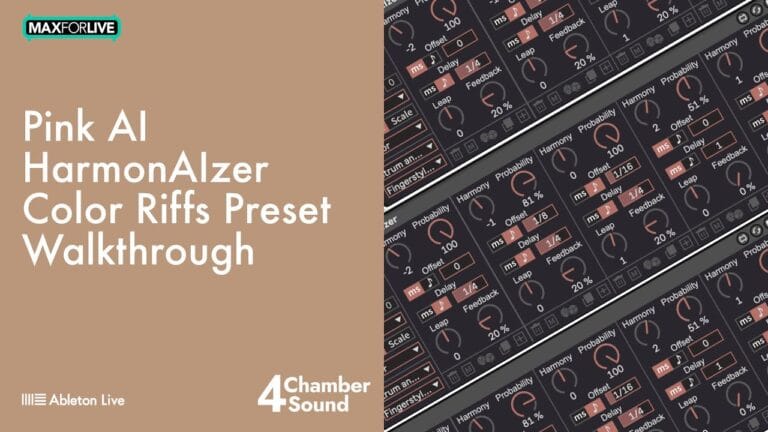
Color Riffs – Turn a single note into full-measure melodies, phrases, or riffs. Most effective with instruments that have minimal velocity sensitivity.
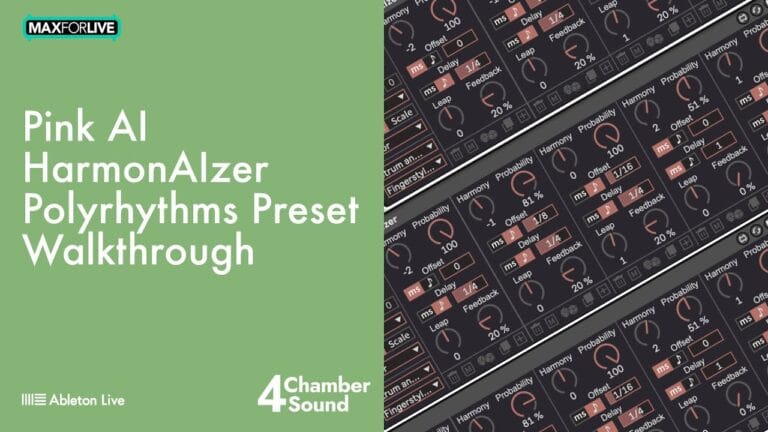
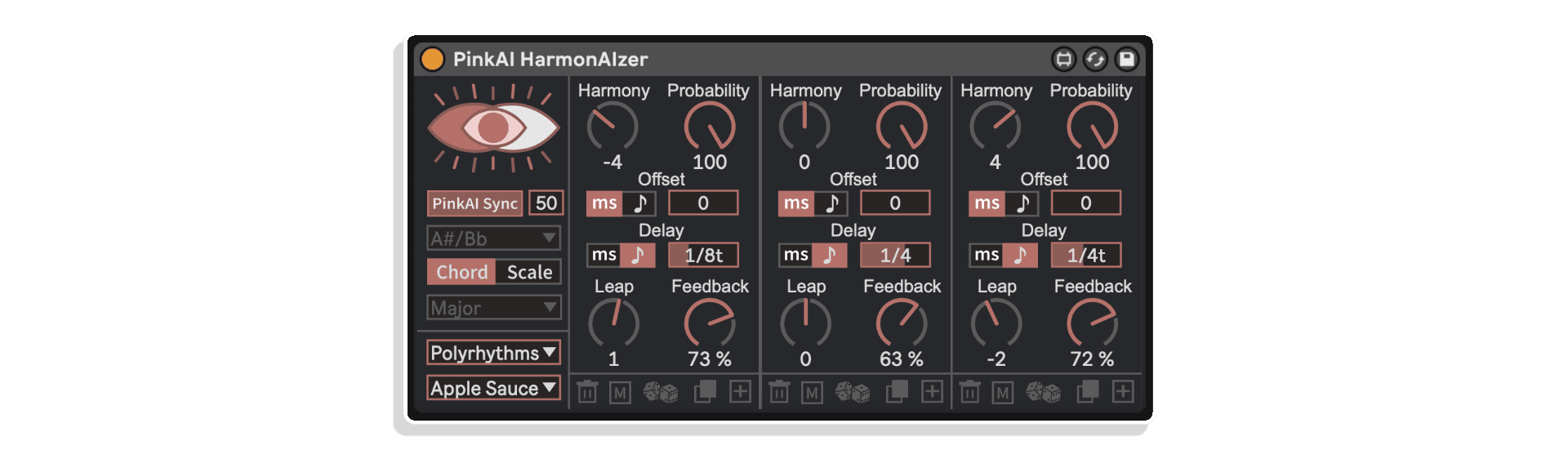
Polyrhythms – Overlapping rhythmic patterns where each rhythm uses a distinct harmony voice, creating true harmonic polyrhythms.
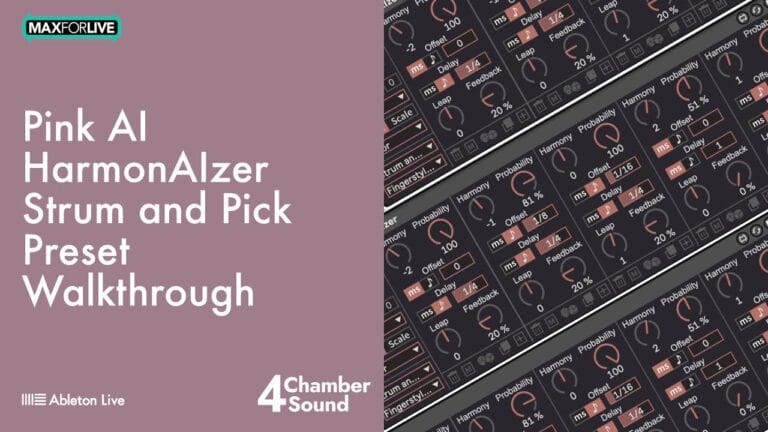
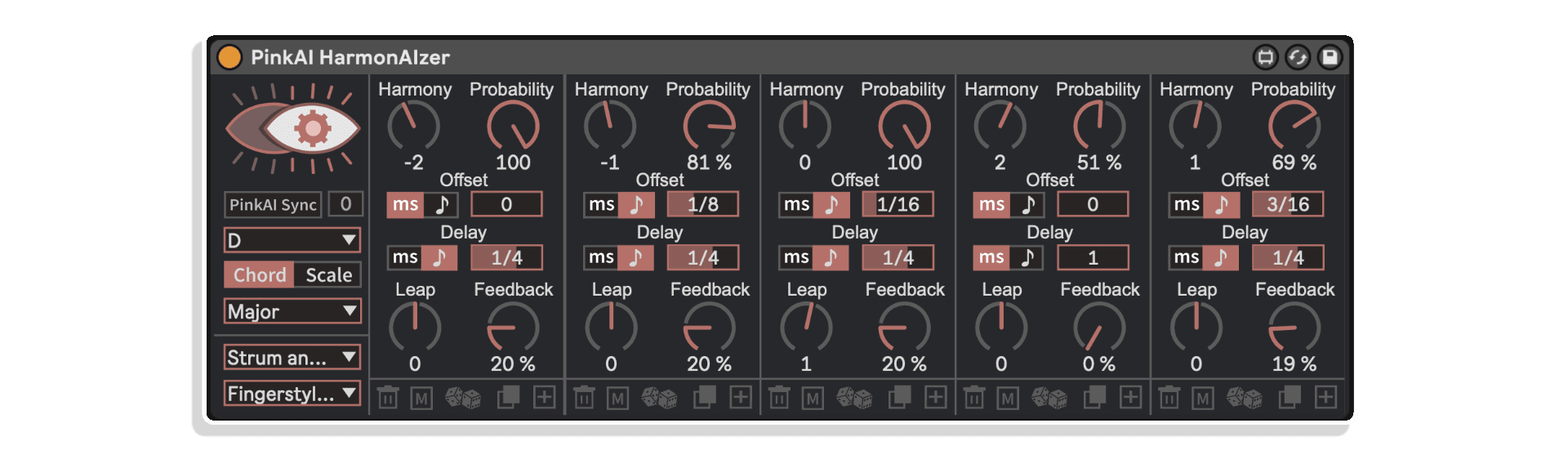
Strum and Pick – Practical patterns designed for stringed instruments. Presets like “dudu” create down-up-down-up strumming patterns from single note triggers.
Ideal For
What’s Included
Requirements
MAKE YOUR OWN TRIPLE PACK: Buy any three or more 4 Chamber Sound products at the same time and get a 15% discount (automatically applied at checkout).
EXPLORE MORE FROM 4 CHAMBER SOUND:
PinkAI Generative Composer | Pink Pong Generator | Composer & HarmonAIzer Bundle
A: HarmonAIzer is a MaxforLive MIDI device that turns any MIDI note into rich, harmonic sequences using chords, scales, and creative probability-driven patterns.
A: Yes, HarmonAIzer requires MaxforLive.
A: MaxforLive is a platform that integrates the visual programming environment Max with Ableton Live, allowing users to create and use custom audio, MIDI, and control devices.
A: You can explore more of 4 Chamber Sound’s tools and devices here:
4 Chamber Sound
V1.0.0 – Initial Release – February 2025
Follow the steps below to correctly install PinkAI Generative Composer:
1. Double-click on .alp file
2. When Ableton prompts you to save the pack, navigate to your Live Library and create a new folder (alongside Factory Packs and User Library). You may name this “PinkAI”, “4 Chamber Sound”, “3rd Party Plugins”, or anything else you choose. Save this pack in that location.
3. When the installation completes, add this folder to your ‘Places’ in Ableton Live’s browser
4. Enjoy PinkAI!!
For help with installation or any other troubleshooting, you may contact [email protected]. Happy creating!
PinkAI Generative Composer End-User License Agreement
1. Introduction
This End-User License Agreement (“EULA”) governs your use of the “PinkAI Generative Composer” Max for Live device (“Software”) developed by 4 Chamber Sound, Inc. (“4 Chamber Sound”). By installing, copying, or using the Software, you agree to be bound by the terms of this EULA. If you do not agree to these terms, do not install or use the Software.
2. License Grant
4 Chamber Sound grants you a non-exclusive, non-transferable, limited license to use the Software for your personal or commercial use. You may use the Software to generate audio content within the Max for Live environment.
3. Restrictions
You may not:
4. Ownership
The Software and all related intellectual property rights, including but not limited to copyrights, trademarks, and patents, are owned by 4 Chamber Sound. This EULA does not grant you any ownership rights in the Software.
5. Updates
4 Chamber Sound may, from time to time, provide updates or upgrades to the Software. These updates may include bug fixes, new features, or security enhancements. You agree to accept and install these updates as they become available.
6. Third-Party Content and Software
The Software may include third-party content or software that is subject to separate terms and conditions. Your use of such third-party content or software is governed by those terms and conditions. 4 Chamber Sound is not responsible for the content or functionality of any third-party content or software.
7. Termination
This EULA will terminate automatically if you fail to comply with any of its terms. 4 Chamber Sound may also terminate this EULA at any time, for any reason.
8. Disclaimer of Warranties
THE SOFTWARE IS PROVIDED “AS IS” WITHOUT WARRANTY OF ANY KIND, EXPRESS OR IMPLIED, INCLUDING BUT NOT LIMITED TO THE WARRANTIES OF MERCHANTABILITY, FITNESS FOR A PARTICULAR PURPOSE, AND NON-INFRINGEMENT. 4 CHAMBER SOUND DOES NOT WARRANT THAT THE SOFTWARE WILL BE ERROR-FREE OR THAT IT WILL OPERATE WITHOUT INTERRUPTION.
9. Limitation of Liability
IN NO EVENT SHALL 4 CHAMBER SOUND BE LIABLE FOR ANY INDIRECT, INCIDENTAL, SPECIAL, CONSEQUENTIAL, OR EXEMPLARY DAMAGES (INCLUDING, BUT NOT LIMITED TO, PROCUREMENT OF SUBSTITUTE GOODS OR SERVICES; LOSS OF USE, DATA, OR PROFITS; OR BUSINESS INTERRUPTION) ARISING OUT OF OR IN CONNECTION WITH THE USE OR INABILITY TO USE THE SOFTWARE, EVEN IF 4 CHAMBER SOUND HAS BEEN ADVISED OF THE POSSIBILITY OF SUCH DAMAGE.
10. Download Sales
Due to the nature of our products as downloadable software, we do not accept returns. If you encounter any issues with your purchase, please contact [email protected]
11. Governing Law
This EULA shall be governed by and construed in accordance with the laws of the State of [State], United States.
12. Entire Agreement
This EULA constitutes the entire agreement between you and 4 Chamber Sound regarding the Software and supersedes all prior or contemporaneous communications and proposals, whether oral or written.
By installing the Software, you acknowledge that you have read, understood, and agreed to be bound by the terms of this EULA.
Copyright 2024 4 Chamber Sound, Inc.