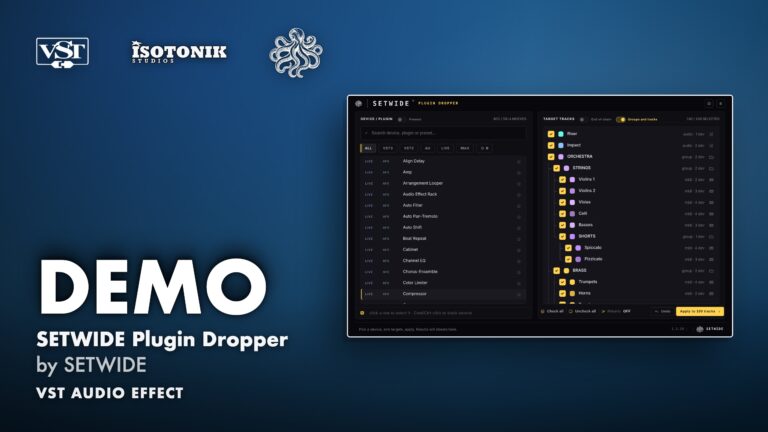
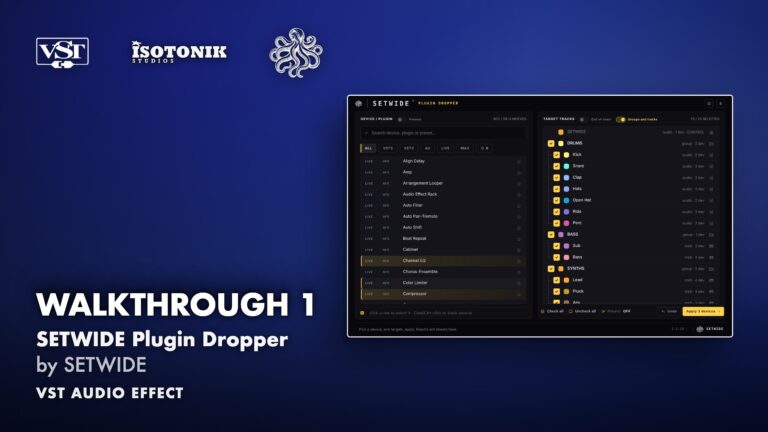
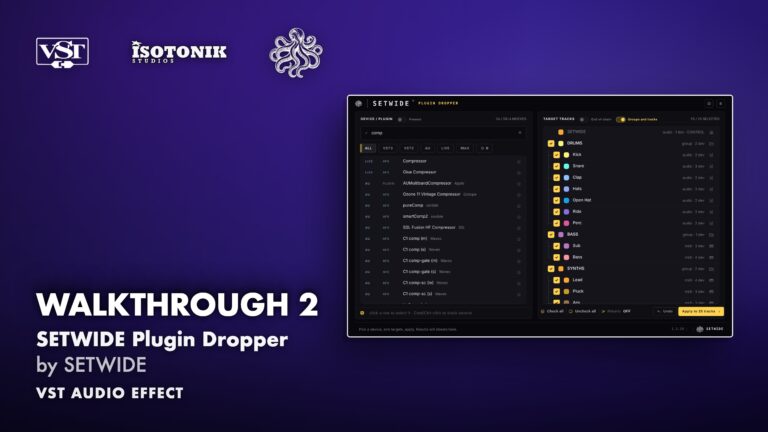
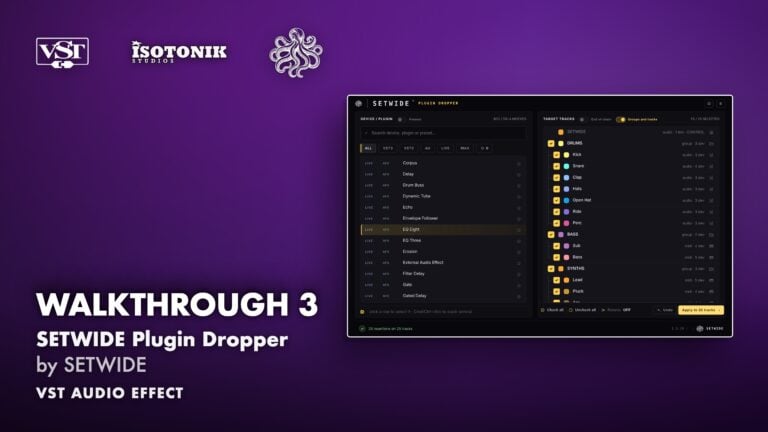
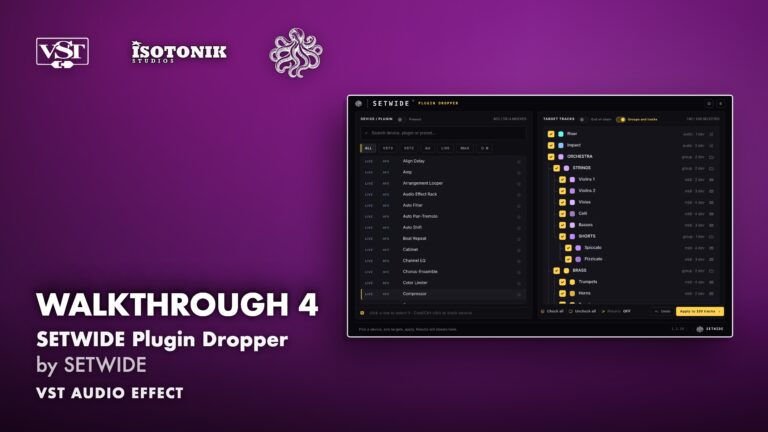
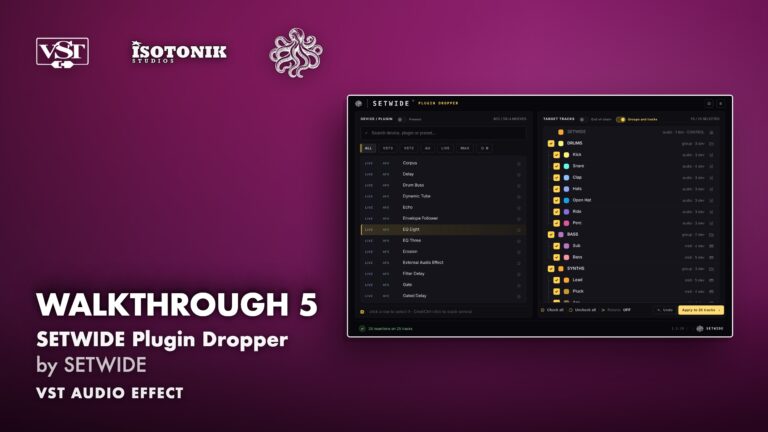
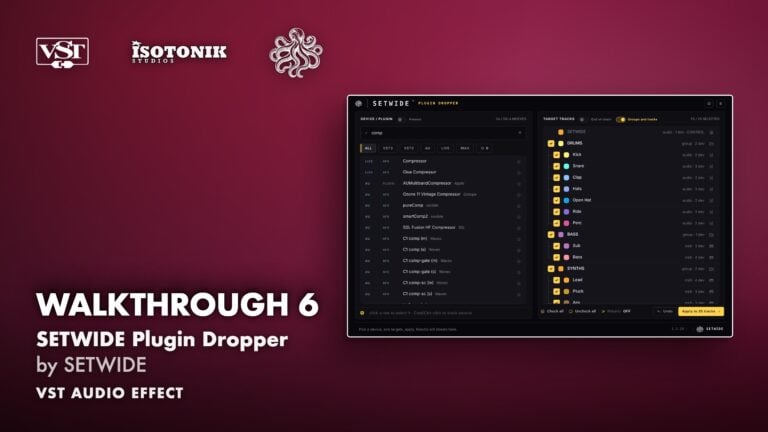
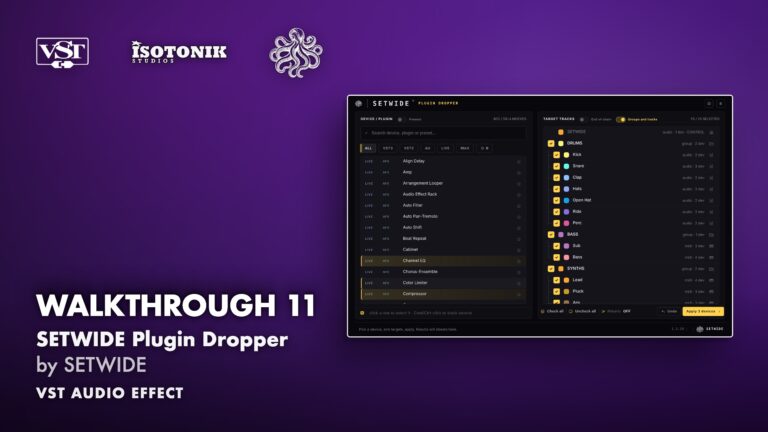
SETWIDE Plugin Dropper by SETWIDE
DROP ONE DEVICE ON EVERY TRACK YOU SELECT, IN ONE CLICK SETWIDE Plugin Dropper solves a real problem: Live has no native way to add one device to many tracks at once. You drag it in, one track at a time, and on a hundred-track session that is half an hour gone before the music starts. SETWIDE does the same job in a few seconds. • Full library search: Every device, plug-in and preset in Live's browser, searchable as you type, filterable by VST3, VST2, Audio Unit, Live devices, Max for Live and favourites. • Flexible track targeting: Tick individual tracks, groups, returns or all at once. Nested groups appear at their real depth, linked by tree lines. • Stack whole chains: Cmd or Ctrl-click to queue several devices. SETWIDE places them in the order you picked, in one pass. • Chain position control: One switch places each device at the start or end of the chain, no manual reordering needed. • Verified results: Every insertion is checked track by track. Frozen tracks are skipped and reported. Nothing happens silently. • Personal licence: One name, up to three computers, every update included. • Requirements: Ableton Live 12 (Intro, Lite, Standard or Suite). macOS 11 or later, Apple Silicon and Intel, VST3 and Audio Unit. Windows 10 or later, VST3. Max for Live is not required.

SETWIDE
SETWIDE makes workflow tools for Ableton Live, built by a producer for producers. It started in real mixing sessions, where putting the same plug-in on every track of a session meant the same drag a h…
View all products by SETWIDEOverview
Your plug-ins. Your tracks. One click.
In Live, a device goes in one track at a time. On a finished sixty-track session, putting the same EQ or compressor on every channel means the same drag, sixty times over. SETWIDE removes that repetition, so the time you save goes into the mix itself.
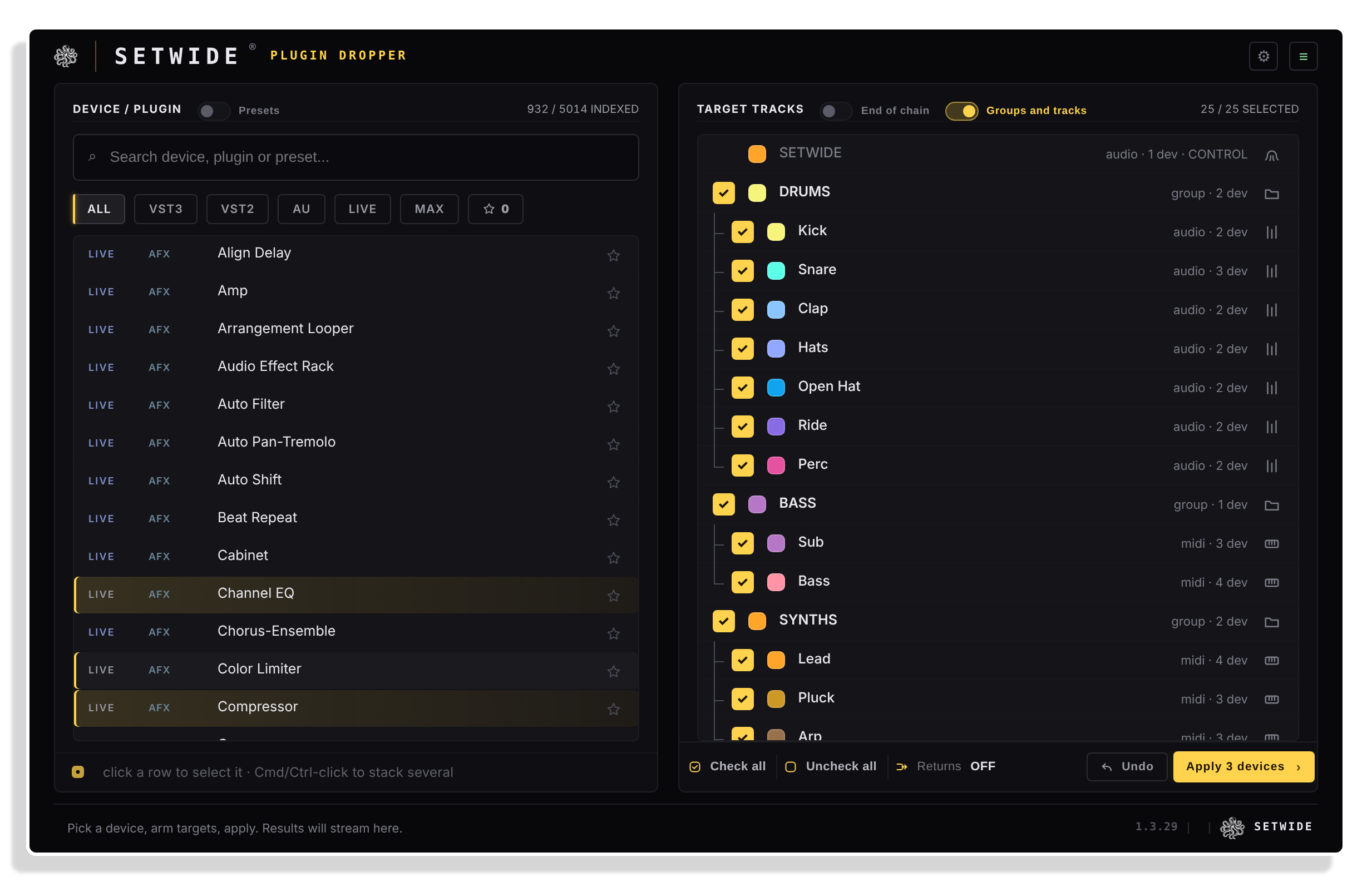
Load SETWIDE on any track, search your whole library, tick your targets and click Apply. The device lands on every selected track, and SETWIDE confirms the result for each one. Stack a full vocal chain on every vocal track at once, put a glue compressor on every group bus in one move, or drop a metering tool on every return.
- Places any device, plug-in, preset or rack on every selected track in one click, with no track limit
- Searches the entire Live browser as you type, including devices, plug-ins and presets, filterable by VST3, VST2, Audio Unit, Live devices, Max for Live and favourites
- Presets and racks mode includes saved racks and presets in the search, placing a sound exactly as it was saved across every target track
- Flexible track targeting: tick individual tracks, all tracks, groups only, or return tracks, with nested groups shown at their real depth
- Chain position switch places each device at the start or end of the chain on every target, no manual reordering required
- Build a numbered chain with + or Cmd/Ctrl-click, drag to reorder, and SETWIDE places it in that order on every target, in a single pass
- Every insertion is verified track by track, frozen tracks are skipped and reported, and a clear result is shown for each target
- Undo one insertion at a time, as far back as you want. The Master and the track hosting SETWIDE are never targeted
- Runs on your computer, with no account to create and no usage analytics. Personal licence for up to 3 computers, every update included
- Follows session changes live: rename or move a track in Live and SETWIDE updates automatically
- MAKERS view sorts your plug-ins by maker, one folder per maker, and a search opens the folders that hold a match
- Installation Guide
- Serial key (emailed on purchase)
- Mac installer
- Windows installer
- User manual (PDF)
Reviews
No reviews yet. Be the first to review this product.
No limit
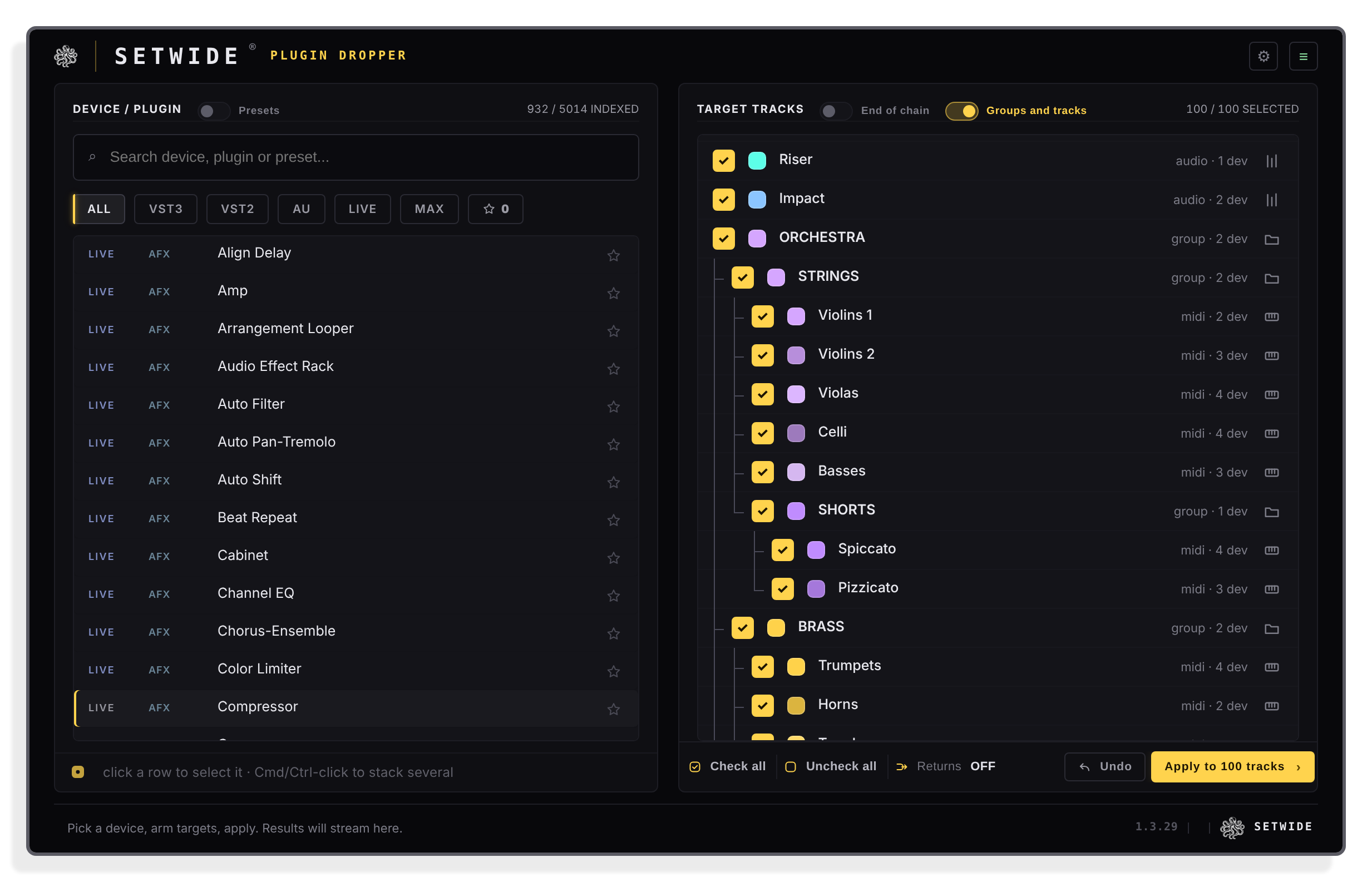
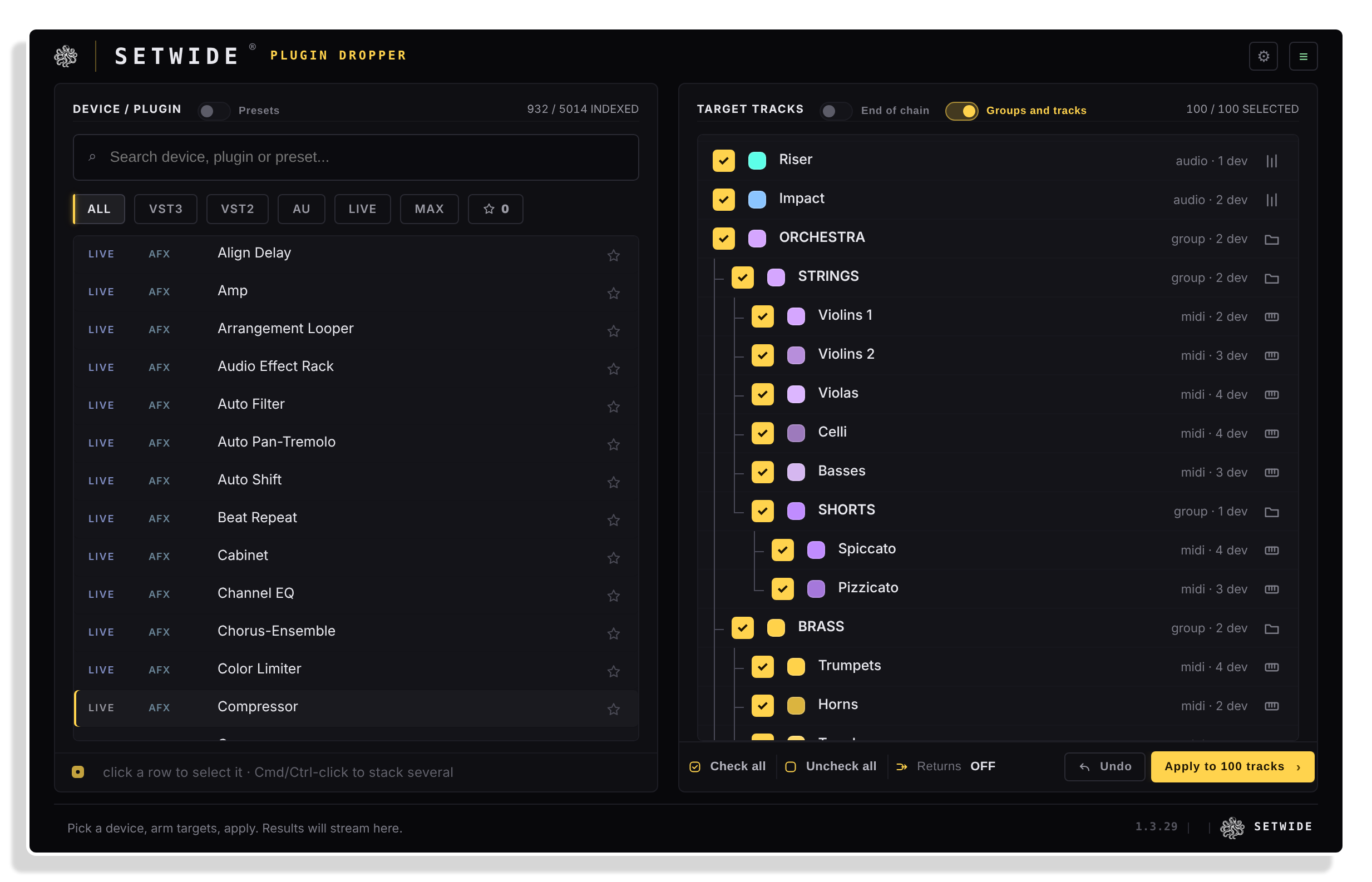
A hundred tracks, nested groups
Groups inside groups appear at their real depth. Target tracks, groups or returns, as many as your session needs.
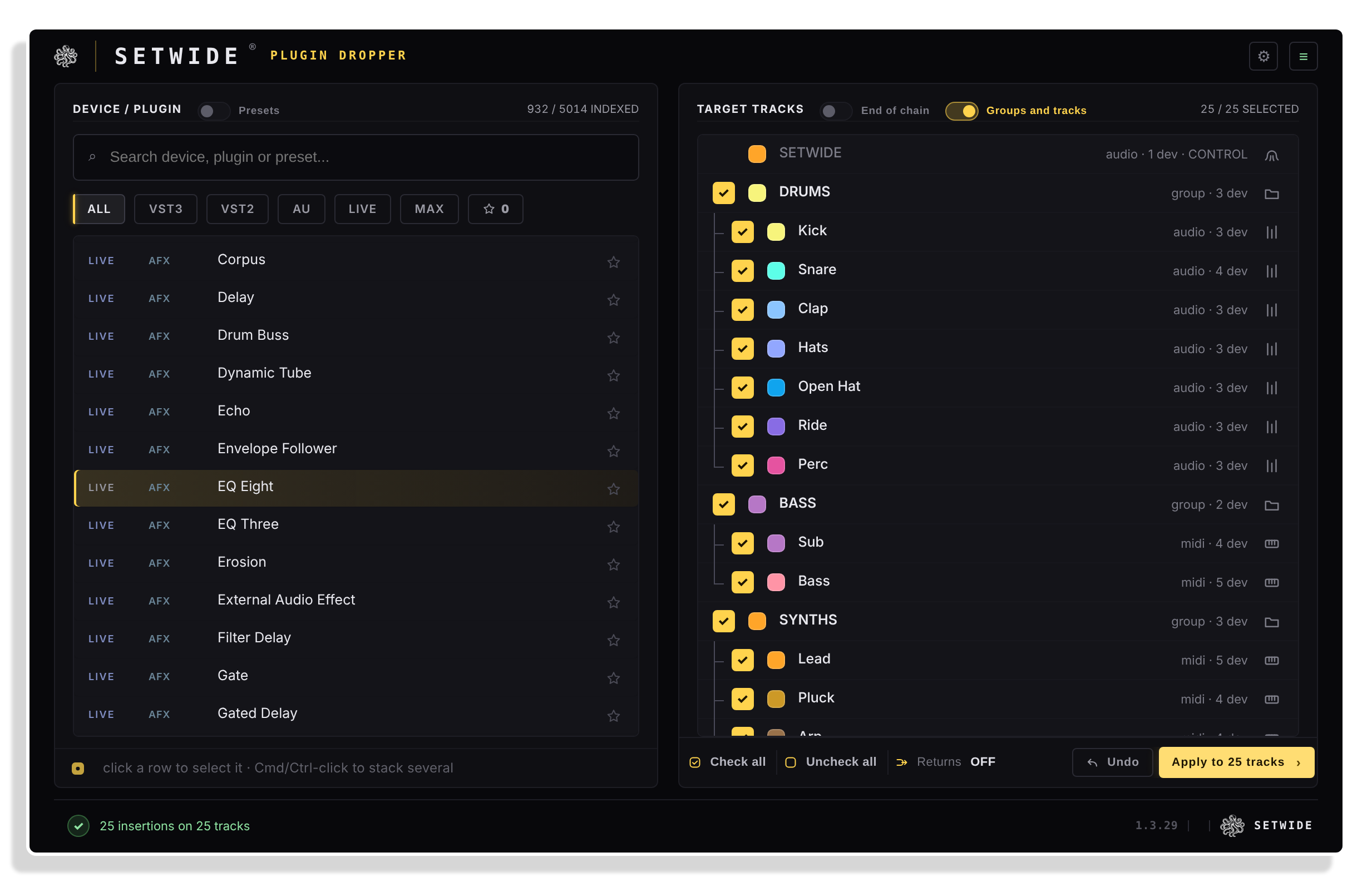
One click
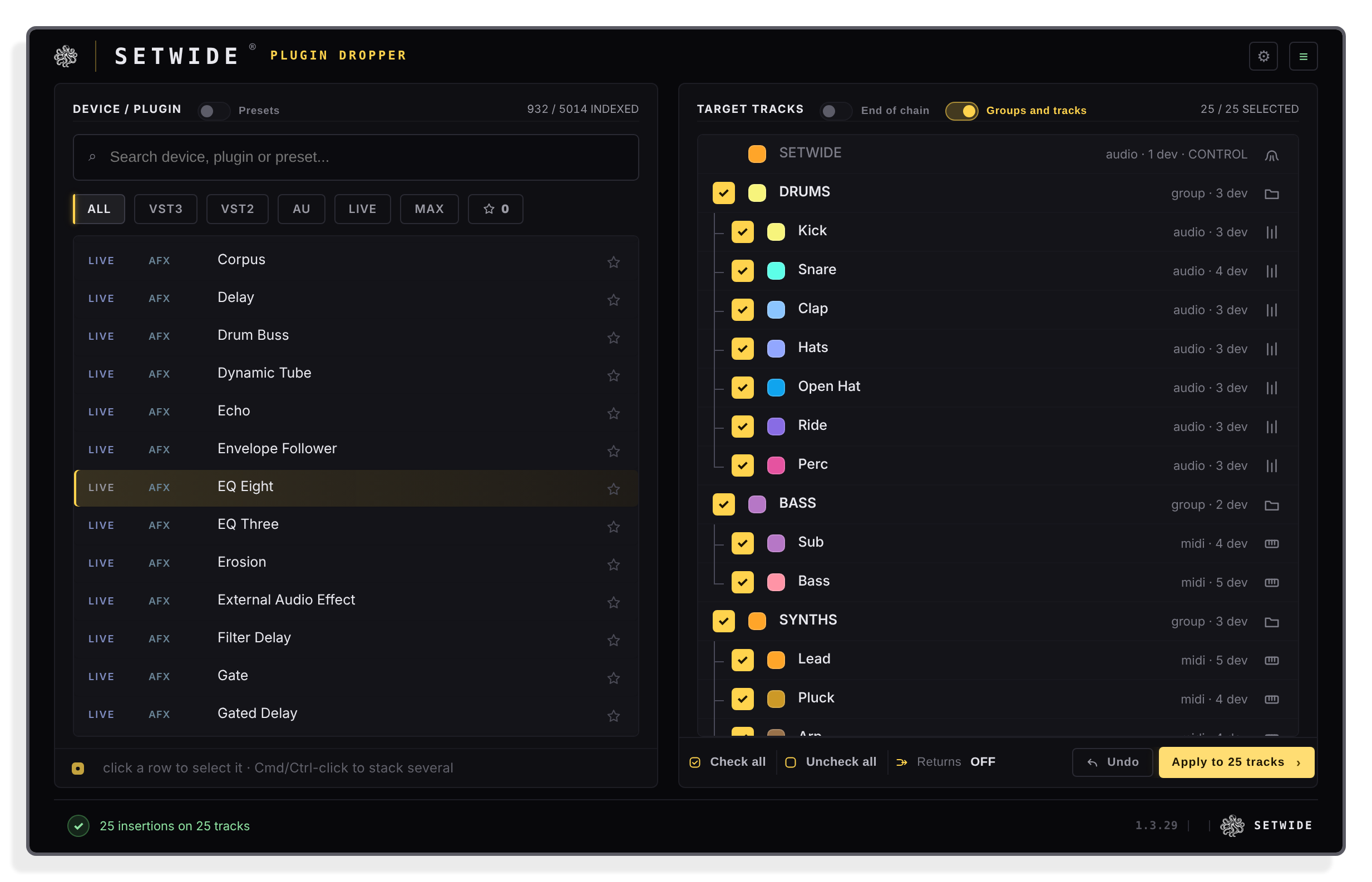
Your plug-ins. Your tracks. One click.
Pick a device, tick your tracks and hit Apply. SETWIDE adds it to every track and reports the result for each one.
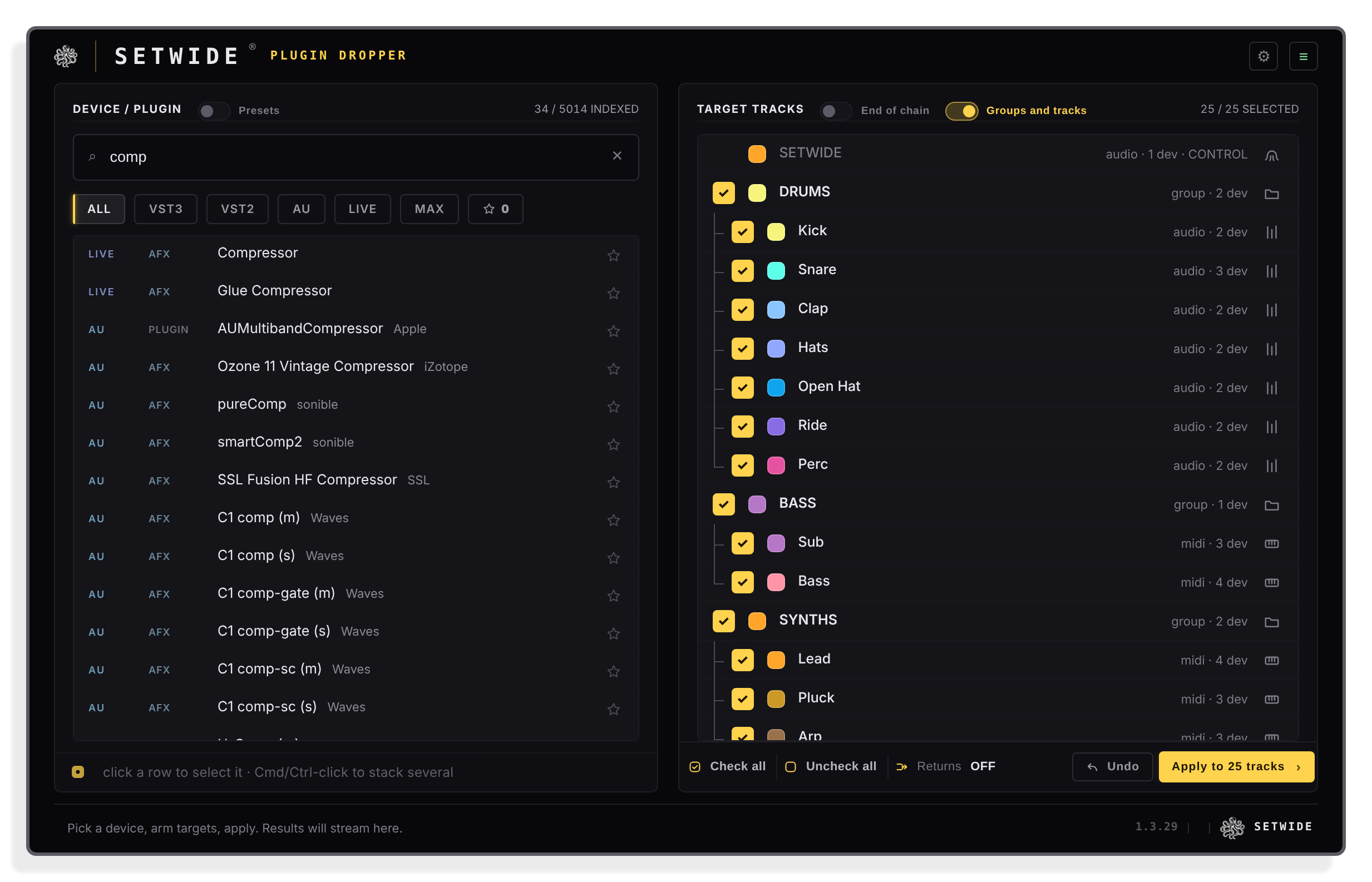
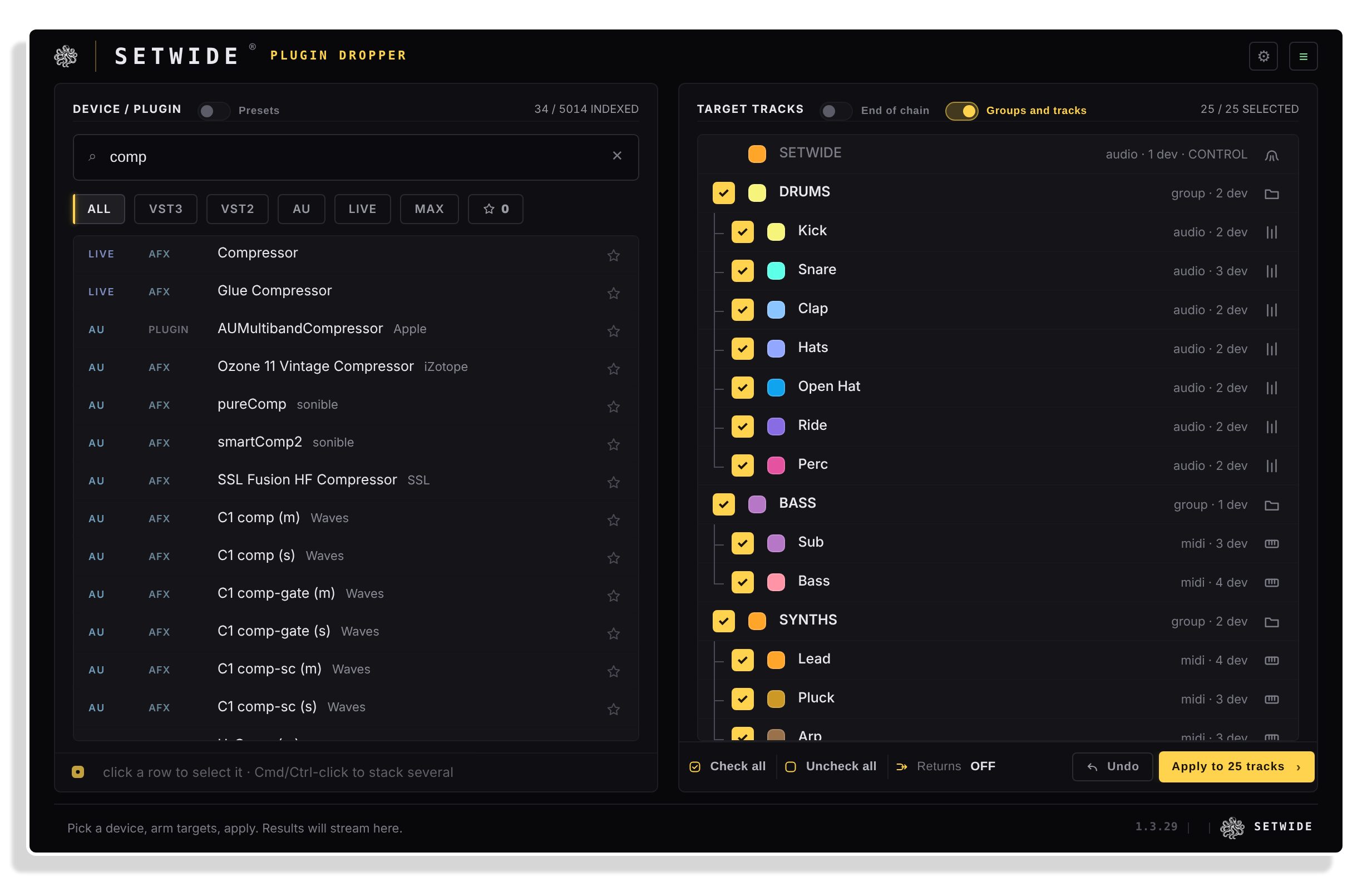
Search
Any device, any format
Search your whole library as you type, then narrow it down to VST3, VST2, AU, Live devices, Max for Live or your favourites.
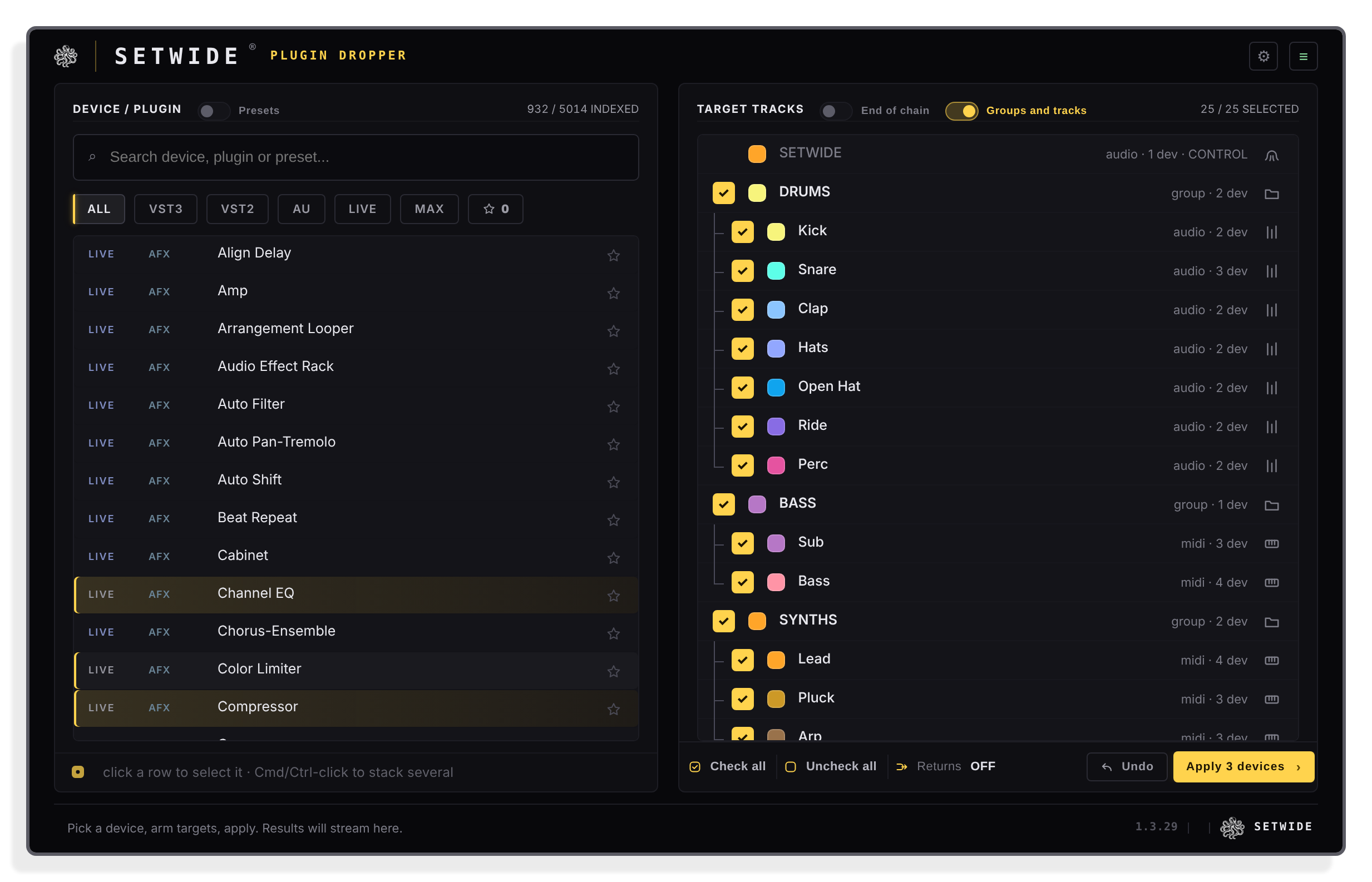
Chains
A whole chain, in order
Add devices with + or Cmd or Ctrl-click, then drag them into order. SETWIDE places the whole chain on every track, at the start or the end of each chain.
Important Information
INSTALLATION
Close Live and run the Mac or Windows installer from your download. Set up Live once as shown in the Start Here guide, then open SETWIDE on a track and paste the code from your order with your full name and email address. Your licence is issued in your name and that computer is activated in one go. Keep the licence email that follows, it holds your personal download link. You can also redeem the code at setwide.com/isotonik.
LICENSE
SETWIDE Plugin Dropper is licensed under the SETWIDE licence agreement, accepted when you redeem your code in the SETWIDE plug-in or at setwide.com/isotonik. It is a personal licence in your name, for up to 3 computers you use yourself, with every update included. Full terms at setwide.com/licence.
CHANGELOG
v1.3.30 · released 5 Nov 2026
Features
- Numbered chain: add devices with + or Cmd/Ctrl-click, drag them into order, and every selected track gets the whole chain in that order
- Start or end of the chain, your devices keep their order
- MAKERS view: your plug-ins sorted by maker, one folder per maker
- Paste the code from your Isotonik order straight into the plug-in to activate SETWIDE
Improvements
- The download now includes the Mac and Windows installers, the 1.3.30 user guide and the Start Here guide
Frequently Asked Questions
What does SETWIDE Plugin Dropper actually do?
SETWIDE places the same device, plug-in, preset or rack on every track you select in Ableton Live 12, in one click. You search your library, tick the tracks you want, and click Apply. SETWIDE loads the device track by track, checks it landed, and reports the result for each target.
Which version of Ableton Live does SETWIDE require?
SETWIDE requires Ableton Live 12. Live 11 is not supported.
Does SETWIDE work on Mac and Windows, and in which formats?
Yes. On macOS 11 or later (Apple Silicon and Intel) it is available as VST3 and Audio Unit. On Windows 10 or later it is available as VST3.
Do I need Max for Live to use SETWIDE?
No. Max for Live is not required to run SETWIDE. However, if you want to drop Max for Live devices onto your tracks using SETWIDE, you will still need a Max for Live licence.
Can I place a whole chain of devices at once, not just one?
Yes. Click a device, then add more with the + or Cmd-click (Ctrl-click on Windows). Each one gets a number, and you drag rows to change the order. SETWIDE places the whole chain, in that order, across every selected track in one pass, at the start or the end of each chain.
How many computers can I use my SETWIDE licence on?
Your personal licence carries your name, covers up to 3 computers you use yourself, and includes every update. Each new computer asks once for the activation code from your licence email, and the first activation needs an internet connection.
How do I get my licence after buying?
Your Isotonik order includes a code. Paste it in the SETWIDE plug-in with your full name and email address, or redeem it at setwide.com/isotonik. Your licence is issued in your name, and your licence email follows within minutes with your personal download link, which also works as your activation code. Your name is sealed into your licence, so check it before you confirm.
Is there any setup in Live?
Yes, once. In Settings > Link, Tempo & MIDI, choose SETWIDE on a free row of the Control Surfaces table. In Settings > Plug-Ins, set Auto-Open Plug-In Windows to Off, otherwise every insertion opens a plug-in window. The Start Here guide in your download walks you through it.
In Depth
The problem every mix engineer knows
Live has no native way to add one device to many tracks at once. You drag it in, one track at a time. On a session of a hundred tracks, that is the same gesture a hundred times over, and half an hour of setup before the music even starts. SETWIDE Plugin Dropper does it in a few seconds.
SETWIDE started in real mixing sessions. Putting one plug-in on every track and group of a finished session, so the instances could work together across the mix, meant the same drag repeated endlessly. SETWIDE removes that repetition and leaves more time for the mix itself.
What SETWIDE Plugin Dropper does
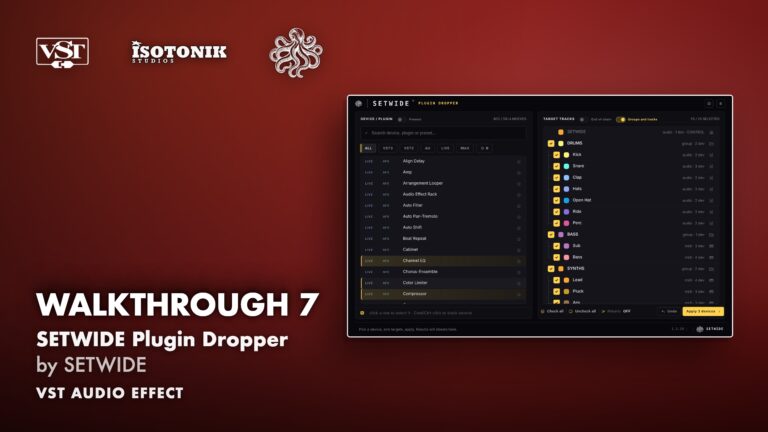
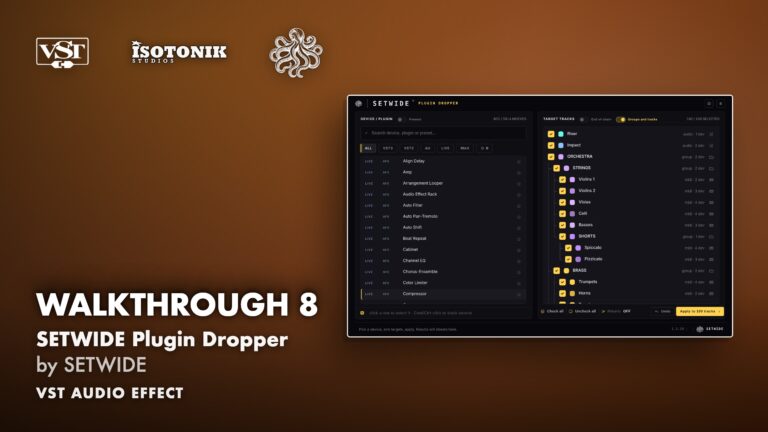
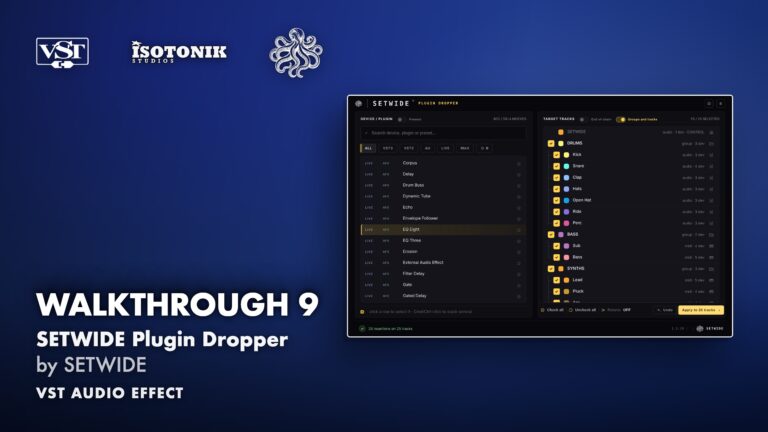
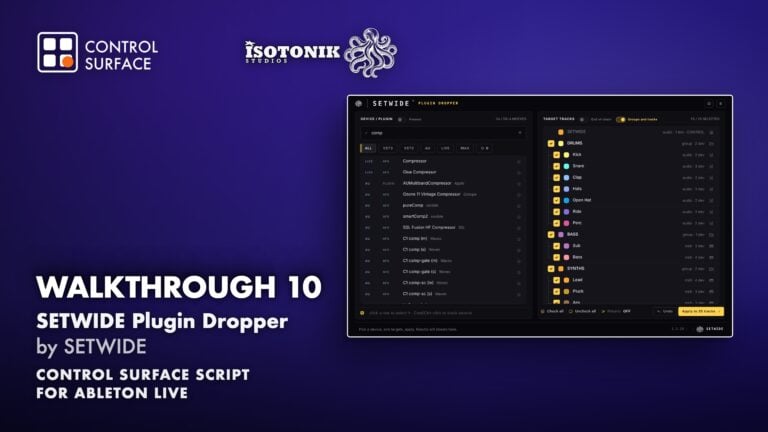
SETWIDE lives inside Ableton Live 12 as a plug-in on any track. Its panel gives you your library on the left, your tracks on the right, and one Apply button. You search for a device, a plug-in, a preset or a rack, tick the tracks you want, and click Apply. SETWIDE places the device track by track, checks that it landed, and reports the result for each target. Nothing happens silently.
Audio passes through the plug-in untouched. The Master track is excluded by design, and the track hosting SETWIDE is never a target. Frozen tracks are skipped and reported.
Search and filter your whole library
Every device, plug-in and preset available in Live’s browser is searchable as you type. No digging through folders, because you find the tool in seconds even in a library of thousands. Filter by format, VST3, VST2, Audio Unit, Live devices, Max for Live, or your favourites, and one click narrows the list to the right version of the right plug-in every time. Turn on the Presets toggle to include presets and racks in the search, so a sound you already shaped lands on every track exactly as it was saved.
Choose your targets precisely
Tick the tracks you want, or check them all. Groups appear at their real depth, nested groups included, linked by tree lines. The Apply button always shows how many tracks will receive the device, which means you always know exactly what is about to happen before anything changes.
One switch targets just your group buses, for bus processing in one move. Include return tracks with a single button, useful for a reference tool or a metering plug-in on every return without touching the rest of the session. A second switch decides whether the device lands at the start or the end of each chain, so a cleanup EQ goes first and a limiter goes last without reordering anything by hand.
Stack whole chains in one pass
Click a device, then add more with the + or Cmd-click (Ctrl-click on Windows). Each one gets a number in the chain list, and you drag rows to change the order. SETWIDE places them in that order, in one pass, which means a complete vocal chain, EQ, compressor and de-esser in sequence, on every vocal track at once. The MAKERS view sorts your plug-ins by maker, one folder per maker. There is no track limit. A hundred tracks, or more, same chain, same click.
A result you can trust
SETWIDE loads the device track by track, counts the chain before and after each insertion, and reports the result. A device that did not land is reported as failed, never as done. A failure on one track never stops the next. Undo works one insertion at a time, so you can step back exactly as far as you want. Rename a track or move it in Live, and SETWIDE follows the change automatically.
Where it fits in your workflow
Mixing a finished session: an EQ or a compressor on every track and group of a 60-track session in one click, before the mix starts. Inter-plugin tools: one instance on every track so the instances can see each other, ready to be grouped inside the plug-in. Vocal production: a complete chain on every lead, double and adlib track. Bus processing: a glue compressor on every group bus only. Metering and reference: an analyser on every return. Large templates for film, games and orchestral work: a hundred tracks in nested groups, the same utility on all of them in seconds. Live performance sets: a filter or a utility on every channel before a gig.
Technical details
SETWIDE requires Ableton Live 12, in any edition: Intro, Lite, Standard or Suite. Live 11 is not supported. It runs on macOS 11 or later, Apple Silicon and Intel, as VST3 and Audio Unit. On Windows 10 or later it runs as VST3. Max for Live is not required to run SETWIDE, though using Max for Live devices still requires a Max for Live licence. Installation involves a one-time Control Surface setup in Live’s settings. SETWIDE runs entirely on your computer with no account to create and no usage analytics. A personal licence covers one name, up to three computers you use yourself, and includes every update.