Chord Generator VST by Mario Nieto
EFFORTLESS HARMONIES, ENDLESS CREATIVITY
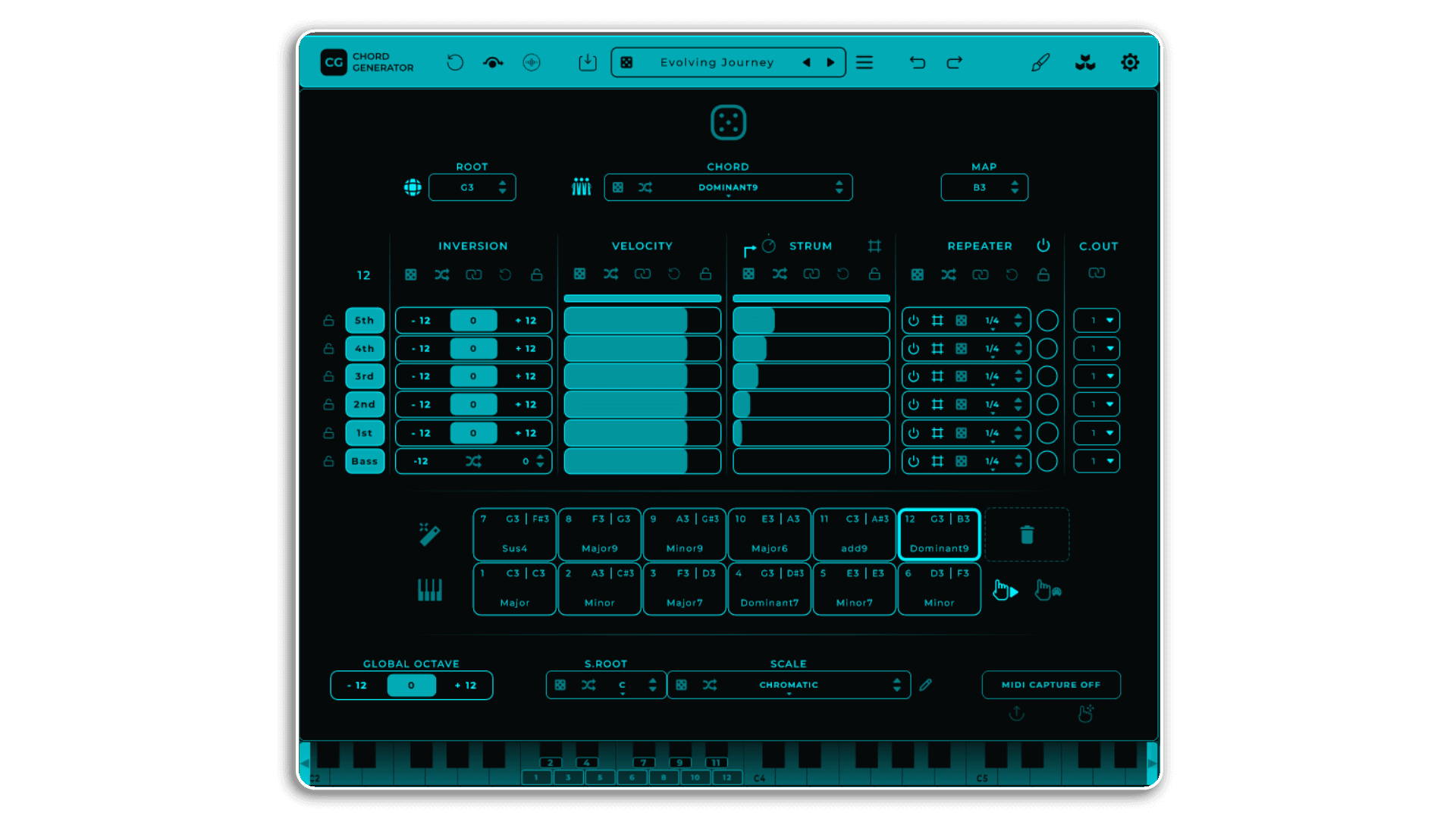
Chord Generator is a versatile MIDI tool designed for creating and manipulating chords in real time. It allows users to generate complex harmonic sequences with customizable parameters for each chord and voice.
Unlock the full potential of your music production with Chord Generator, an innovative tool for crafting complex harmonies and dynamic rhythms. With features like retrigger mode (where each incoming note generates a new chord variation), strumming, and note repetition, this versatile plugin inspires creativity and streamlines workflows for musicians and producers at any level.
Also from Mario Nieto – Harmony Bloom
USER GUIDE: Chord Generator 1.1.0 Manual
Chord Generator VST by Mario Nieto
EFFORTLESS HARMONIES, ENDLESS CREATIVITY
Chord Generator is a versatile MIDI tool designed for creating and manipulating chords in real time. It allows users to generate complex harmonic sequences with customizable parameters for each chord and voice.
Unlock the full potential of your music production with Chord Generator, an innovative tool for crafting complex harmonies and dynamic rhythms. With features like retrigger mode (where each incoming note generates a new chord variation), strumming, and note repetition, this versatile plugin inspires creativity and streamlines workflows for musicians and producers at any level.
Also from Mario Nieto – Harmony Bloom
USER GUIDE: Chord Generator 1.1.0 Manual
Product reviews
5 out of 5
6 reviews
How item rating is calculated
We show the average based on reviews. Only genuine reviews are displayed.
Sort by
January 21, 2026
This reviewer bought this product from our store.
It takes a little time to get used to the GUI - but if you've used Harmony Bloom then it's all pretty straightforward.
Apart from that, it's pretty much the best chord tool I've used.
Overall, I'll buy anything and everything from Mario Nieto.
I recommend this product
September 10, 2025
This reviewer bought this product from our store.
I can't believe it took so long for me to get Chord Generator to partner the excellent Harmony Bloom that I've loved since its release, it's just so perfect a partner. Easy to set up and get really fast and inspiring results. Chord Generator is fantastic for either finding the sound you had in your head and couldn't quite get your fingers to make or discovering the harmonic left turn you never knew you needed. I love this and can see it being part of my template for a long time.
May 27, 2025
This reviewer bought this product from our store.
The fact that basically everything is midi learnable is a HUGE positive for my needs. Additionally, Mario has really put a lot of thought and experience into this design. I highly recommend.
February 8, 2025
This reviewer bought this product from our store.
Great tool, spend some time learning the nuances of the UI and it will reward you heavily
December 28, 2024
This reviewer bought this product from our store.
I've tried a bun of chord generators and this is definitely my favorite! It hit just the right spot between simple, intuitive, well though out and adaptable. It's so much fun to use, incredibly inspiring and does in fact help to break the mold of what I am used to doing. I also love the chord/preset selection. It feels refreshing and it's obviously chosen by someone with musical taste and feels much more curated and practical, rather than formulaic. Easily my favorite purchase of the whole Black Friday/ Holiday Season!
Chord Generator VST by Mario Nieto
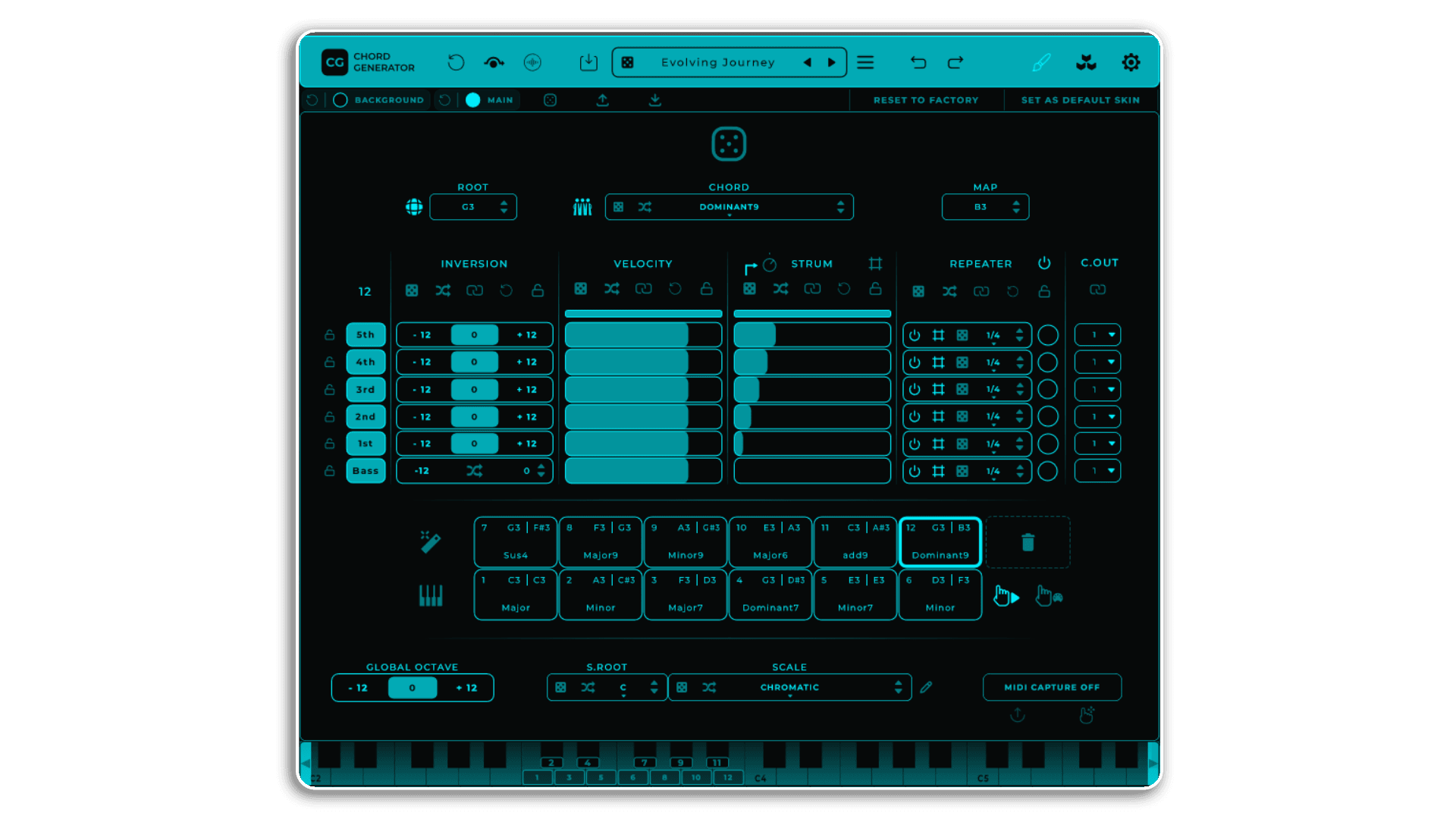
Chord Generator offers a rich chord library, allowing you to select from a wide variety of chord types to suit any genre or mood. With retrigger mode, each pad trigger generates fresh variations, while intuitive navigation ensures smooth exploration of creative possibilities.
Take full control of your harmonies with advanced voicing, strumming, and repetition features. Customize up to six voices, including a bass voice, with options to activate or deactivate components individually. Strum functionality introduces rhythmic depth by applying progressive or randomized delays between notes, creating dynamic and organic textures. The Repeater Option adds even more flexibility, enabling repeated notes at custom intervals for intricate rhythmic patterns. These tools, combined with inversion randomization, voice linking, and locking, offer unparalleled precision.
Expand your harmonic palette with scale and root customization. Choose from 57 scales, randomize the root note for unexpected combinations, and visualize your choices on a keyboard display. The bass voice provides depth and variation, with transposition and retriggering features to evolve your sound further.
Effortlessly capture your creativity with MIDI Capture and Export, allowing seamless recording of MIDI output. Drag and drop sequences directly into your DAW for a streamlined workflow, or use the plugin’s built-in tools for precise adjustments.
The customizable interface includes a color editor, preset management tools, and intuitive navigation. Strum and Repeater settings can sync with your DAW’s tempo or operate in freeform mode, giving you total control over timing and rhythm. Undo/redo functionality and a bypass mode ensure flexibility during production.
Designed for musicians, producers, and composers, Chord Generator integrates real-time MIDI mapping and visual feedback to inspire creativity. It’s more than just a plugin—it’s a comprehensive tool for crafting harmonies, rhythms, and textures, making it an essential part of any studio.
Chord Generator is available for MacOS and Windows, functioning as an AU/VST3 plug-in or as a standalone application. To run it on Mac or Windows, the following specifications or higher are required:
For MacOS:
- Version 10.14 (Mojave) or higher.
- Intel Core i5 processor / Native Apple Silicon support.
- 4GB of RAM.
For Windows:
- Windows 10 or higher.
- Intel Core i5 processor.
- 4GB of RAM.
An initial internet connection is required for license activation.
CHORD GENERATOR FEATURES
Choose from 57 scales and modes for harmonic exploration.
Many parameters in Chord Generator can be controlled using MIDI CC. Right-click on a parameter, select “LEARN MIDI ASSIGNMENT,” and control your parameters from an external controller.
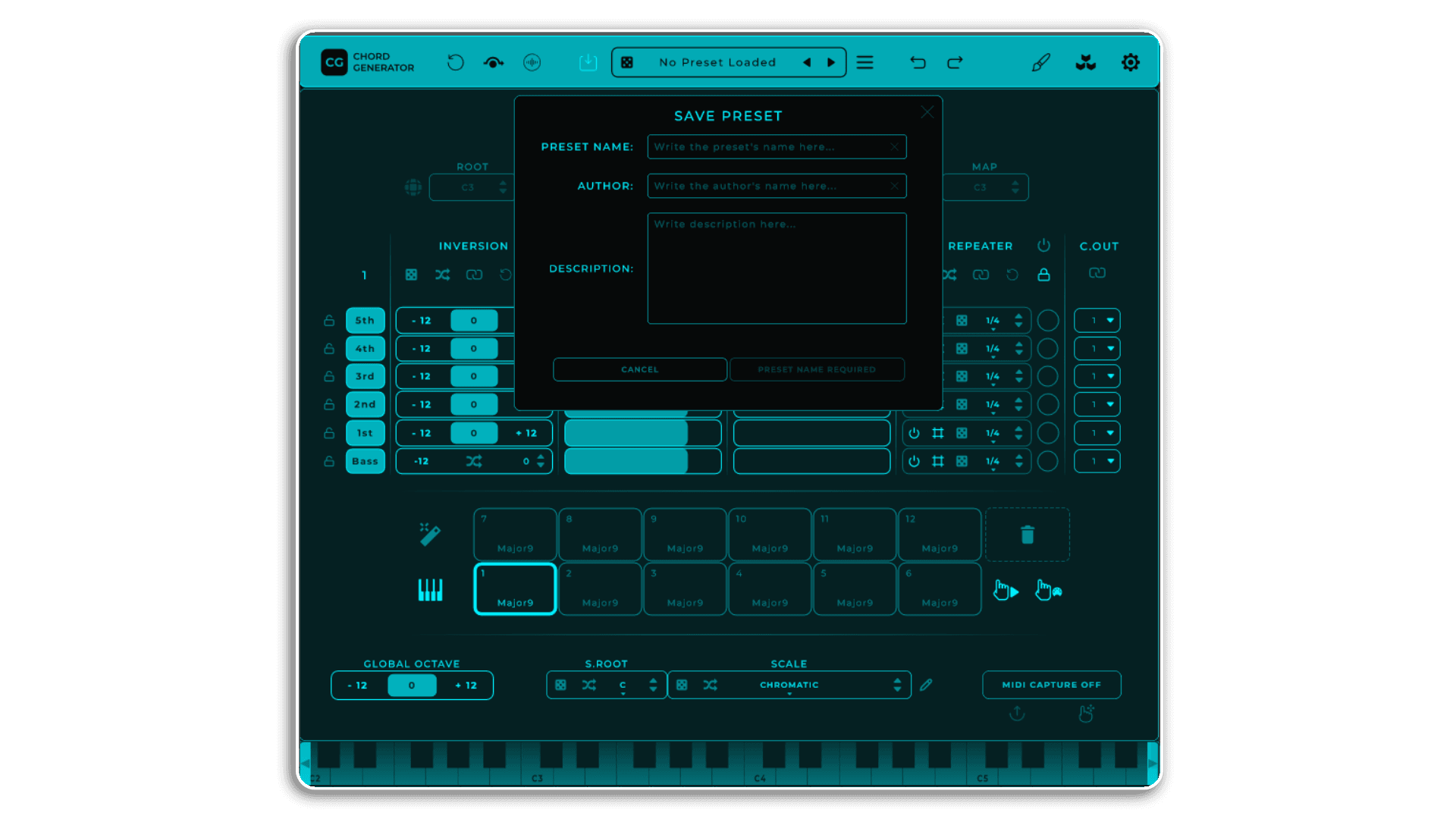
Presets can be easily saved and shared with other users as files.
It works with most DAWs supporting VST3 and AU formats like Ableton, Logic, Bitwig, Cubase, Reaper, FL Studio, Studio One, etc.
Got questions about how to install it? Something not working as expected? Any suggestions for improvement? I’m Mario, and I’ll personally respond to any questions or suggestions you have.
[email protected]
Easily export MIDI sequences with the “MIDI Export Button” to a designated folder, or use “DragDrop MIDI Export” to intuitively drag and drop them into a DAW or desired location for streamlined processing.
Select from a wide variety of chord types for any genre or mood.
Generate fresh chord variations with each pad trigger.
Activate, deactivate, or customize up to six independent voices.
Add rhythmic complexity with progressive or randomized note delays.
Create intricate rhythmic patterns with customizable note repetition.
Add depth with transposition and retriggering options.
Personalize colors UI.
Fine-tune your settings with ease.
Frequently Asked Questions
A: Chord Generator is a creative MIDI tool and VST/AU plugin for crafting complex harmonies and rhythms in real-time, featuring retrigger, strum, and repeater modes alongside deep chord customization.
A: No — this is a VST3/AU plugin and standalone app, compatible with most modern DAWs.
A: To use this product, ensure the following requirements are met:
- A DAW that supports VST3 or AU plugins
- MacOS 10.13 (Apple Silicon supported) or Windows 10 or higher
- Intel Core i5 or equivalent
- 4 GB RAM
- Internet connection for license activation
A: You can explore more of Mario Nieto’s tools and devices here:
Mario Nieto
Important Information
V1.1.6 – Released October 2025
Fixed: Crash when loading Chord Generator in Unify (and potentially other hosts/DAWs).
V1.1.2 – Released August 2025
This version should work fine in all DAWs. Some DAWs, such as FL Studio 25 or Reaper, occasionally flagged it as invalid. Everything should now work without issues.
V1.1.0 – Released March 2025
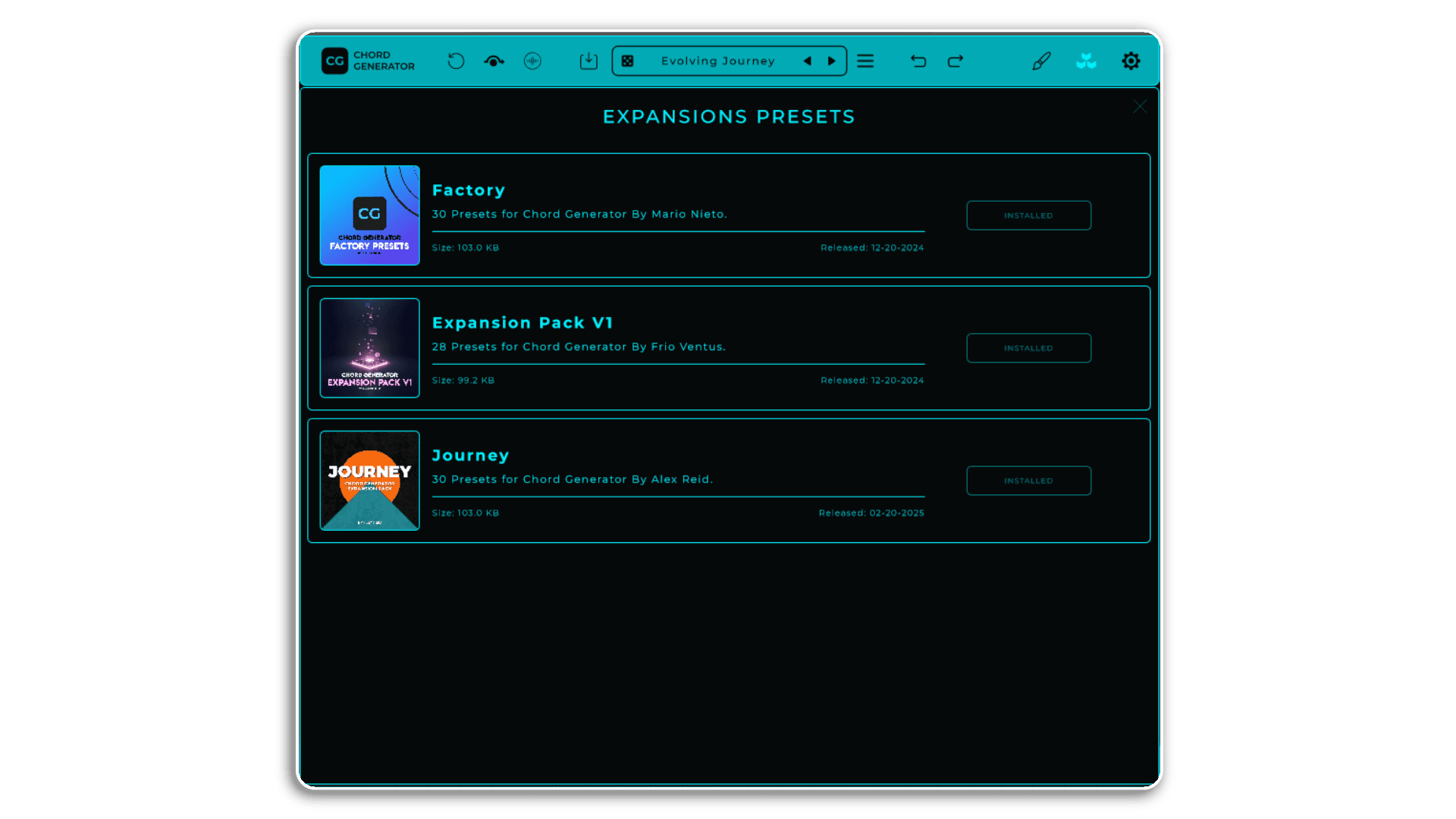
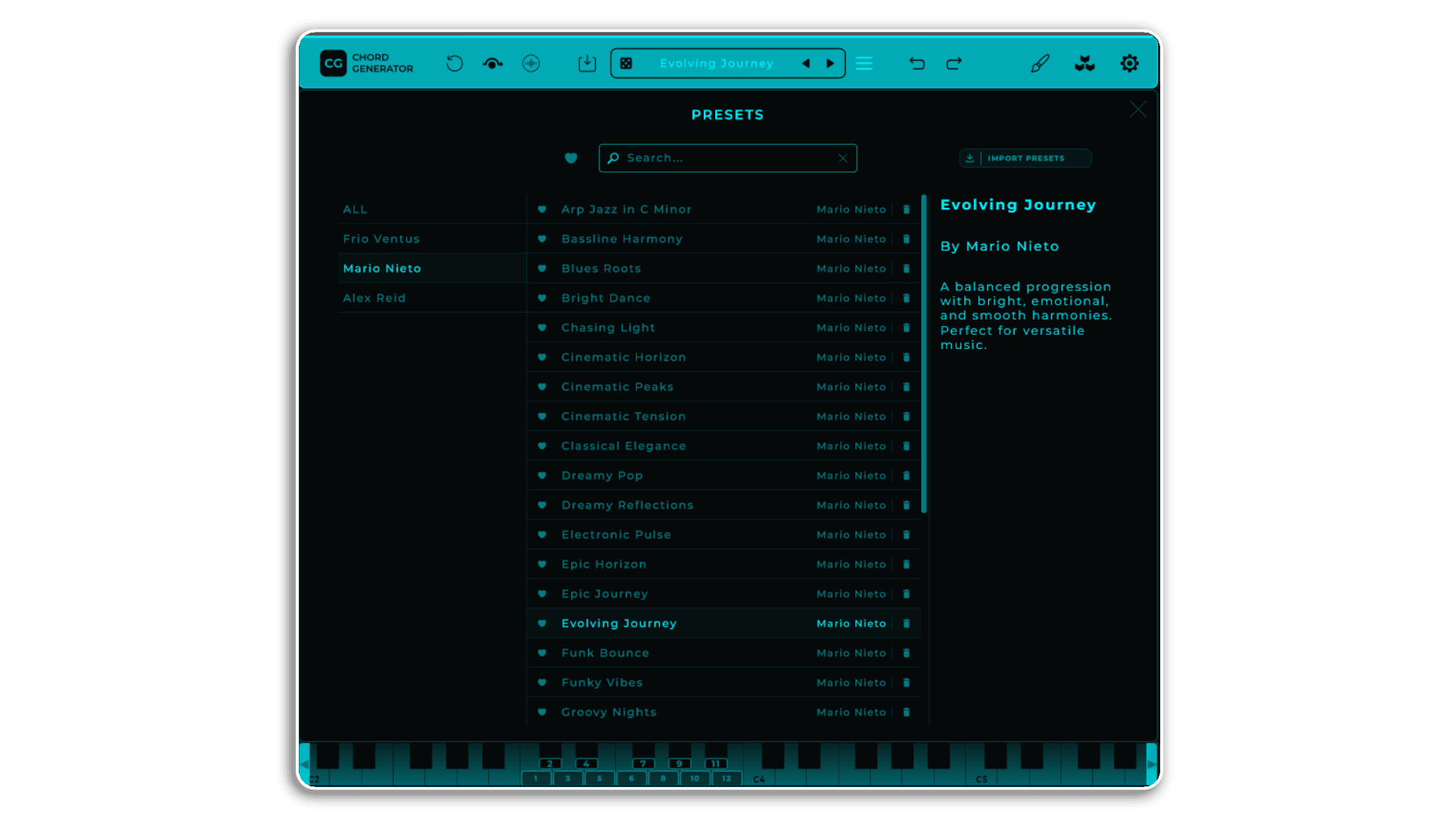
NEW: Preset Pack Download Panel
A new panel has been introduced that lets you download new preset packs directly, without having to visit the website.
Per-voice MIDI Channel Routing
Each voice in a chord can now be routed to a distinct MIDI channel, offering greater flexibility and control in multi-channel setups.
Improved Preset Management
The preset name is now determined solely by the preset file name.
NEW: Global Root Toggle
You can now transpose all chords at once by adjusting a global root note, making it easier to shift the entire arrangement.
Faster Preset Navigation
Navigating through the preset list has become significantly faster.
Optimized Preset Search Field
Searching for presets is now more efficient.
Fixed (Standalone)
Changing presets in the Standalone version no longer alters the MIDI output configuration.
Lower Text Contrast
The text contrast in lists has been reduced to improve readability.
Fixed (Retrigger Chord)
The Retrigger Chord state now updates correctly when switching pads.
Modified Random Strum
The random strum effect now aligns more accurately with the specified strum range.
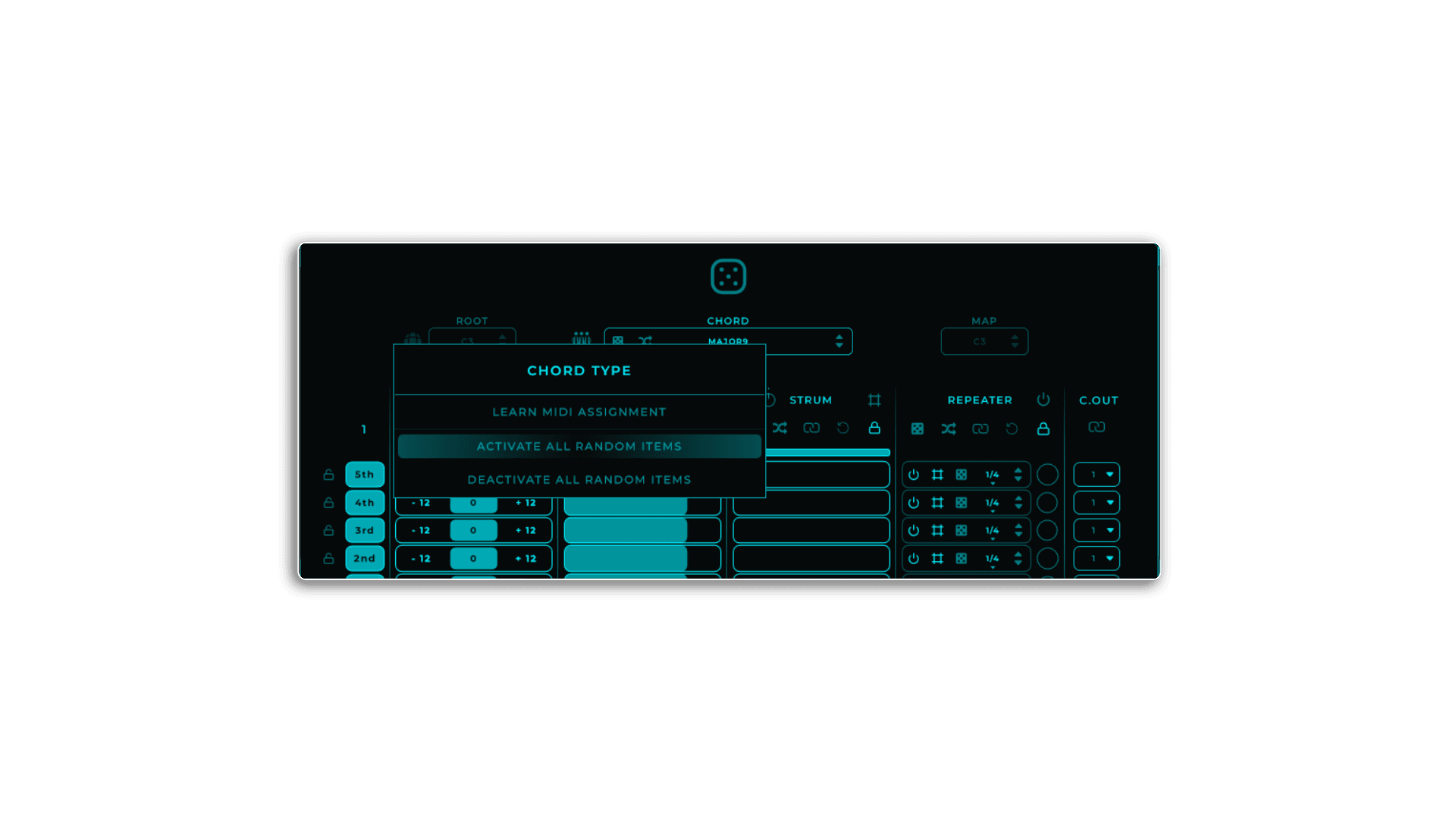
NEW: Activate/Deactivate Random Items
You can now toggle all random items in the Chord Type, Scale, and Scale Root lists by right-clicking on these controls (or long-pressing on iPad to open the popup) and selecting “ACTIVATE ALL RANDOM ITEMS” or “DEACTIVATE ALL RANDOM ITEMS.”
New Pack of Presets added created by Alex Reid.
Initial Release – December 2024
1 – Download
2 – Install .exe .pkg
3 – Register [email protected]
4 -Access
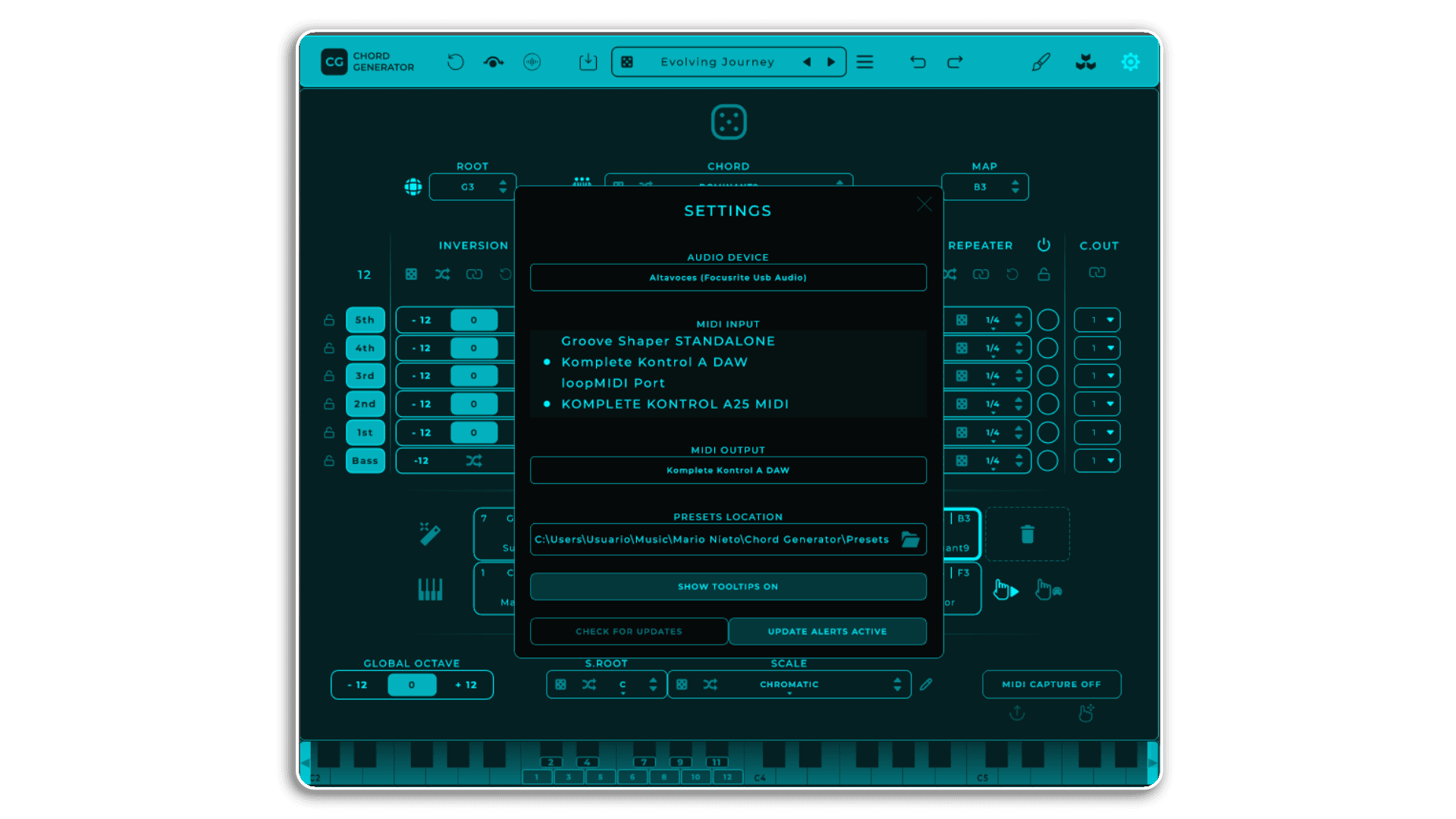
5 – Route the MIDI output: If you have any questions about this process, please visit: SUPPORT – Mario Nieto World