Pink Pong Generator by 4 Chamber Sound
YOUR PERSONAL ARCADE FOR MUSIC DISCOVERY
TRIPLE PACK SAVINGS: Add any three or more 4 Chamber Sound products to your cart and save 15% automatically at checkout!
Turn musical composition into an arcade game with Pink Pong Generator—a MaxforLive MIDI device that transforms classic Pong physics into dynamic generative patterns.
Two bouncing balls trigger notes with every paddle collision and gate crossing, creating everything from hypnotic loops to chaotic soundscapes. Adjust paddle heights to control pitch probability, sync ball movement to tempo for repetitive grooves, or let them run free for evolving textures.
Inside you’ll find:
- Dual-ball MIDI generation with independent pitch, velocity, and rhythm controls
- 94 presets across 8 banks (melodic loops, bass riffs, ambient textures, polyrhythms, chaos)
- Standalone mode with 25 chords and 26 scales, or sync to PinkAI Generative Composer
- Game Mode: Play against AI with MIDI-mapped paddle controls and musical score chimes
- Pop-out scalable arena window with real-time visual feedback
- Full MIDI mappability for live performance and creative exploration
- 4 Live Set Templates including comprehensive demo
Use it as a creative spark, a compositional tool, or an actual game. Map your MIDI controller, challenge yourself to a match, and let the music write itself while you play.
Where generative music meets playful experimentation.
USER GUIDE: Pink Pong Generator User Guide
Pink Pong Generator by 4 Chamber Sound
YOUR PERSONAL ARCADE FOR MUSIC DISCOVERY
TRIPLE PACK SAVINGS: Add any three or more 4 Chamber Sound products to your cart and save 15% automatically at checkout!
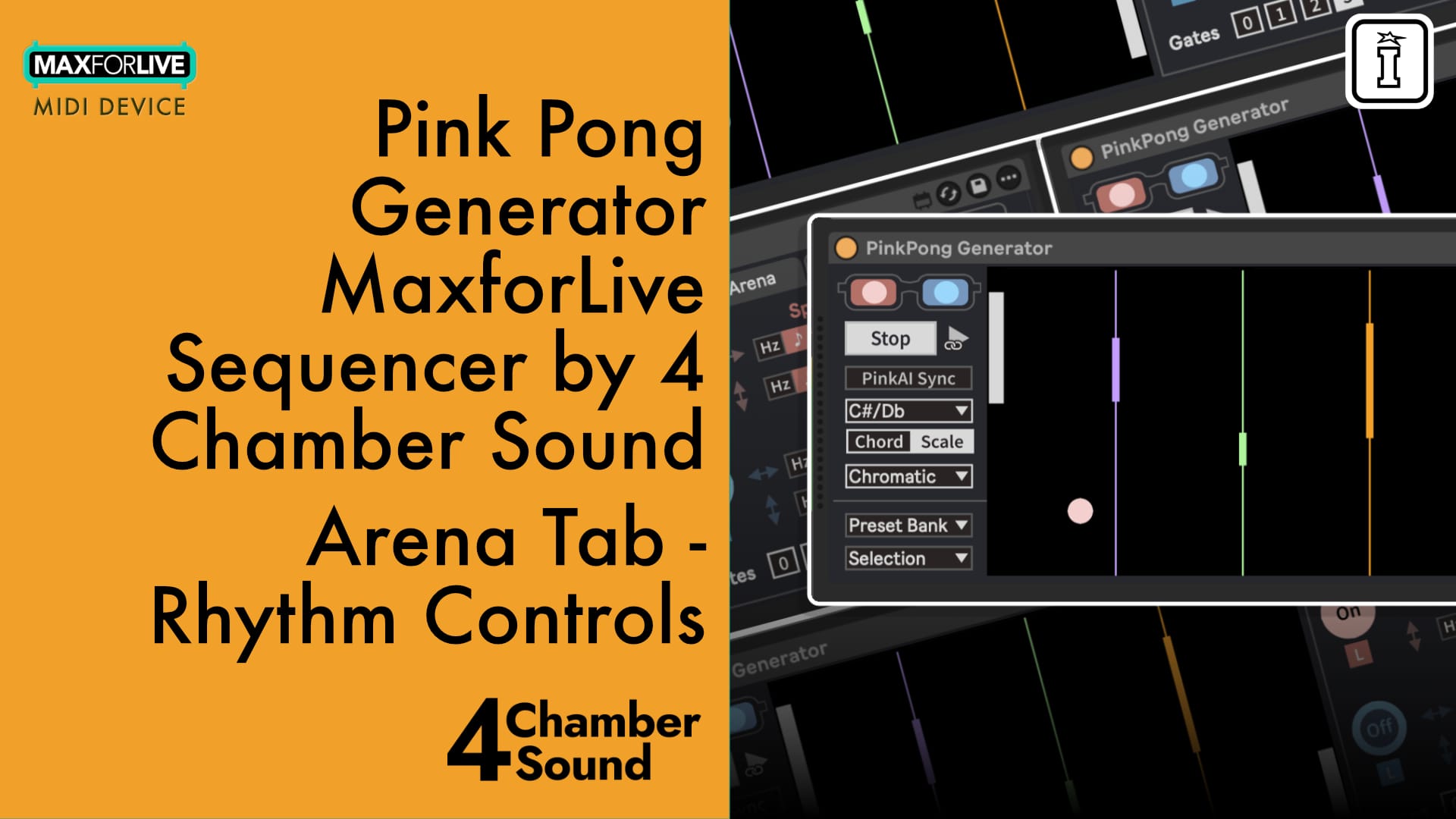
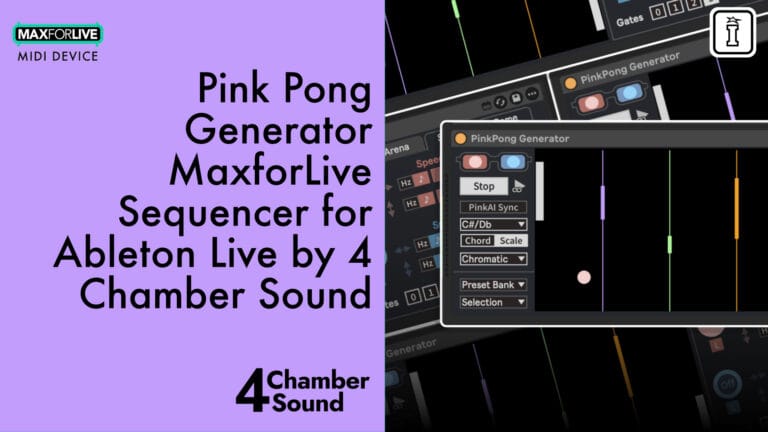
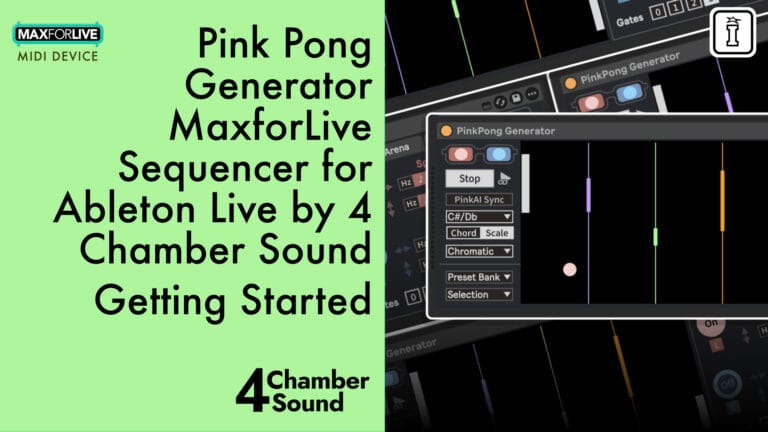
Turn musical composition into an arcade game with Pink Pong Generator—a MaxforLive MIDI device that transforms classic Pong physics into dynamic generative patterns.
Two bouncing balls trigger notes with every paddle collision and gate crossing, creating everything from hypnotic loops to chaotic soundscapes. Adjust paddle heights to control pitch probability, sync ball movement to tempo for repetitive grooves, or let them run free for evolving textures.
Inside you’ll find:
- Dual-ball MIDI generation with independent pitch, velocity, and rhythm controls
- 94 presets across 8 banks (melodic loops, bass riffs, ambient textures, polyrhythms, chaos)
- Standalone mode with 25 chords and 26 scales, or sync to PinkAI Generative Composer
- Game Mode: Play against AI with MIDI-mapped paddle controls and musical score chimes
- Pop-out scalable arena window with real-time visual feedback
- Full MIDI mappability for live performance and creative exploration
- 4 Live Set Templates including comprehensive demo
Use it as a creative spark, a compositional tool, or an actual game. Map your MIDI controller, challenge yourself to a match, and let the music write itself while you play.
Where generative music meets playful experimentation.
USER GUIDE: Pink Pong Generator User Guide
Additional information
| MaxforLive | MIDI Devices, Sequencers |
|---|---|
| Ableton Live Compatibility | Ableton Live 11 Standard with MaxforLive, Ableton Live 11 Suite, Ableton Live 12 Standard with MaxforLive, Ableton Live 12 Suite |
| Min. Requirements | Ableton Live 11 Standard with MaxforLive Installed or Ableton Live 11 Suite |
| OS | Mac, Windows |
PRICE: £28.00
Product reviews
No reviews yet. Be the first to review this product.
Pink Pong Generator by 4 Chamber Sound
Overview & Inspiration
What if generative music could be as fun as your favorite arcade game? Pink Pong Generator transforms the classic bouncing-ball physics of Pong into a dynamic MIDI generation engine for Ableton Live.
What if generative music could be as fun as your favorite arcade game? Pink Pong Generator transforms the classic bouncing-ball physics of Pong into a dynamic MIDI generation engine for Ableton Live.
Inspired by cyclical movement and collision mechanics, this MaxforLive device creates evolving musical patterns through gameplay. Two digital balls bounce between virtual paddles, triggering notes with every impact. Paddle height determines pitch probability, while configurable gates between paddles fire rhythmic subdivisions—turning simple physics into addictive loops, evolving harmonies, and everything in between.
Whether you need instant inspiration or deep generative exploration, Pink Pong Generator delivers. Use it standalone with extensive built-in chord and scale collections, or sync seamlessly with PinkAI Generative Composer for sophisticated harmonic progression that follows your compositions.
And when you need a creative break? Switch to Game Mode, grab your MIDI controller, and play an actual match of musical Pong—complete with AI opponents and score chimes.
Features & Highlights
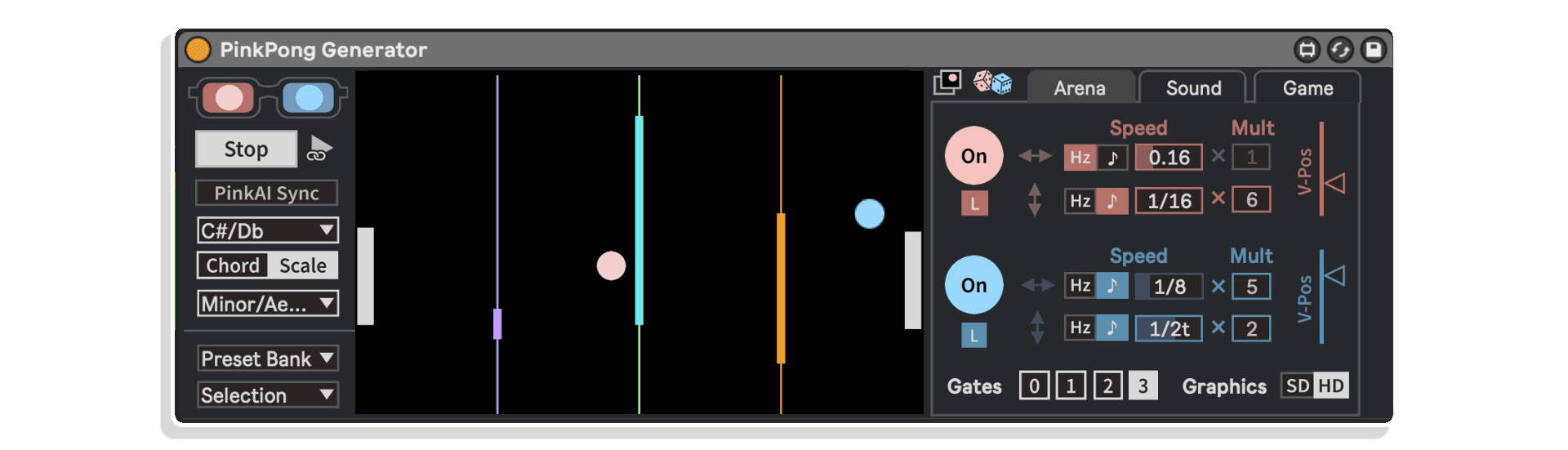
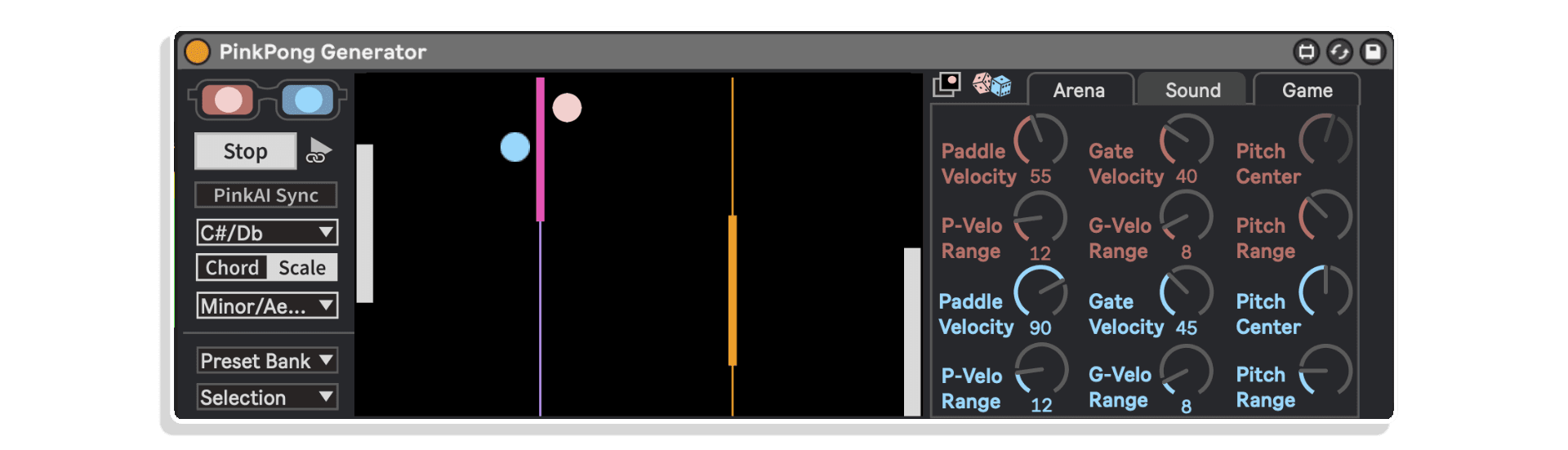
Dual-Ball MIDI Generation – Two independently controllable balls (pink and blue) bounce between paddles, each generating distinct MIDI patterns based on collision height, velocity ranges, and pitch centers.
Interactive Arena Window – Pop-out, scalable game view with real-time visual feedback. Adjust paddle sizes to control note probability, drag gates to shape rhythm, and watch your music unfold in motion.
Standalone or Synced Modes – Run independently with 25 chord types and 26 scale options across all 12 keys, or enable PinkAI Sync to harmonize output with PinkAI Generative Composer‘s automated chord sequencing.
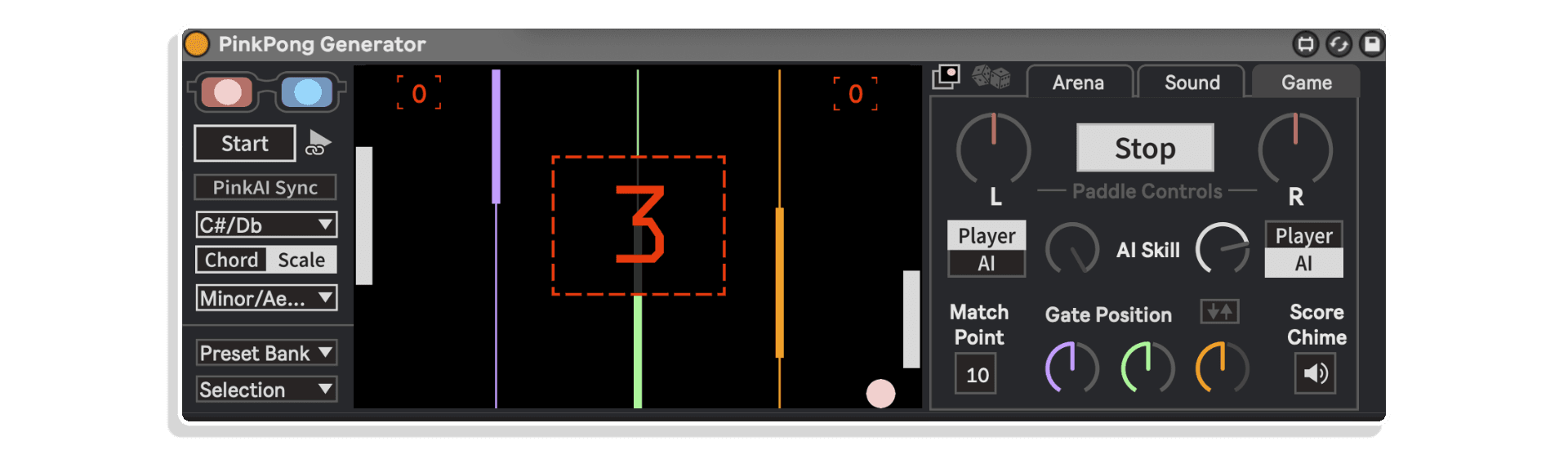
Game Mode with MIDI Control – Map paddles and gates to your MIDI controller and play against AI or yourself. Adjustable difficulty, customizable match points, and musical score chimes turn composition into competition.
94 Preset Patterns Across 8 Banks – Melodic loops, harmonic textures, bass riffs, arpeggios, ambient drones, polyrhythms, evolving patterns, and chaotic experiments—instantly accessible without interrupting playback.
Comprehensive Sound Shaping – Independent velocity controls for paddles and gates (with randomization ranges), pitch center/range settings per ball, and sync/Hz toggles for tempo-locked loops or free-flowing evolution.
Full MIDI Mappability – Assign any parameter to your controller for live performance tweaking. Transform Pink Pong Generator into a playable instrument or game controller mid-set.
Transport Sync Toggle – Choose whether the device starts with Ableton’s transport or runs independently—perfect for auditioning patterns in isolation or integrating into full arrangements.
How to Use
Drop Pink Pong Generator onto any MIDI track in Ableton Live. Hit play and watch the balls bounce—notes trigger automatically based on paddle collisions and gate crossings.
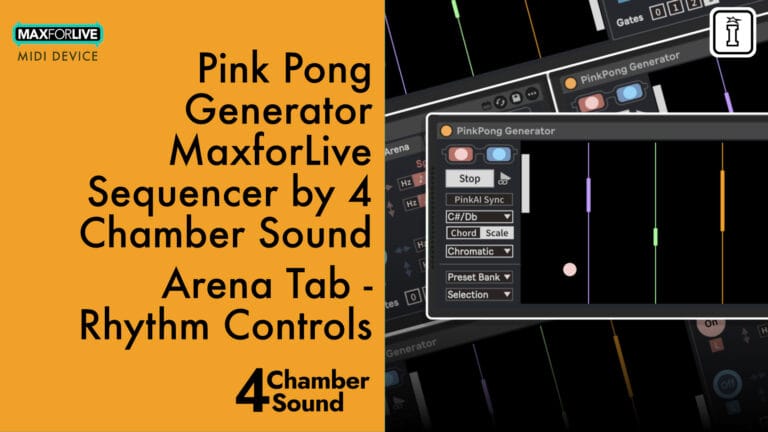
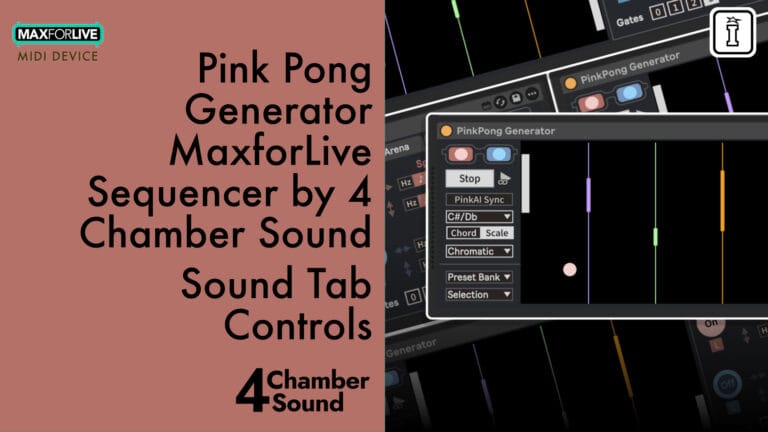
Adjust paddle heights in the Arena tab to expand or narrow your note probability range. Position gates to create rhythmic subdivisions. Fine-tune velocities and pitch ranges in the Sound tab for each ball independently.
Switch between chord and scale modes for instant harmonic shifts, or enable PinkAI Sync to follow PinkAI Generative Composer‘s chord progressions. Explore the 8 preset banks for immediate results, then dive into customization.
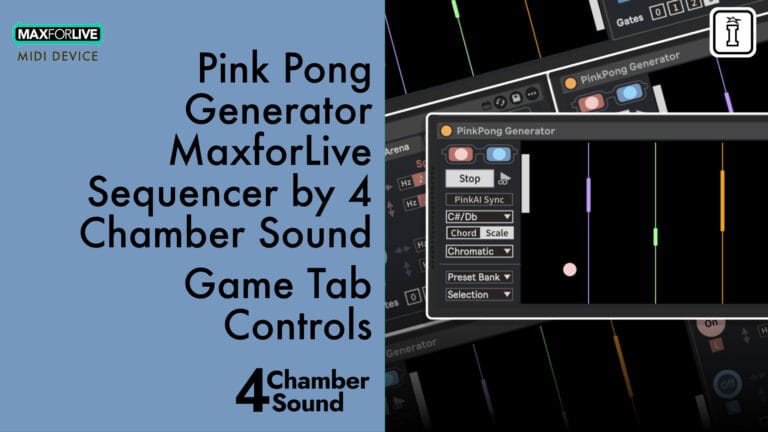
When you’re ready for a break, head to the Game tab, set your match point, choose your AI difficulty, and map a controller knob to your paddle. Play a game while the music writes itself.
Ideal For
- Electronic music producers seeking fresh MIDI generation methods beyond step sequencers
- Live performers who want interactive, visually engaging devices for real-time manipulation
- Experimental composers exploring generative systems and algorithmic composition
- Ambient and cinematic sound designers crafting evolving, non-repeating textures
- Anyone who wants to inject playfulness and spontaneity into their creative process
What’s Included
- Pink Pong Generator MaxforLive device (.amxd)
- 8 preset banks with 94 patterns (Melodic Loops, Harmonic Loops, Bass Riffs, Rise and Fall, Ambient, Polyrhythms, Evolvers, Chaotics)
- 4 Live Set Templates including Demo Set
- Help text on every parameter
- Comprehensive user guide
Requirements
- Ableton Live 11 Standard (with MaxforLive) or Suite
- Ableton Live 12 Standard (with MaxforLive) or Suite
- MaxforLive 8+
- Mac or Windows
MAKE YOUR OWN TRIPLE PACK: Buy any three or more 4 Chamber Sound products at the same time and get a 15% discount (automatically applied at checkout).
EXPLORE MORE FROM 4 CHAMBER SOUND:
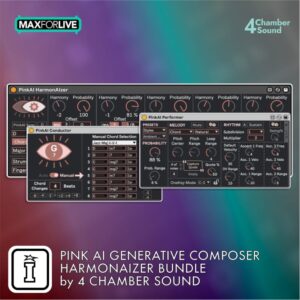
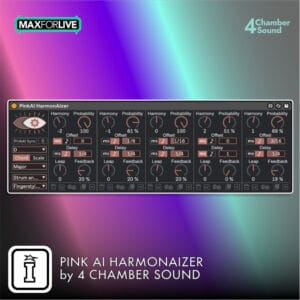
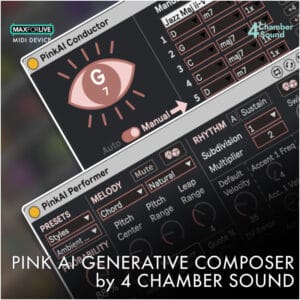
PinkAI Generative Composer | PinkAI HarmonAIzer | Composer & HarmonAIzer Bundle
Frequently Asked Questions
A: It’s a MaxforLive MIDI device that combines generative music tools with an interactive Pong-inspired game to create evolving musical patterns.
A: Yes, MaxforLive is required.
A: MaxforLive is a platform that integrates the visual programming environment Max with Ableton Live, allowing users to create and use custom audio, MIDI, and control devices.
A: You can explore more of 4 Chamber Sound’s tools and devices here: 4 Chamber Sound
Important Information
Initial Release July 2025
Follow the steps below to correctly install Pink Pong Generator:
1. Double-click on .alp file
2. When Ableton prompts you to save the pack, navigate to your Live Library and create a new folder (alongside Factory Packs and User Library). You may name this “Pink Pong”, “4 Chamber Sound”, “3rd Party Plugins”, or anything else you choose. Save this pack in that location or where you already have PinkAI Generative Composer and/or HarmonAIzer located.
3. When the installation completes, add this folder to your ‘Places’ in Ableton Live’s browser
4. Enjoy Pink Pong Generator!!
For help with installation or any other troubleshooting, you may contact [email protected]. Happy creating!
Pink Pong Generator End-User License Agreement
1. Introduction
This End-User License Agreement (“EULA”) governs your use of the “Pink Pong Generator” Max for Live device (“Software”) developed by 4 Chamber Sound, Inc. (“4 Chamber Sound”). By installing, copying, or using the Software, you agree to be bound by the terms of this EULA. If you do not agree to these terms, do not install or use the Software.
2. License Grant
4 Chamber Sound grants you a non-exclusive, non-transferable, limited license to use the Software for your personal or commercial use. You may use the Software to generate audio content within the Ableton and Max for Live environments.
3. Restrictions
You may not:
- Modify, reverse engineer, decompile, or disassemble the Software.
- Create derivative works of the Software.
- Distribute, sublicense, or lease the Software.
- Use the Software for any illegal or unauthorized purpose.
- Install the Software on more than two personal computers.
4. Ownership
The Software and all related intellectual property rights, including but not limited to copyrights, trademarks, and patents, are owned by 4 Chamber Sound. This EULA does not grant you any ownership rights in the Software.
5. Updates
4 Chamber Sound may, from time to time, provide updates or upgrades to the Software. These updates may include bug fixes, new features, or security enhancements. You agree to accept and install these updates as they become available.
6. Third-Party Content and Software
The Software may include third-party content or software that is subject to separate terms and conditions. Your use of such third-party content or software is governed by those terms and conditions. 4 Chamber Sound is not responsible for the content or functionality of any third-party content or software.
7. Termination
This EULA will terminate automatically if you fail to comply with any of its terms. 4 Chamber Sound may also terminate this EULA at any time, for any reason.
8. Disclaimer of Warranties
THE SOFTWARE IS PROVIDED “AS IS” WITHOUT WARRANTY OF ANY KIND, EXPRESS OR IMPLIED, INCLUDING BUT NOT LIMITED TO THE WARRANTIES OF MERCHANTABILITY, FITNESS FOR A PARTICULAR PURPOSE, AND NON-INFRINGEMENT. 4 CHAMBER SOUND DOES NOT WARRANT THAT THE SOFTWARE WILL BE ERROR-FREE OR THAT IT WILL OPERATE WITHOUT INTERRUPTION.
9. Limitation of Liability
IN NO EVENT SHALL 4 CHAMBER SOUND BE LIABLE FOR ANY INDIRECT, INCIDENTAL, SPECIAL, CONSEQUENTIAL, OR EXEMPLARY DAMAGES (INCLUDING, BUT NOT LIMITED TO, PROCUREMENT OF SUBSTITUTE GOODS OR SERVICES; LOSS OF USE, DATA, OR PROFITS; OR BUSINESS INTERRUPTION) ARISING OUT OF OR IN CONNECTION WITH THE USE OR INABILITY TO USE THE SOFTWARE, EVEN IF 4 CHAMBER SOUND HAS BEEN ADVISED OF THE POSSIBILITY OF SUCH DAMAGE.
10. Download Sales
Due to the nature of our products as downloadable software, we do not accept returns. If you encounter any issues with your purchase, please contact [email protected]
11. Governing Law
This EULA shall be governed by and construed in accordance with the laws of the State of [State], United States.
12. Entire Agreement
This EULA constitutes the entire agreement between you and 4 Chamber Sound regarding the Software and supersedes all prior or contemporaneous communications and proposals, whether oral or written.
By installing the Software, you acknowledge that you have read, understood, and agreed to be bound by the terms of this EULA.
Copyright 2025 4 Chamber Sound, Inc.