
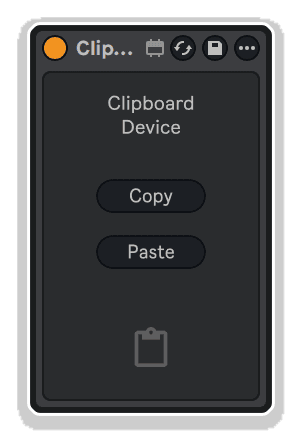
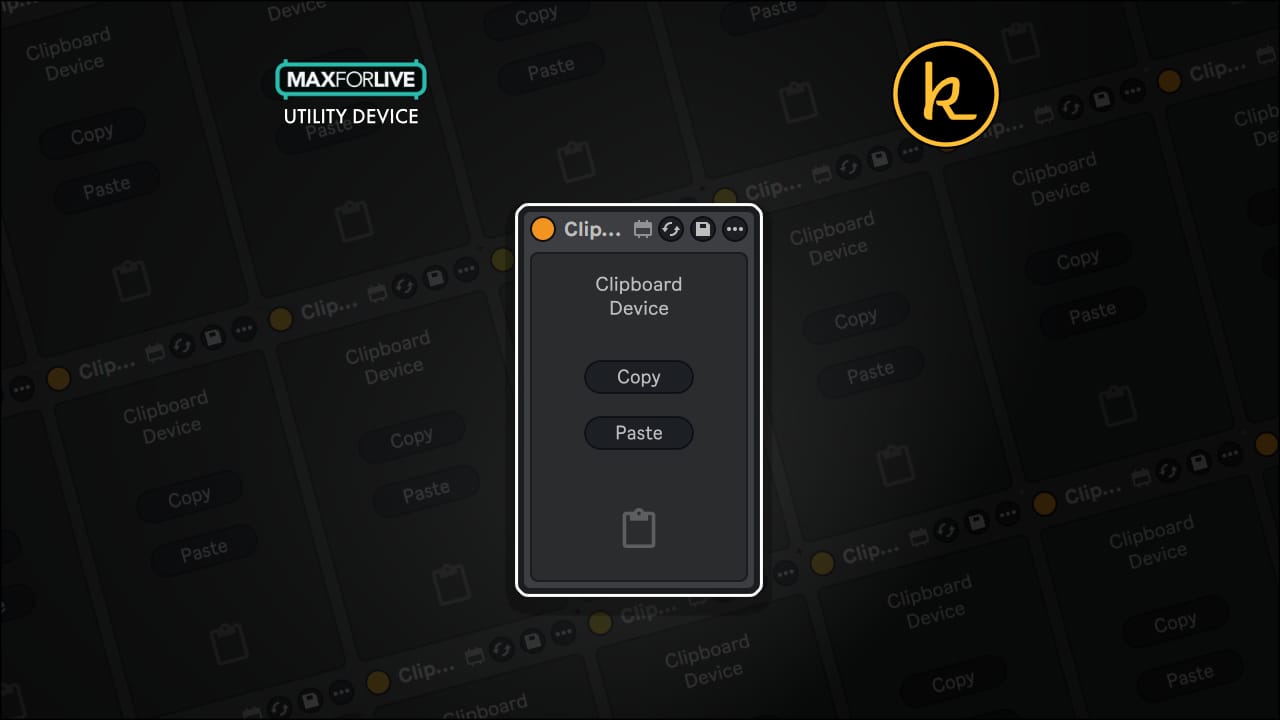
Click on a device, and hit copy, then paste that devices parameters into every other version of the device in your live set
So quick, so simple, so GENIUS!
Buying for someone?Send a gift card →
| MaxforLive | Control Devices |
|---|---|
| Ableton Live Compatibility | Ableton Live 11 Standard with MaxforLive, Ableton Live 11 Suite, Ableton Live 12 Standard with MaxforLive, Ableton Live 12 Suite |
| Min. Requirements | Ableton Live 11 Standard with MaxforLive Installed or Ableton Live 11 Suite |
| OS | Mac, Windows |
awesome! need to change all of your auto-tunes, or whatever?!?! this does it. simple, useful, well done!
Simple but very useful, speeds up your workflow.
Overview & Inspiration
Ever spent hours tweaking the perfect Auto-Tune setting, EQ curve, or compressor ratio—only to realize you need to replicate it across dozens of instances in your project?
Clipboard Device by killihu solves this workflow bottleneck with elegant simplicity. It’s a MaxforLive utility that lets you copy and paste parameter values across multiple instances of the same device, instantly synchronizing settings throughout your entire Live set.
No more manual adjustments. No more inconsistent results. Just click, copy, and paste.
Features & Highlights
Universal Parameter Copying – Works with all automatable and mappable parameters across any device in your session.
Intelligent Device Recognition – Stores values based on device name, ensuring parameters only paste to matching devices for safe, accurate transfers.
Multi-Device Memory – Copy settings from multiple devices simultaneously and paste them independently to their respective targets.
MIDI Mappable Controls – Assign Copy and Paste functions to hardware controllers for hands-free operation during performance or mixing sessions.
Pay What You Want – This device is free to use, with optional contributions to support killihu’s continued development.
How to Use
Drop Clipboard Device onto any track in your Live set. Select the device whose parameters you want to copy, then click the Copy button in Clipboard Device. Navigate to other instances of the same device and hit Paste—all parameter values transfer instantly.
You can copy from multiple different devices before pasting, and Clipboard Device will intelligently match each set of values to the correct device type. Map the Copy and Paste buttons to your MIDI controller for even faster workflow integration.
Ideal For
What’s Included
Requirements
A: Clipboard Device is a MaxforLive utility that allows you to copy and paste all parameter values from any device to multiple instances of the same device throughout your Live set, streamlining your workflow and ensuring consistency.
A: Yes, Clipboard Device is a MaxforLive device.
A: MaxforLive is a platform that integrates the visual programming environment Max with Ableton Live, allowing users to create and use custom audio, MIDI, and control devices.
A: Yes, both the Copy and Paste buttons are fully mappable to MIDI controllers, allowing for hands-free parameter management during performance or production sessions.
A: You can explore more of killihu’s tools and devices here: killihu
v1.1 New features and improvements:
– Modified GUI to adapt to the new rack design in Live version 12.2, does not change the operation of the device.
Initial Release – April 2025
Our Products are generally provided as Zip file downloads which in all cases will need to be extracted and saved to your hard drive prior to installation. Details on the different file type provided and what to do with them are below.
.alp Files – These are Ableton Live Packs and will either install directly into the Packs Section of the browser of Ableton Live or ask you to save them to your hard drive. For packs that install to the library, when you double click on them you will see a pop up window asking you to confirm that installation is ok as the files are described as “Legacy”. This is fine and you are ok to proceed, the packs are created using the format for an earlier version of Live and so remain compatible with the current version.
.amxd files – These are individual MaxforLive Devices and can be stored anywhere on your hard drive. We’d advise creating a folder for them and then adding that folder as a location within the Places section of Lives Browser.
END-USER LICENSE AGREEMENT FOR ISOTONIK STUDIOS SOFTWARE PRODUCTS.
PLEASE READ THE TERMS AND CONDITIONS OF THIS LICENSE AGREEMENT CAREFULLY BEFORE CONTINUING WITH THIS PROGRAM INSTALL.
This End-User License Agreement (referred to as “EULA”) is a legal agreement between an individual or a single entity (referred to as “LICENSEE”) and Isotonik Studios for the Isotonik Studios software product(s) which may include associated software components, media, printed materials, and “online” or electronic documentation (referred to as “SOFTWARE PRODUCT”). By installing, copying, or otherwise using the SOFTWARE PRODUCT, the LICENSEE agrees to be bound by the terms of this EULA.
This EULA represents the entire agreement concerning the program between the LICENSEE and Isotonik Studios and it supersedes any prior proposal, representation, or understanding between the parties. If the LICENSEE does not agree to the terms of this EULA, the LICENSEE should not install or use the SOFTWARE PRODUCT.
The SOFTWARE PRODUCT is protected by copyright laws and international copyright treaties, as well as other intellectual property laws and treaties. The SOFTWARE PRODUCT is licensed, not sold.
The SOFTWARE PRODUCT is licensed as follows:
(a) Installation and Use. Providing that the LICENSEE has paid any applicable license fees, Isotonik Studios grants the LICENSEE the right to install and use copies of the SOFTWARE PRODUCT on up to two computers in the LICENSEE’s possession that are running a validly licensed copy of the operating system for which the SOFTWARE PRODUCT was designed [e.g., Windows 10, macOS]. The computer(s) must be owned by the LICENSEE.
(b) Backup Copies. The LICENSEE may also make copies of the SOFTWARE PRODUCT as may be necessary for backup and archival purposes.
(a) Maintenance of Copyright Notices. The LICENSEE must not remove or alter any copyright notices on any and all copies of the SOFTWARE PRODUCT.
(b) Distribution. The LICENSEE may not distribute registered copies of the SOFTWARE PRODUCT to third parties.
(c) Prohibition on Reverse Engineering, Decompilation, and Disassembly. The LICENSEE may not reverse engineer, decompile, or disassemble the SOFTWARE PRODUCT, except and only to the extent that such activity is expressly permitted by applicable law notwithstanding this limitation.
(d) Rental. The LICENSEE may not rent, lease, or lend the SOFTWARE PRODUCT.
(e) License transfer The LICENSEE may not transfer their license to the SOFTWARE PRODUCT to any third party. Any attempt to do so will be considered a violation of this EULA.
(f) Support Services. Isotonik Studios may provide the LICENSEE with support services related to the SOFTWARE PRODUCT for a period of 12 months following the date of purchase. Any supplemental software code provided to the LICENSEE as part of the Support Services shall be considered part of the SOFTWARE PRODUCT and subject to the terms and conditions of this EULA.
(g) Compliance with Applicable Laws. The LICENSEE must comply with all applicable laws regarding use of the SOFTWARE PRODUCT.
 ★ Popular
Join the list for fresh Max for Live devices, sound packs and offers. No spam, unsubscribe anytime.

Curated Ableton Live, Max for Live & sound-design tools from the world's best independent developers.
Trusted by thousands of music producers worldwide