“Oh my god, it’s a mirage” - Adam Keefe Horovitz


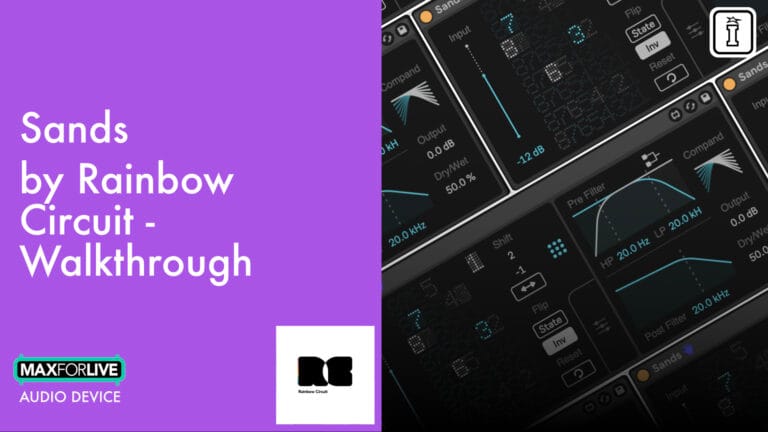
Sands isn’t your average bitcrusher—it’s an 8-bit simulator gone rogue. Built in Max for Live, this sonic mangler bends, breaks, and scrambles digital audio as if the 80s sampler era was dreaming in code-induced chaos.
Using a custom bit matrix to reroute and invert digital bits in real-time, Sands unlocks classic degradation tones and next-gen glitch textures alike. Twist the bits. Flip them. Turn them off. And just when things get unhinged, reign it in with pre/post filters, a compander, and stereo scrambling.
Inside you’ll find:
Whether you’re crushing snares into grainy rubble or reverse-engineering alien FM tones, Sands delivers mayhem with musical intent. It’s bit manipulation from another dimension.
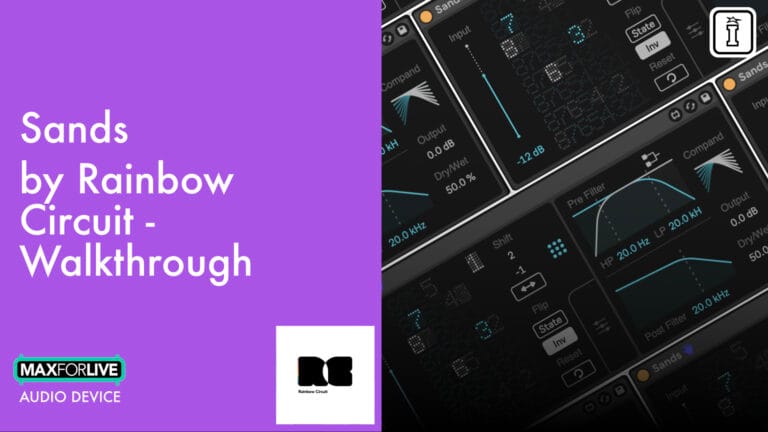
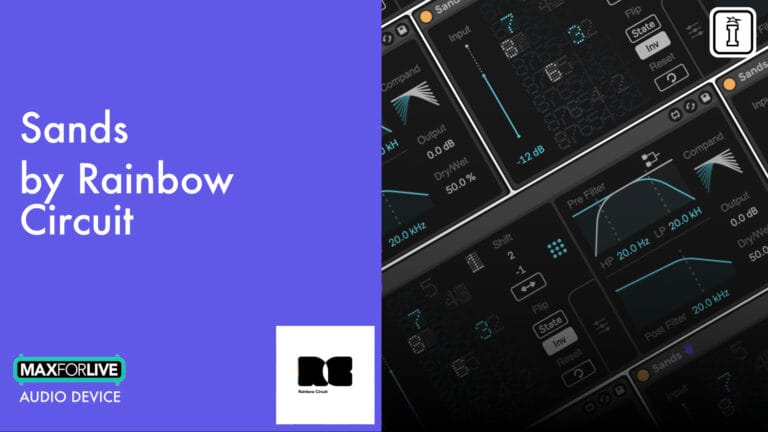
Sands isn’t your average bitcrusher—it’s an 8-bit simulator gone rogue. Built in Max for Live, this sonic mangler bends, breaks, and scrambles digital audio as if the 80s sampler era was dreaming in code-induced chaos.
Using a custom bit matrix to reroute and invert digital bits in real-time, Sands unlocks classic degradation tones and next-gen glitch textures alike. Twist the bits. Flip them. Turn them off. And just when things get unhinged, reign it in with pre/post filters, a compander, and stereo scrambling.
Inside you’ll find:
Whether you’re crushing snares into grainy rubble or reverse-engineering alien FM tones, Sands delivers mayhem with musical intent. It’s bit manipulation from another dimension.
| MaxforLive | Audio Devices |
|---|---|
| Ableton Live Compatibility | Ableton Live 10 Standard with MaxforLive, Ableton Live 10 Suite, Ableton Live 11 Standard with MaxforLive, Ableton Live 11 Suite, Ableton Live 12 Standard with MaxforLive, Ableton Live 12 Suite |
| Min. Requirements | Ableton Live 10 Standard with MaxforLive Installed or Ableton Live 10 Suite |
| OS | MAC OS 11.0 OR LATER / WINDOWS: 10 (64-BIT) OR LATER |
This is admirably dirty, especially for moments when subtle saturation is not an option. A very interesting take on digital distortion, and I actually like the interface that made perfect sense after watching the video tutorial.
As someone heavily inspired by the sounds of Ben Frost, Nine Inch Nails, and Aubrey Hodges, I am constantly on the lookout for ways to destroy sounds and Sands absolutely delivers — very quickly you can get interesting distortions and crunch. Ever since the teaser trailer put out by Rainbow Circuit I was looking forward to getting my grubby dirty hands on it to get them even dirtier and grubbier. The filth that comes from this effect gives me all the nasty textures I'm seeking.
This device is capable of beheading your sounds. It's not pretty, and it's not friendly. It's just nuts, in a great way... If you like shredded speaker cones to hold your ice cream!
I love adding a little texture and grit to my music, and this device is perfect for it. You can go subtle or extreme. It's great for a little character and for total destruction. Very useful and satisfying! Great work!!!
Overview & Inspiration
What if you could reach inside your audio signal and rearrange its DNA? Sands is an 8-bit simulator that doesn’t just degrade your sound—it dismantles and reconstructs it from the bit level up.
Co-developed by Dr. Ryan Page and Takuma Matsui (Rainbow Circuit), Sands models the digital-to-analog conversion process of vintage 8-bit samplers, then gives you unprecedented control to scramble, invert, and reroute individual bits. The result is a palette that spans classic lo-fi warmth to alien, glitched-out mayhem.
Inspired by the sought-after tones of hardware like the OTO Biscuit and vintage samplers from the 80s, Sands brings you closer to the grit and character of early digital audio—while offering surgical control that hardware never could.
Features & Highlights
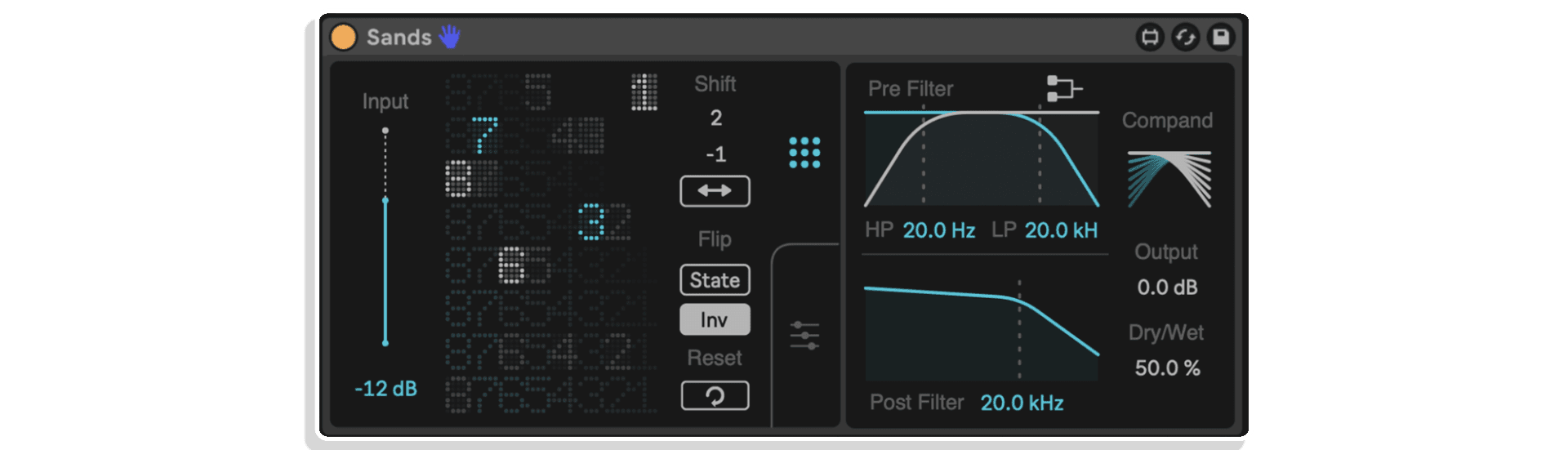
Custom Bit Matrix – The heart of Sands is an interactive 8×8 matrix where you can reroute, disable, or invert individual bits in real-time. Move bit-1 to position 8 and hear the noise floor scream. Swap bit-6 to bit-2 for FM-like tones. Turn off bits 4-8 to create classic 3-bit crushed textures. The matrix gives you complete control over how your audio is digitally reconstructed.
Bit State & Inversion – Command-click any bit to turn it off, creating traditional bitcrushed sounds when bits are in order. Option-command-click to invert a bit, flipping its state so what should be on is off and vice versa—a technique popularized by the OTO Biscuit that creates wild waveform inversions while maintaining bit resolution.
Matrix Modifiers – Shift, flip, and scramble your entire bit matrix with dedicated modifier controls. The Shift function moves bits horizontally or vertically with a limit constraint to keep them between 1-8. The Flip buttons toggle the state and inversion of all bits simultaneously. When things get too chaotic, hit Reset to return to default routing.
Finer Control Panel – Access granular control over each bit’s state, inversion, output position, and stereo placement. The control panel remains the “source of truth” for all parameters and is unaffected by matrix modifiers, giving you precise per-bit adjustments including stereo switch functionality to flip individual bits left or right.
Pre & Post Filters – Shape your sound before and after bit processing with dual filter sections. The pre-filter can be routed in serial or parallel, allowing you to sculpt the input signal before it enters the digital converter. The post-filter is modeled on the high-shelf anti-aliasing filter from a classic 13-bit sampler—but with Rainbow Circuit’s signature broken character that morphs from high shelf to band-pass and back.
Built-in Compander – Activate the compressor/expander pair to emulate how 80s samplers and delays reduced noise floor by fitting logarithmic audio across the linear 256-bit range. This brings authentic vintage sampler coloration—but remember, it only “helps” if your bits are in the right places.
Stereo Positioning – Each bit can be independently positioned in the stereo field, adding spatial dimension to your destruction. Flip bits between left and right channels to create stereo widening effects or focused mono glitch textures.
Input Gain & Dry/Wet – Control your input level to drive the bit matrix harder or softer, then blend the processed signal with your original using the dry/wet control. Perfect for parallel processing or subtle character injection.
How to Use
Drop Sands onto any audio track in Ableton Live. Start by adjusting the input gain to set how hard you’re driving the bit matrix. Begin with the Reset button to establish default bit routing, then click directly on the matrix to reroute bits—drag bit-1 up to position 8 for aggressive high-frequency noise, or swap mid-range bits for FM-like artifacts.
Use command-click to turn bits off for traditional bitcrushing, or option-command-click to invert bits for waveform manipulation. Experiment with the Shift and Flip modifiers to create instant variations, then refine with the detailed control panel.
Shape the pre-filter to emphasize certain frequencies before bit processing, and use the post-filter to reconstruct or further mangle the output. Engage the compander for authentic vintage sampler behavior. Blend to taste with the dry/wet control.
Ideal For
Requirements
Explore More from Rainbow Circuit
A: Sands is a MaxforLive audio effect designed to reshape your sound by simulating and manipulating old digital sampler technology. It models the digital-to-analog and analog-to-digital converters of an 8-bit sampler, allowing you to scramble, skip, and invert bits to introduce unique distortions to your signal.
A: To use Sands, you’ll need:
Ableton Live 10, 11, or 12 (Suite or Standard with MaxforLive installed)
Operating System: macOS or Windows
A: Yes, this product requires MaxforLive, which is included in Ableton Live Suite. If you’re using Ableton Live Standard, you can purchase MaxforLive separately via your Ableton.com account.
A: MaxforLive is an extension for Ableton Live that allows users to build custom devices, instruments, and effects, as well as integrate interactive visuals and hardware. It adds advanced flexibility and creative control directly inside Ableton Live.
A: Visit the Rainbow Circuit developer page
V1.0.0 – Initial Release – April 2025
Our Products are generally provided as Zip file downloads which in all cases will need to be extracted and saved to your hard drive prior to installation. Details on the different file type provided and what to do with them are below.
.alp Files – These are Ableton Live Packs and will either install directly into the Packs Section of the browser of Ableton Live or ask you to save them to your hard drive. For packs that install to the library, when you double click on them you will see a pop up window asking you to confirm that installation is ok as the files are described as “Legacy”. This is fine and you are ok to proceed, the packs are created using the format for an earlier version of Live and so remain compatible with the current version.
.amxd files – These are individual MaxforLive Devices and can be stored anywhere on your hard drive. We’d advise creating a folder for them and then adding that folder as a location within the Places section of Lives Browser.
END-USER LICENSE AGREEMENT FOR ISOTONIK STUDIOS SOFTWARE PRODUCTS.
PLEASE READ THE TERMS AND CONDITIONS OF THIS LICENSE AGREEMENT CAREFULLY BEFORE CONTINUING WITH THIS PROGRAM INSTALL.
This End-User License Agreement (referred to as “EULA”) is a legal agreement between an individual or a single entity (referred to as “LICENSEE”) and Isotonik Studios for the Isotonik Studios software product(s) which may include associated software components, media, printed materials, and “online” or electronic documentation (referred to as “SOFTWARE PRODUCT”). By installing, copying, or otherwise using the SOFTWARE PRODUCT, the LICENSEE agrees to be bound by the terms of this EULA.
This EULA represents the entire agreement concerning the program between the LICENSEE and Isotonik Studios and it supersedes any prior proposal, representation, or understanding between the parties. If the LICENSEE does not agree to the terms of this EULA, the LICENSEE should not install or use the SOFTWARE PRODUCT.
The SOFTWARE PRODUCT is protected by copyright laws and international copyright treaties, as well as other intellectual property laws and treaties. The SOFTWARE PRODUCT is licensed, not sold.
The SOFTWARE PRODUCT is licensed as follows:
(a) Installation and Use. Providing that the LICENSEE has paid any applicable license fees, Isotonik Studios grants the LICENSEE the right to install and use copies of the SOFTWARE PRODUCT on up to two computers in the LICENSEE’s possession that are running a validly licensed copy of the operating system for which the SOFTWARE PRODUCT was designed [e.g., Windows 10, macOS]. The computer(s) must be owned by the LICENSEE.
(b) Backup Copies. The LICENSEE may also make copies of the SOFTWARE PRODUCT as may be necessary for backup and archival purposes.
(a) Maintenance of Copyright Notices. The LICENSEE must not remove or alter any copyright notices on any and all copies of the SOFTWARE PRODUCT.
(b) Distribution. The LICENSEE may not distribute registered copies of the SOFTWARE PRODUCT to third parties.
(c) Prohibition on Reverse Engineering, Decompilation, and Disassembly. The LICENSEE may not reverse engineer, decompile, or disassemble the SOFTWARE PRODUCT, except and only to the extent that such activity is expressly permitted by applicable law notwithstanding this limitation.
(d) Rental. The LICENSEE may not rent, lease, or lend the SOFTWARE PRODUCT.
(e) License transfer The LICENSEE may not transfer their license to the SOFTWARE PRODUCT to any third party. Any attempt to do so will be considered a violation of this EULA.
(f) Support Services. Isotonik Studios may provide the LICENSEE with support services related to the SOFTWARE PRODUCT for a period of 12 months following the date of purchase. Any supplemental software code provided to the LICENSEE as part of the Support Services shall be considered part of the SOFTWARE PRODUCT and subject to the terms and conditions of this EULA.
(g) Compliance with Applicable Laws. The LICENSEE must comply with all applicable laws regarding use of the SOFTWARE PRODUCT.