Song Sketch 2
A WORKFLOW TOOL THAT LETS YOU QUICKLY TURN YOUR SONG IDEA INTO A FULL ARRANGEMENT.
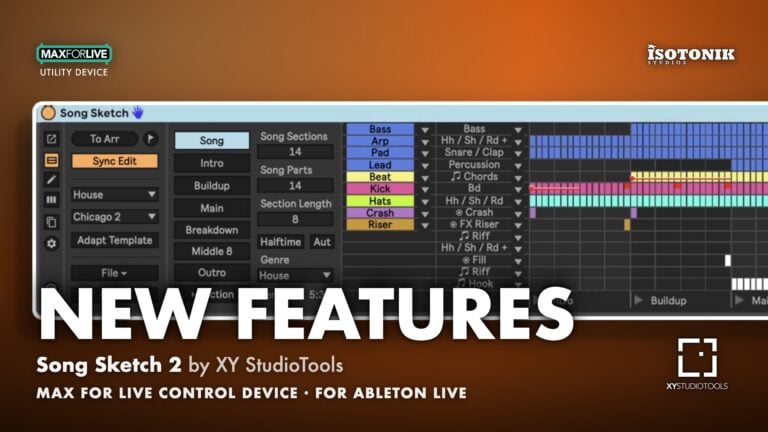
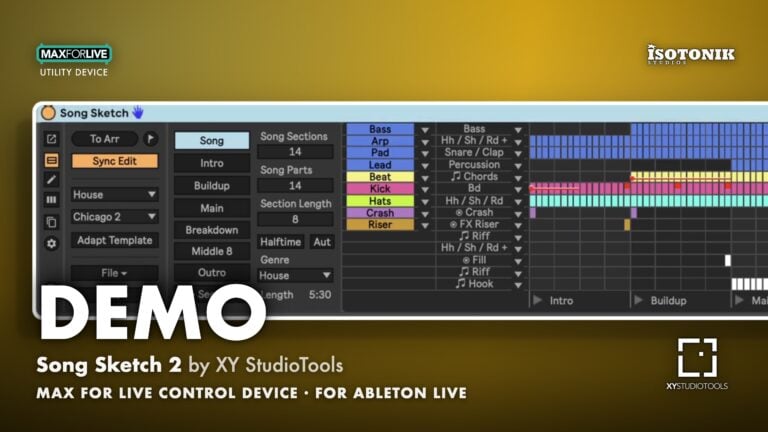
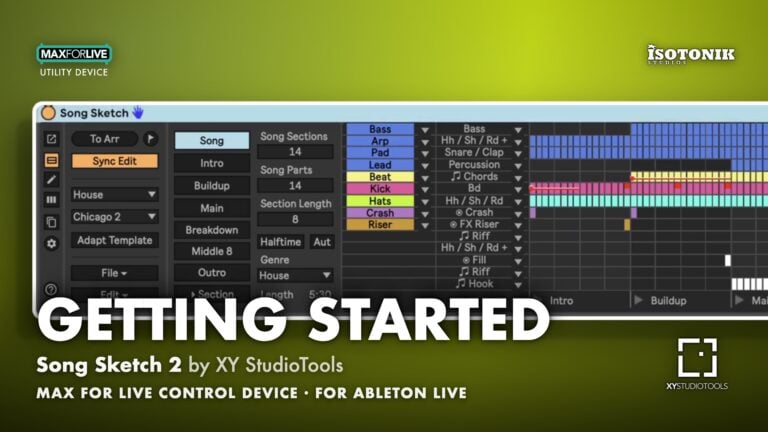
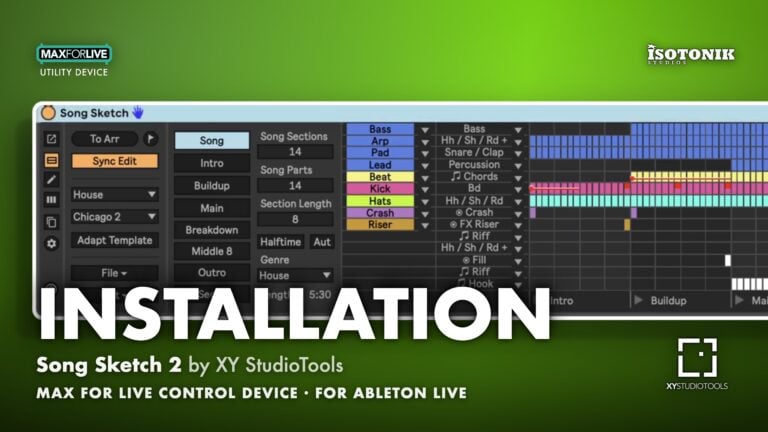
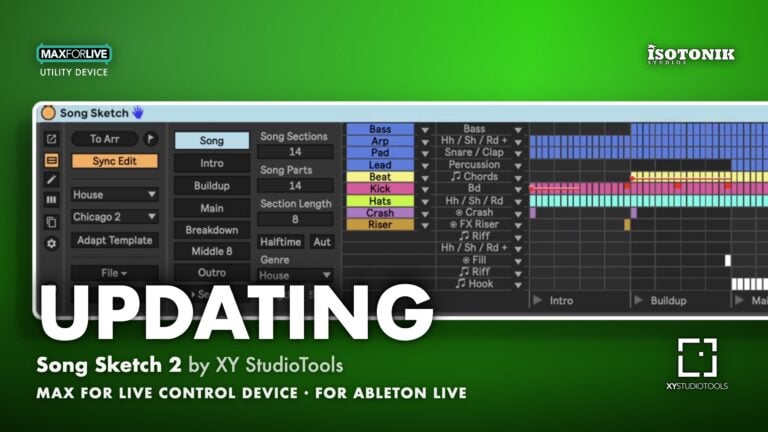
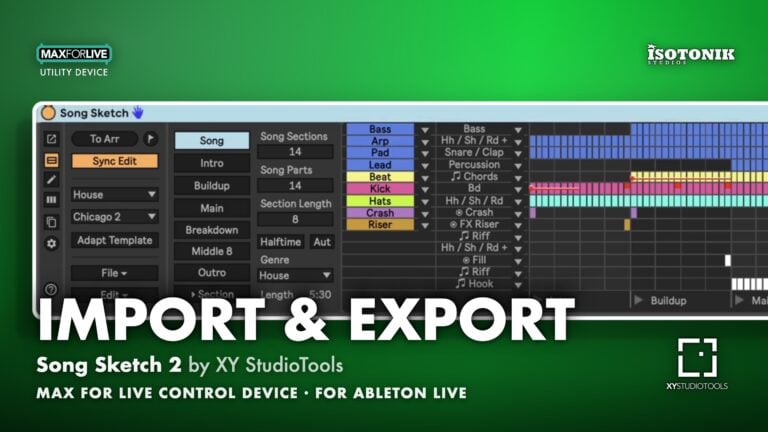
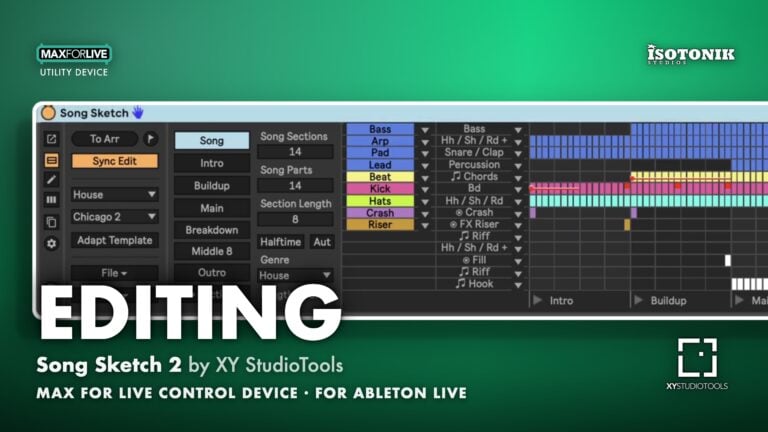
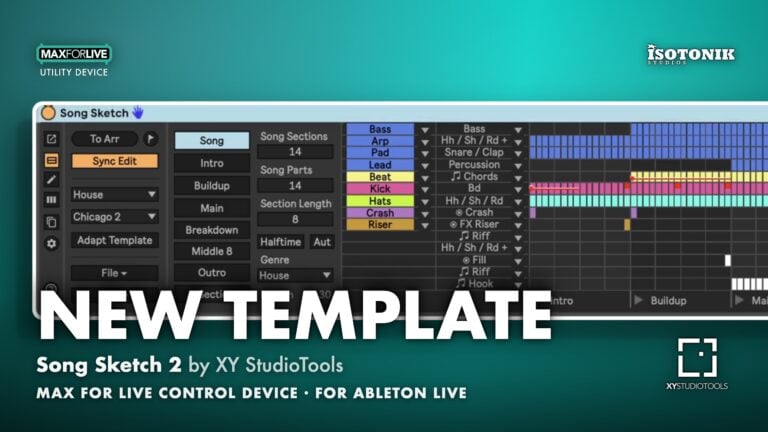
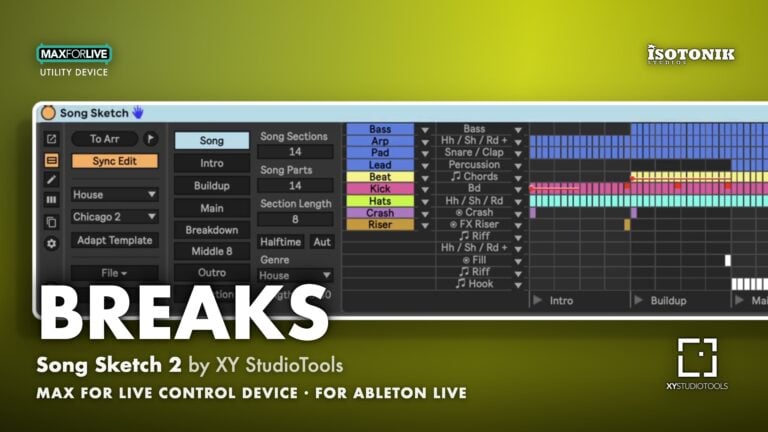
Song Sketch 2 is a Max for Live tool for working with song arrangement in Ableton Live. In Song Sketch 2, you can load, import, edit and create different arrangement patterns and apply them to your loops. In this way, you can quickly draft an arrangement, experiment with different options and evaluate arrangement ideas for the music that you are composing.
The Pro edition includes a total of 172 arrangement templates in 14 genres. Song Sketch 2 is also available in a Starter edition (72 templates in 12 genres). More templates are available in expansion packs.
USER GUIDE: CLICK HERE
Buying for someone?Send a gift card →

XY StudioTools
XY StudioTools was founded in 2020 with the vision to introduce new workflows for digital music production.
View all products by XY StudioToolsOverview
Turn your loop into a full arrangement
Song Sketch 2 is a Max for Live tool for working with song arrangement in Ableton Live. In Song Sketch 2, you can load, import, edit and create different arrangement patterns and apply them to your loops. In this way, you can quickly draft an arrangement, experiment with different options and evaluate arrangement ideas for the music that you are composing.
The Pro edition includes a total of 172 arrangement templates in 14 genres. Song Sketch 2 is also available in a Starter edition (72 templates in 12 genres). More templates are available in expansion packs.
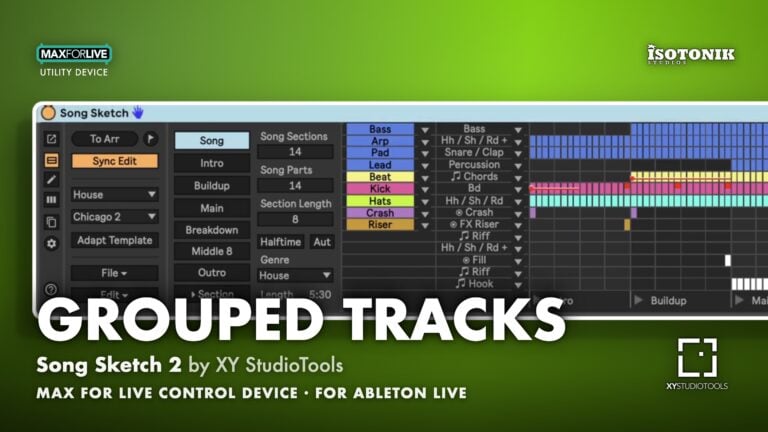
- Grouped tracks: Assign a group of tracks in the Live set to one part in the arrangement template
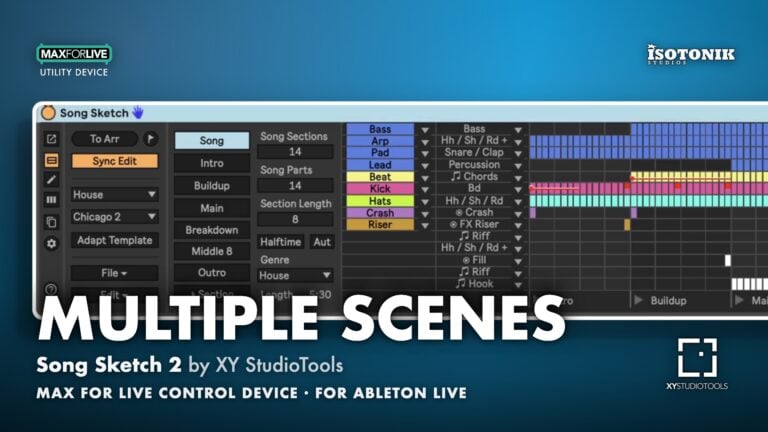
- Multiple scenes: Use several different scenes to create variation between song sections
- Edit and create: Make settings for song sections, draw/edit your arrangement and save your own templates
- Expanded view: Get more space to work in the pop out window
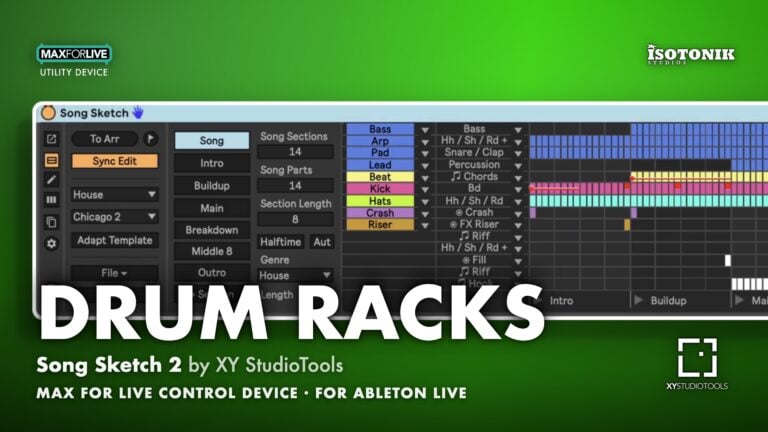
- Drum rack tool: Auto separate drum racks to individual clips to enable arranging different drum parts
- Import arrangements from Live: Import existing Live sets into Song Sketch (in Live 11)
Free for subscribers
Join the list and get 10 free downloads, including 8 Max for Live devices
Subscribers get Isotonik FX, Live Scratcher, Modular Series LE Part ONE, Modular Series LE Part TWO and more for free. You also hear about new releases and deals first.
Just your email. No spam, unsubscribe anytime.

Reviews
Great Product
I really loved it! Excellent device
Makes my worflow faster , it saves me tons of time when it comes to arrange multiple chanels
A total game-changer for my arrangements!
Song Sketch is an incredible tool that has completely transformed my workflow. It significantly speeds up the track structuring process, allowing me to focus on creativity rather than routine tasks. The interface is intuitive and makes the whole arrangement process much more efficient. It's a must-have for any producer!
Rapid arrangement building
Tis is what you need.
This is such a great tool. My biggest compliments to the persons who made this.
Due to Post Covid issues my concentration and focus is bad, bu thanks to Song Sketch i can make arrangements again.
Thanks so much for this
Everythng
Nothing
great tool for building tracks, maybe not very precise but it gives great ideas on how to develop the track
Just wanted to report back after a few years of using this. Song Sketch 2 is an absolutely wonderful pairing with the new Ableton Move product. Easily write on the Move, bring into Live and flex Song Sketch for some quick starter arrangements. Between Move and Song Sketch, I'm getting from inspiration to a bounced demo so much faster. Do not sleep on this device.
Loop to Song
From Loop to Full Song in Seconds
Put your loops on Scene 1, choose a template and press To Arr. Song Sketch places every part across the Arrangement View, section by section, so you hear a full draft of your track straight away.
Templates
Arrangement Templates for Every Style
Step through templates for House, Techno, Trance, Drum n Bass and more. Each one shows its sections and when every part comes in and drops out. Starter includes 72 templates in 12 genres and Pro 172 in 14, with more in expansion packs.
Genres
Hear Your Idea in Another Genre
Load a template from another style and place the song again. The same loops become a Drum n Bass arrangement, a House one or a Techno one, so you can hear which structure suits the track best.
Parts
Choose Which Track Plays Which Part
Song Sketch matches your tracks to the parts in a template automatically. Use the dropdown next to any track to move it to another part, then place the arrangement again and the Arrangement View follows.
Sections
Build the Structure Section by Section
Song sections are the building blocks of every arrangement. Select a section, add a copy, change its length or move it, then place the song again to hear the new structure.
Important Information
INSTALLATION
Our Products are generally provided as Zip file downloads which in all cases will need to be extracted and saved to your hard drive prior to installation. Details on the different file type provided and what to do with them are below.
.alp Files – These are Ableton Live Packs and will either install directly into the Packs Section of the browser of Ableton Live or ask you to save them to your hard drive. For packs that install to the library, when you double click on them you will see a pop up window asking you to confirm that installation is ok as the files are described as “Legacy”. This is fine and you are ok to proceed, the packs are created using the format for an earlier version of Live and so remain compatible with the current version.
.amxd files – These are individual MaxforLive Devices and can be stored anywhere on your hard drive. We’d advise creating a folder for them and then adding that folder as a location within the Places section of Lives Browser.
LICENSE
END-USER LICENSE AGREEMENT FOR ISOTONIK STUDIOS SOFTWARE PRODUCTS.
PLEASE READ THE TERMS AND CONDITIONS OF THIS LICENSE AGREEMENT CAREFULLY BEFORE CONTINUING WITH THIS PROGRAM INSTALL.
This End-User License Agreement (referred to as “EULA”) is a legal agreement between an individual or a single entity (referred to as “LICENSEE”) and Isotonik Studios for the Isotonik Studios software product(s) which may include associated software components, media, printed materials, and “online” or electronic documentation (referred to as “SOFTWARE PRODUCT”). By installing, copying, or otherwise using the SOFTWARE PRODUCT, the LICENSEE agrees to be bound by the terms of this EULA.
This EULA represents the entire agreement concerning the program between the LICENSEE and Isotonik Studios and it supersedes any prior proposal, representation, or understanding between the parties. If the LICENSEE does not agree to the terms of this EULA, the LICENSEE should not install or use the SOFTWARE PRODUCT.
The SOFTWARE PRODUCT is protected by copyright laws and international copyright treaties, as well as other intellectual property laws and treaties. The SOFTWARE PRODUCT is licensed, not sold.
- GRANT OF LICENSE.
The SOFTWARE PRODUCT is licensed as follows:
(a) Installation and Use. Providing that the LICENSEE has paid any applicable license fees, Isotonik Studios grants the LICENSEE the right to install and use copies of the SOFTWARE PRODUCT on up to two computers in the LICENSEE’s possession that are running a validly licensed copy of the operating system for which the SOFTWARE PRODUCT was designed [e.g., Windows 10, macOS]. The computer(s) must be owned by the LICENSEE.
(b) Backup Copies. The LICENSEE may also make copies of the SOFTWARE PRODUCT as may be necessary for backup and archival purposes.
- DESCRIPTION OF OTHER RIGHTS AND LIMITATIONS.
(a) Maintenance of Copyright Notices. The LICENSEE must not remove or alter any copyright notices on any and all copies of the SOFTWARE PRODUCT.
(b) Distribution. The LICENSEE may not distribute registered copies of the SOFTWARE PRODUCT to third parties.
(c) Prohibition on Reverse Engineering, Decompilation, and Disassembly. The LICENSEE may not reverse engineer, decompile, or disassemble the SOFTWARE PRODUCT, except and only to the extent that such activity is expressly permitted by applicable law notwithstanding this limitation.
(d) Rental. The LICENSEE may not rent, lease, or lend the SOFTWARE PRODUCT.
(e) License transfer The LICENSEE may not transfer their license to the SOFTWARE PRODUCT to any third party. Any attempt to do so will be considered a violation of this EULA.
(f) Support Services. Isotonik Studios may provide the LICENSEE with support services related to the SOFTWARE PRODUCT for a period of 12 months following the date of purchase. Any supplemental software code provided to the LICENSEE as part of the Support Services shall be considered part of the SOFTWARE PRODUCT and subject to the terms and conditions of this EULA.
(g) Compliance with Applicable Laws. The LICENSEE must comply with all applicable laws regarding use of the SOFTWARE PRODUCT.
- TERMINATION Without prejudice to any other rights, Isotonik Studios may terminate this EULA if the LICENSEE fails to comply with the terms and conditions of this EULA. In such event, the LICENSEE must destroy all copies of the SOFTWARE PRODUCT in the LICENSEE’s possession.
- COPYRIGHT All title, including but not limited to copyrights, in and to the SOFTWARE PRODUCT and any copies thereof are owned by Isotonik Studios or its suppliers. All title and intellectual property rights in and to the content which may be accessed through use of the SOFTWARE PRODUCT is the property of the respective content owner and may be protected by applicable copyright or other intellectual property laws and treaties. This EULA grants the LICENSEE no rights to use such content. All rights not expressly granted are reserved by Isotonik Studios.
- NO WARRANTIES Isotonik Studios expressly disclaims any warranty for the SOFTWARE PRODUCT. The SOFTWARE PRODUCT is provided ‘As Is’ without any express or implied warranty of any kind, including but not limited to any warranties of merchantability, noninfringement, or fitness of a particular purpose. Isotonik Studios does not warrant or assume responsibility for the accuracy or completeness of any information, text, graphics, links or other items contained within the SOFTWARE PRODUCT. Isotonik Studios makes no warranties respecting any harm that may be caused by the transmission of a computer virus, worm, time bomb, logic bomb, or other such computer program. Isotonik Studios further expressly disclaims any warranty or representation to the LICENSEE or to any third party.
- LIMITATION OF LIABILITY In no event shall Isotonik Studios be liable for any damages (including, without limitation, lost profits, business interruption, or lost information) arising out of the LICENSEE’s use of or inability to use the SOFTWARE PRODUCT, even if Isotonik Studios has been advised of the possibility of such damages. In no event will Isotonik Studios be liable for loss of data or for indirect, special, incidental, consequential (including lost profit), or other damages based in contract, tort or otherwise. Isotonik Studios shall have no liability with respect to the content of the SOFTWARE PRODUCT or any part thereof, including but not limited to errors or omissions contained therein, libel, infringements of rights of publicity, privacy, trademark rights, business interruption, personal injury, loss of privacy, moral rights or the disclosure of confidential information.
Frequently Asked Questions
What version of Ableton Live do I need to run Song Sketch 2?
Song Sketch 2 is a Max for Live device, so you will need Ableton Live Suite or a Live Standard licence with Max for Live added. It is compatible with Live 11 and above, with the arrangement import feature available specifically in Live 11.
How does Song Sketch 2 actually help me build an arrangement?
You start with the loop or clips you are already working with, load an arrangement pattern template that suits your genre, then assign your parts to the sections of the arrangement. Song Sketch 2 handles the structural layout so you can focus on the creative decisions rather than manually dragging clips around the timeline.
Can I create my own arrangement templates or am I limited to the presets?
You can absolutely create your own templates alongside the included presets. This means you can build and save arrangement structures that match your personal workflow or the specific genres you produce.
Does it work with both MIDI and audio clips?
Yes, Song Sketch 2 supports both MIDI and audio clips, and they can be of different lengths. You can also use a single scene of clips per track or multiple different scenes, giving you plenty of flexibility.
What is included in the Pro Pack?
The Pro Pack is the full version of Song Sketch 2 by XY StudioTools, giving you access to the complete set of workflow tools, preset templates, and the arrangement building features described. Check the product page for the full breakdown of what is bundled in.
Can I import an existing arrangement structure from Ableton Live into Song Sketch 2?
Yes, if you are running Live 11 you can import the structure of an existing arrangement directly into Song Sketch 2 and use it as the basis for your template. This is a great way to reverse-engineer arrangements you have already started.
Is Song Sketch 2 suitable for producers who are new to arrangement?
It is well suited to producers at any level who struggle to move from a loop to a finished track. The template-based approach gives you a clear structure to work within, which is particularly helpful if arrangement is not your strongest point.
In Depth
With Song Sketch 2 you can quickly draft an arrangement based on your loop and work with different arrangement options for the music that you are composing.
SONG SKETCH 2 – WORKFLOW
The Song Sketch workflow takes you from a loop to a full track in a few steps:
- Start with your loop. Start with the loop that you are working on. You can use midi- and audio clips of different lengths. For each track or group of tracks, you can use either just one scene of clips or several different scenes.
- Apply an arrangement pattern. Load a template with an arrangement pattern for the genre. You can either use preset templates in Song Sketch, or you can create your own templates. In Live 11, it is also possible to import the structure of an arrangement into Song Sketch.
- Assign parts. When loading a template, your tracks will be matched with the different tracks in the template. Before placing the arrangement, consider how the tracks are assigned and make the adjustments that you like.
- Define scenes. You now have a draft arrangement to start working from. If you are using several scenes, for example if you like to use a different chord progression in choruses, select in which section each scene should be used.
- Play back the first draft. Click the “To Arr” button to place the arrangement onto the Live Arrangement View and play back to hear the first draft.
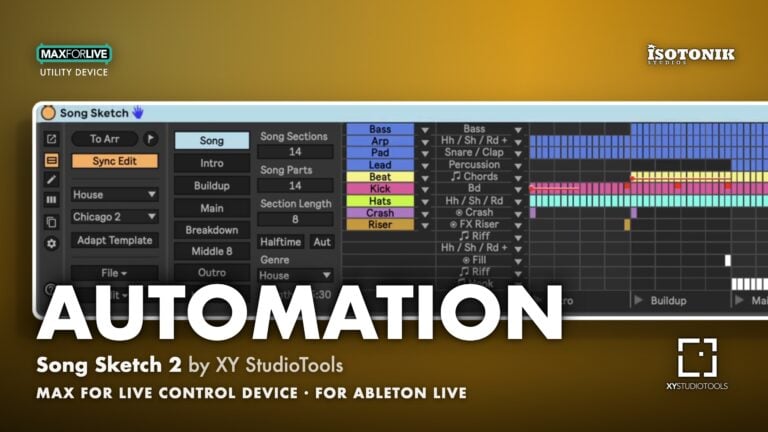
- Edit. Edit the song structure in Song Sketch, for example by changing the length of sections, adding new sections, drawing bars and adding automation.
- Play back and continue your workflow in the Arrangement View. Update the Live Arrangement View and listen to your result. You now have a starting point for a track and can continue your workflow in the Live Arrangement View, for example to work on layering sounds, creating variation throughout the track and adding automation.
SONG SKETCH 2 – KEY FEATURES
- Grouped tracks: Assign a group of tracks in the Live set to one part in the arrangement template
- Multiple scenes: Use several different scenes to create variation between song sections
- Edit and create: Make settings for song sections, draw/edit your arrangement and save your own templates
- Expanded view: Get more space to work in the pop out window
- Drum rack tool: Auto separate drum racks to individual clips to enable arranging different drum parts
- Import arrangements from Live: Import existing Live sets into Song Sketch (in Live 11)
SONG SKETCH 2 – ARRANGEMENT TEMPLATES
Song Sketch 2 Pro comes with 172 arrangement templates in 14 different genres and styles. Applying various arrangement templates enables you to quickly test your loops in a full length song. You can also customise the arrangements, for instance by applying the pattern to your loops in different ways, or by editing the length and placement of the different parts of your song. Any work you do in Song Sketch can be saved as a new arrangement template. You can also create your own templates from scratch.
Templates included in Song Sketch 2 Pro:
- 12 x Hip Hop
- 12 x House (Chicago, Melodic, Tech House)
- 12 x Deep House
- 12 x Techno (Peak Time, Hypnotic/Deep)
- 12 x Dance & Mainstage
- 16 x Pop
- 12 x Drum & Bass
- 12 x Trap
- 12 x Reggae & Dancehall
- 12 x Trance
- 12 x Reggaeton
- 12 x Downtempo
- 12 x Disco
- 12 x Rock & Country
SONG SKETCH 2 – COMPARE EDITIONS
Song Sketch 2 Pro: CLICK HERE
- All features
- 172 templates
- 14 genres
Song Sketch 2 Starter: CLICK HERE
- All features
- 72 templates
- 12 genres
SONG SKETCH 2 – EXPANSION PACKS – AVAILABLE SEPARATELY
Expansion pack are available separately and give you additional arrangement templates in a style of your choice, they are compatible with Song Sketch 2 Pro and Song Sketch 2 Starter editions. Available expansion packs include:
- 12 x Mid Tempo Pop
- 12 x Detroit Deep House
- 12 x Deep Techno
- 24 x Melodic House and Techno
- 24 x Minimal / Deep Tech / Deep House
- 12 x Tech House
- 12 x Synthwave
- 24 x Driving Techno
- 24 x Deep & Hypnotic Techno
- 24 x Detroit Electro
- 24 x Organic House & Downtempo
- 24 x Instrumental Beats
BUILD YOUR OWN BUNDLE: Purchase any 3 XY Studio Products at the same time and claim a 20% Discount automatically applied at checkout!
ALSO AVAIALBLE: SONG SKETCH | LOOP FLIP | KEY ARRANGER
More from XY StudioTools



 -20%