
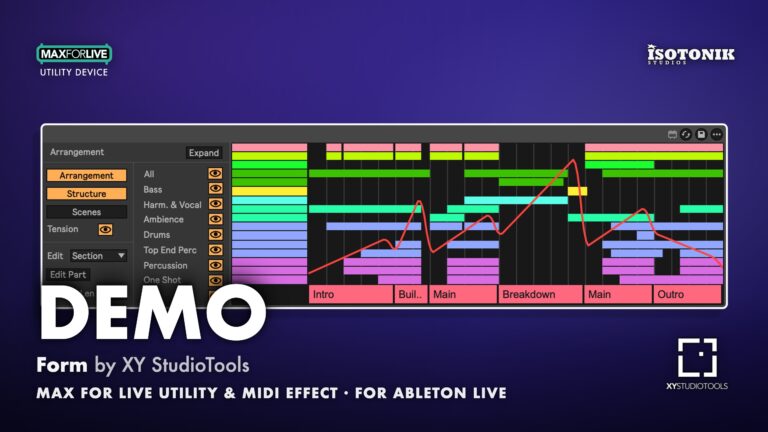
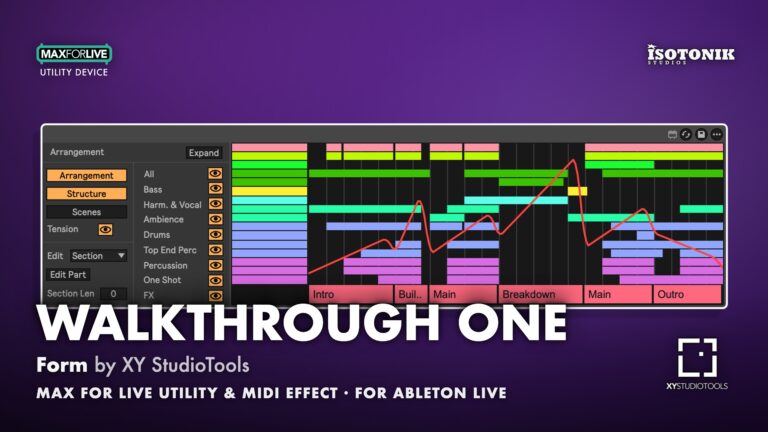
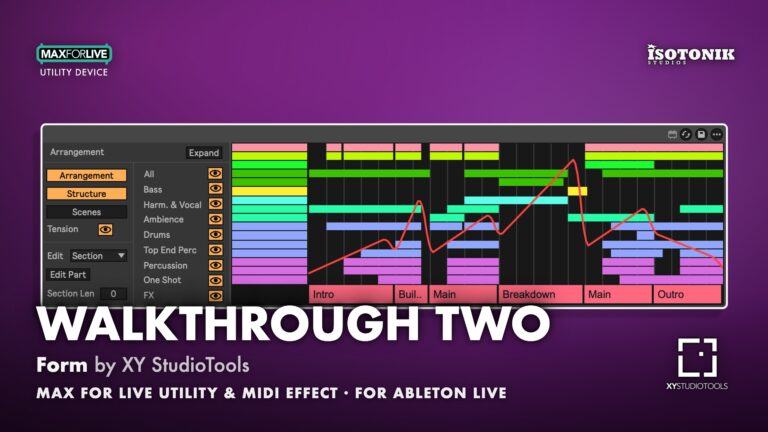
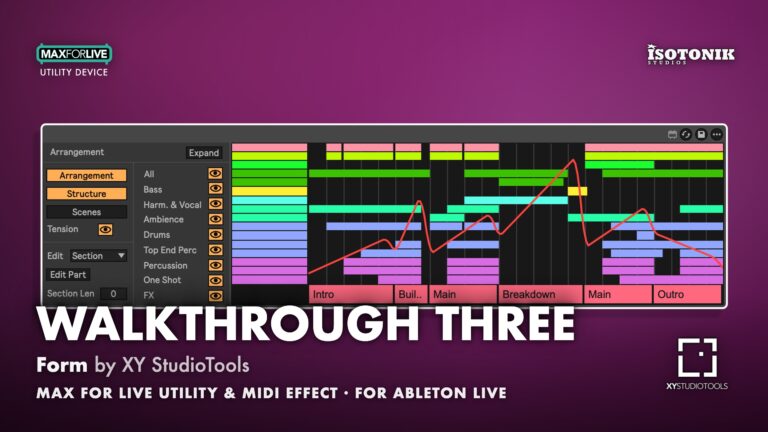
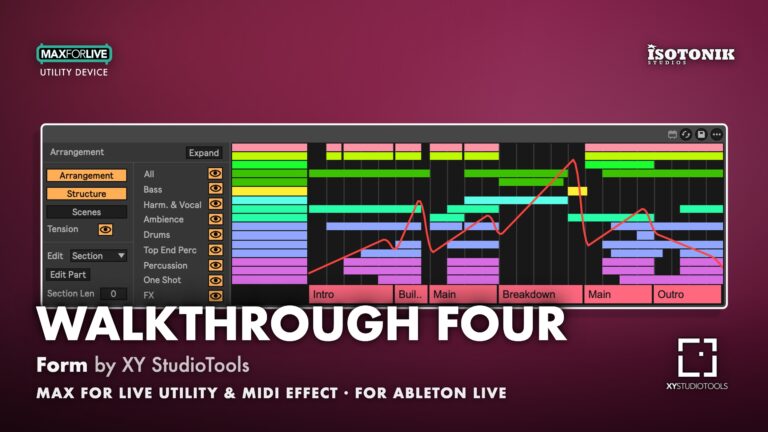
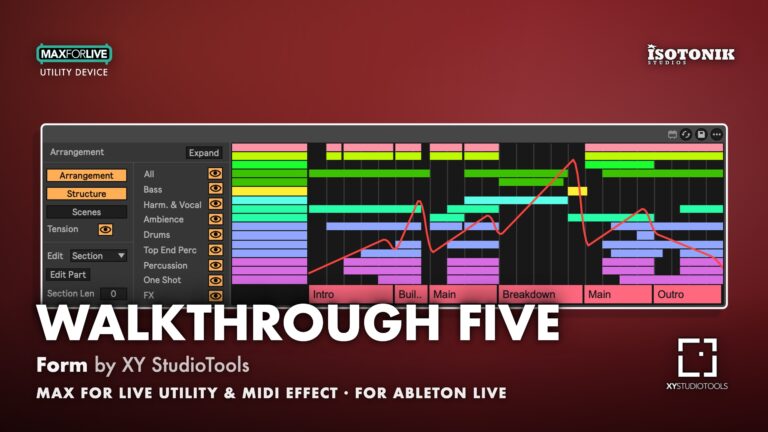
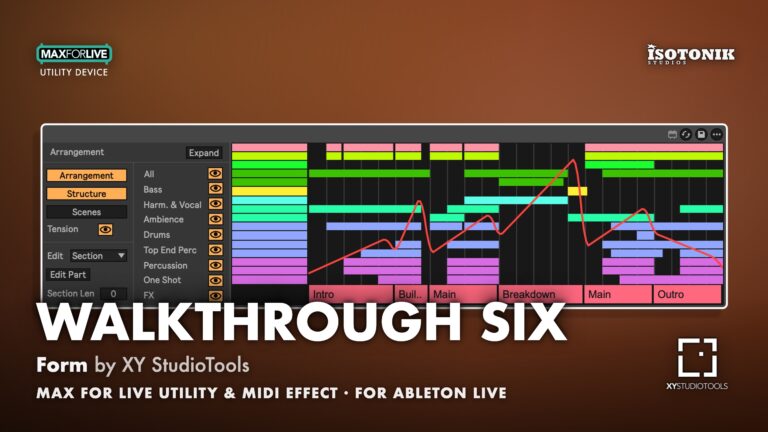
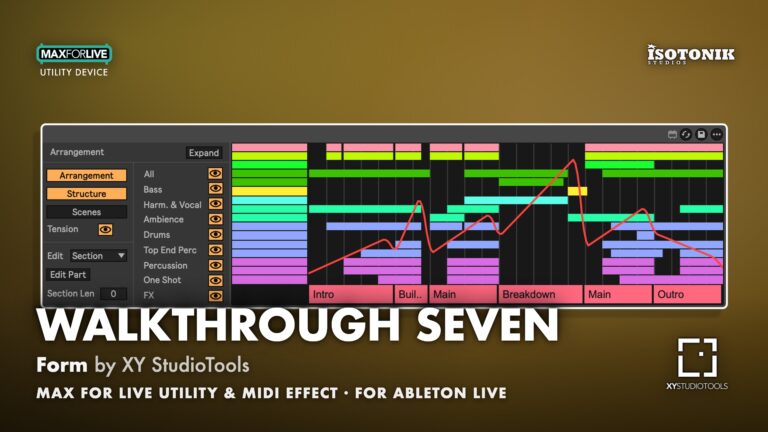
Form by XY StudioTools
TURN YOUR SESSION VIEW LOOPS INTO A FULL ARRANGEMENT DRAFT IN SECONDS Form is a Max for Live arrangement device that takes your Session View clips and places them into a structured Arrangement View draft, applying common song-structure principles such as intros, builds, breakdowns, and outros. It gives you a concrete starting point to react to, so you can hear your idea as a track shape without manually moving every clip into place. Your clips, sounds, and final decisions stay at the centre of the process. • Arrangement drafting: Converts Session View loops into editable Arrangement View drafts automatically. • Style Browser: Filter and choose arrangement styles by genre, structure type, and collection, with a live preview before placing anything into Live. • Smart track detection: Automatically detects track types such as bass, kick, harmonic, and percussion from track names, with manual override available. • Editable arrangement preview: Edit section lengths, part entries, scene assignments, and clip placements before committing to Arrangement View. • Voice Mode: Control how group tracks and Drum Racks are treated, either as one combined part or as separate independent voices. • Sync mode: Optionally apply changes from Form directly to Live's Arrangement View in real time.
Buying for someone?Send a gift card →

XY StudioTools
XY StudioTools was founded in 2020 with the vision to introduce new workflows for digital music production.
View all products by XY StudioToolsOverview
Form Arrangement tool for Live: Arrange your loops, explore options faster and connect chatGPT or Claude to your arrangement workflow
Form is a Max for Live device for Ableton Live that arranges your short loop into a full track structure, enabling you to quickly hear the potential of your ideas and giving you customized starting points for arrangements. Using Form is similar to randomizing notes and keeping the phrases you like, but for arrangement.
Following Song Sketch 2, Form is the next generation of arrangement tool that tailors the result to the specific material that you have in your loop. Form combines arrangement principles, patterns from your Form Styles (example arrangements), and randomness to create a starting point for you to continue working from. The same Form Style comes out different on different material, always customized to what you have.
Form also offers the possibility of working with an AI tool of your choice to generate or edit arrangements with Form. Activating the AI Bridge will give your AI tool access to work with all built-in knowledge on arrangement and song structure in Form and any additional Form Styles that you have.
Adding more styles to Form makes it possible to achieve a more varied result and explore more arrangement ideas for your loops:
- Form Base is the full version of the Max for Live device and includes all features. It is a free download and includes a demo collection of 10 Styles in different genres.
- For a varied result, you can add additional Form Styles in the genre you are working with. Add-on packs and bundles for different genres are available in the shop.
- All Song Sketch 2 templates are compatible with Form and can be used as Styles.
- Arrangement drafting: Converts Session View loops into editable Arrangement View drafts automatically.
- Style Browser: Filter and choose arrangement styles by genre, structure type, and collection, with a live preview before placing anything into Live.
- Smart track detection: Automatically detects track types such as bass, kick, harmonic, and percussion from track names, with manual override available.
- Editable arrangement preview: Edit section lengths, part entries, scene assignments, and clip placements before committing to Arrangement View.
- Voice Mode: Control how group tracks and Drum Racks are treated, either as one combined part or as separate independent voices.
- Sync mode: Optionally apply changes from Form directly to Live’s Arrangement View in real time.
- AI Bridge: Activating the AI Bridge gives your AI tool of choice access to work with all built-in knowledge on arrangement and song structure in Form and any additional Form Styles that you have.
- Max for Live .amxd device
- Demo collection of 10 Form Styles
Free for subscribers
Join the list and get 10 free downloads, including 8 Max for Live devices
Subscribers get Isotonik FX, Live Scratcher, Modular Series LE Part ONE, Modular Series LE Part TWO and more for free. You also hear about new releases and deals first.
Just your email. No spam, unsubscribe anytime.


Reviews
No reviews yet. Be the first to review this product.


Form Arrangement Tool
Turn your ideas into draft arrangements
Arrange your loops, explore options faster and connect chatGPT or Claude to your arrangement workflow. Using Form is similar to randomizing notes and keeping the phrases you like, but for arrangement.
Important Information
INSTALLATION
Place the folder named Form including all its content in your Ableton user library
LICENSE
END-USER LICENSE AGREEMENT FOR ISOTONIK STUDIOS SOFTWARE PRODUCTS.
PLEASE READ THE TERMS AND CONDITIONS OF THIS LICENSE AGREEMENT CAREFULLY BEFORE CONTINUING WITH THIS PROGRAM INSTALL.
This End-User License Agreement (referred to as “EULA”) is a legal agreement between an individual or a single entity (referred to as “LICENSEE”) and Isotonik Studios for the Isotonik Studios software product(s) which may include associated software components, media, printed materials, and “online” or electronic documentation (referred to as “SOFTWARE PRODUCT”). By installing, copying, or otherwise using the SOFTWARE PRODUCT, the LICENSEE agrees to be bound by the terms of this EULA.
This EULA represents the entire agreement concerning the program between the LICENSEE and Isotonik Studios and it supersedes any prior proposal, representation, or understanding between the parties. If the LICENSEE does not agree to the terms of this EULA, the LICENSEE should not install or use the SOFTWARE PRODUCT.
The SOFTWARE PRODUCT is protected by copyright laws and international copyright treaties, as well as other intellectual property laws and treaties. The SOFTWARE PRODUCT is licensed, not sold.
- GRANT OF LICENSE.
The SOFTWARE PRODUCT is licensed as follows:
(a) Installation and Use. Providing that the LICENSEE has paid any applicable license fees, Isotonik Studios grants the LICENSEE the right to install and use copies of the SOFTWARE PRODUCT on up to two computers in the LICENSEE’s possession that are running a validly licensed copy of the operating system for which the SOFTWARE PRODUCT was designed [e.g., Windows 10, macOS]. The computer(s) must be owned by the LICENSEE.
(b) Backup Copies. The LICENSEE may also make copies of the SOFTWARE PRODUCT as may be necessary for backup and archival purposes.
- DESCRIPTION OF OTHER RIGHTS AND LIMITATIONS.
(a) Maintenance of Copyright Notices. The LICENSEE must not remove or alter any copyright notices on any and all copies of the SOFTWARE PRODUCT.
(b) Distribution. The LICENSEE may not distribute registered copies of the SOFTWARE PRODUCT to third parties.
(c) Prohibition on Reverse Engineering, Decompilation, and Disassembly. The LICENSEE may not reverse engineer, decompile, or disassemble the SOFTWARE PRODUCT, except and only to the extent that such activity is expressly permitted by applicable law notwithstanding this limitation.
(d) Rental. The LICENSEE may not rent, lease, or lend the SOFTWARE PRODUCT.
(e) License transfer The LICENSEE may not transfer their license to the SOFTWARE PRODUCT to any third party. Any attempt to do so will be considered a violation of this EULA.
(f) Support Services. Isotonik Studios may provide the LICENSEE with support services related to the SOFTWARE PRODUCT for a period of 12 months following the date of purchase. Any supplemental software code provided to the LICENSEE as part of the Support Services shall be considered part of the SOFTWARE PRODUCT and subject to the terms and conditions of this EULA.
(g) Compliance with Applicable Laws. The LICENSEE must comply with all applicable laws regarding use of the SOFTWARE PRODUCT.
- TERMINATION Without prejudice to any other rights, Isotonik Studios may terminate this EULA if the LICENSEE fails to comply with the terms and conditions of this EULA. In such event, the LICENSEE must destroy all copies of the SOFTWARE PRODUCT in the LICENSEE’s possession.
- COPYRIGHT All title, including but not limited to copyrights, in and to the SOFTWARE PRODUCT and any copies thereof are owned by Isotonik Studios or its suppliers. All title and intellectual property rights in and to the content which may be accessed through use of the SOFTWARE PRODUCT is the property of the respective content owner and may be protected by applicable copyright or other intellectual property laws and treaties. This EULA grants the LICENSEE no rights to use such content. All rights not expressly granted are reserved by Isotonik Studios.
- NO WARRANTIES Isotonik Studios expressly disclaims any warranty for the SOFTWARE PRODUCT. The SOFTWARE PRODUCT is provided ‘As Is’ without any express or implied warranty of any kind, including but not limited to any warranties of merchantability, noninfringement, or fitness of a particular purpose. Isotonik Studios does not warrant or assume responsibility for the accuracy or completeness of any information, text, graphics, links or other items contained within the SOFTWARE PRODUCT. Isotonik Studios makes no warranties respecting any harm that may be caused by the transmission of a computer virus, worm, time bomb, logic bomb, or other such computer program. Isotonik Studios further expressly disclaims any warranty or representation to the LICENSEE or to any third party.
- LIMITATION OF LIABILITY In no event shall Isotonik Studios be liable for any damages (including, without limitation, lost profits, business interruption, or lost information) arising out of the LICENSEE’s use of or inability to use the SOFTWARE PRODUCT, even if Isotonik Studios has been advised of the possibility of such damages. In no event will Isotonik Studios be liable for loss of data or for indirect, special, incidental, consequential (including lost profit), or other damages based in contract, tort or otherwise. Isotonik Studios shall have no liability with respect to the content of the SOFTWARE PRODUCT or any part thereof, including but not limited to errors or omissions contained therein, libel, infringements of rights of publicity, privacy, trademark rights, business interruption, personal injury, loss of privacy, moral rights or the disclosure of confidential information.
CHANGELOG
v1.0.1 · released 25 Nov 2026
- Fixed Arrangement Section clip placement on Live 11 and Live 12 versions before 12.1.10
- Scene names containing Bridge or Middle Eight now map to Middle 8 Sections.
- Form now finds the styles folder regardless of capitalization, including on case-sensitive drives.
- Added a startup warning on Live versions older than 11.3.43.
- Reduced routine Max Console output while keeping warnings, errors, and optional diagnostics available.
Frequently Asked Questions
Does Form make creative decisions for me, or do I stay in control?
Form gives you a draft to continue working on, not a finished track. Your clips, sounds, and final decisions stay at the centre of the process. It is a workflow tool that speeds up the process, gives inspiration and provides a starting point for your arrangement.
How does Form know what each of my tracks is? Does Form listen to my audio?
Form reads your track names and automatically assigns a musical type to each one, such as bass, kick, snare, harmonic, or percussion. You do not need exact naming; a track called synth bass_2 will still be understood as bass. If anything is detected incorrectly, you can correct it manually in the Tracks panel before arranging. Form does not listen to your audio.
Can I use Form with Drum Racks or grouped tracks?
Yes. For Drum Racks and group tracks, Voice Mode lets you decide whether the whole rack or group is treated as one part or whether individual sounds and child tracks can be arranged independently. This gives you fine control over how your drum kit or layered sounds appear in the arrangement. You do not need to split Drum Racks.
Can I edit arrangements and save my own?
Yes. In Form, you can change section lengths, when parts play, and which scenes are used, and save your own Styles directly from the device.
Can I install additional Styles, and where can I get them?
Yes. Additional Style collections can be installed by placing them in the styles folder inside the Form folder in your Ableton User Library. Form also supports Song Sketch templates placed in the same styles folder. Additional Styles are available in the shop.
What is the difference between Form and Song Sketch 2?
Song Sketch 2 applies arrangement templates: fixed patterns that you assign your tracks to.
Form uses Styles. A Style describes an arrangement shape: the song sections, which kinds of parts tend to play in each section, and the overall energy curve. Form adapts the Style to the parts in your Live set, so the same Style comes out differently on different material. The result is a custom starting arrangement that you continue working on in Live.
New features in Form compared to Song Sketch 2:
– Adapt each Style to the material in your Live set.
– Arrange the sounds in a Drum Rack, or the tracks in a group, as separate parts without splitting them.
– Work with an AI tool of your choice through the AI Bridge, to create or change an arrangement from your instructions.
What happens to Song Sketch 2? Which one should I use?
Form is the arrangement tool XY StudioTools will keep developing from now on, and the one we recommend.
Your Song Sketch 2 templates will continue to work in Form. That includes the core library that came with Song Sketch 2 and any add-on packs you bought.
How do I use my Song Sketch templates in Form?
Place the template files in Form’s styles folder, next to Form.amxd. If your templates are in a Libs folder, place that whole folder inside styles, giving you Form/styles/Libs/.
Reload Form, or restart Live if the templates do not appear.
Your templates then appear as Styles in Form’s Style Browser. Use the Genres and Style Collections filters to find them. The Form manual shows the folder layout.
In Depth
From loop to arrangement – How it works
Form is built around musical form: when parts enter, leave, build, rest, and return over the length of a track.
A part is one musical lane Form can arrange. Most of the time this is one Live track, such as a bass, kick, pad, or hihat track. A part can also be a group, or an individual Drum Rack sound if the Drum Rack is set to separate sounds.
Material
Form starts with the material in your Live set, especially the clips in Session View. It looks at tracks, clips, groups, Drum Racks, and scenes, then builds a list of parts it can arrange.
Form does not listen to the audio itself. It works from clips, track names, labels, and settings. Use descriptive track names in English to help Form guess what each part is. You can also make manual adjustments.
Styles
A Style is an arrangement shape. It contains things like:
- song sections, such as Intro, Main, Breakdown, and Outro
- which musical types tend to play in each section
- the overall energy or tension curve
A style is not audio, and it is not a fixed template that must match your set exactly.
Form Base comes with a limited selection of Styles. More styles are available as add-ons. Add Styles in the genre you are interested in, or in a related genre, to get more varied results.
Note that all Song Sketch 2 templates are compatible with Form, meaning that they can be used as Form Styles.
Adaptation
When you select a Style, Form adapts that Style to your parts. For example, a bass lane in the Style is matched to your bass track, drum lanes are matched to your drum or percussion parts, and harmonic lanes are matched to pads, chords, leads, or similar material.
Your set will almost never have exactly the same parts as a style. Form will will expand or simplify arrangement lanes so the selected style can still work with the material you have. This is why each selected style becomes a custom arrangement for the current Live set.
Scenes
Form uses the first scene in Ableton’s Session View as default scene. If your idea uses several Live scenes, Form can use different scenes in different parts of the arrangement.
Placement
The preview shows the arrangement before it is placed into Live. Click Arrange to place clips into Live’s Arrangement View from the selected Start Bar.
After that, continue editing in Live as usual. Form is meant to create a strong musical starting arrangement, not replace detailed manual editing.
Styles and additional collections
Form ships with a base collection of styles and supports additional style collections. Extra collections are installed by placing them inside the styles folder within the Form folder in your Ableton User Library. Song Sketch templates from XY StudioTools are also supported and install the same way.
After installing a new collection, reload Form or restart Live and the new styles appear in the browser. The Style Browser sorts styles by recommended order based on the track types it sees in your set, though any style can be selected regardless of that suggestion.
Compatibility
Form requires Ableton Live 11 or 12, either Suite or Standard with a Max for Live add-on licence. It runs on Mac and Windows with a recommended minimum of 8 GB RAM. It is a Max for Live MIDI device and installs into the Ableton User Library as a standard .amxd file.
More from XY StudioTools
 -20%