MIDI Toolset 003 by Manifest Audio
UNLOCK POLYMETRIC PATTERNS, SONIFIED VISUALS, AND TRANSFORMATIVE MIDI WORKFLOWS INSIDE ABLETON LIVE 12.
TRIPLE PACK SAVINGS: Add any three or more Manifest Audio products to your cart and save 20% automatically at checkout!
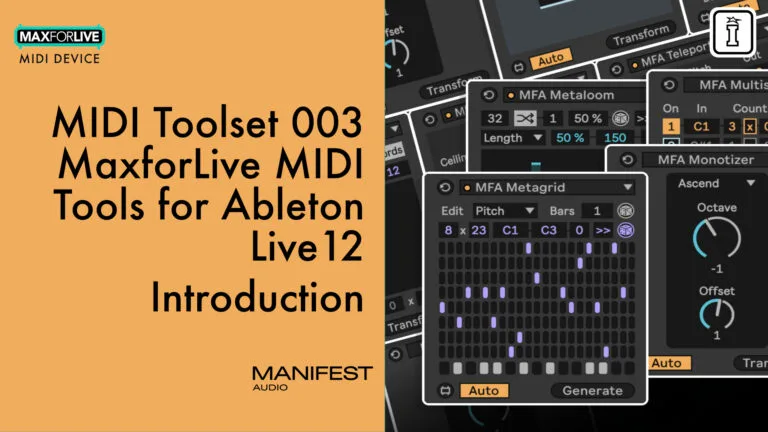
Dive deep into dynamic MIDI creation and manipulation with MIDI Toolset 003 by Manifest Audio – a powerful collection of 12 MaxforLive MIDI tools designed for the Generator and Transformer tabs in Ableton Live 12’s MIDI clip editor. From the visual sonification engine Scantron to the probabilistic power of Seeker, this toolset delivers intricate rhythm generators, expressive note processors, and experimental utilities that enhance both structured workflows and spontaneous improvisation.
Whether you’re unfolding polyrhythmic textures with Metagrid, weaving evolving progressions with Metaloom, or fracturing your clips with Quantographer, this is the most expansive toolkit yet from Manifest Audio – built for composers, beatmakers, and sound designers alike.
Features:
- 4 MIDI Generators & 8 MIDI Transformers
- Use visual noise to generate MIDI with Scantron
- Create probabilistic and polymetric patterns effortlessly
- Transform MIDI clips with tools like Refractor, Seeker, and Teleport
- Fully scale-aware with annotated Info View support
- Seamless integration into Live 12’s Generator/Transformer MIDI tabs
Start bending MIDI to your creative will and reshape your Ableton workflow with MIDI Toolset 003.
USER GUIDE: MFA MIDI Toolset 003 Manual + License
MIDI Toolset 003 by Manifest Audio
UNLOCK POLYMETRIC PATTERNS, SONIFIED VISUALS, AND TRANSFORMATIVE MIDI WORKFLOWS INSIDE ABLETON LIVE 12.
TRIPLE PACK SAVINGS: Add any three or more Manifest Audio products to your cart and save 20% automatically at checkout!
Dive deep into dynamic MIDI creation and manipulation with MIDI Toolset 003 by Manifest Audio – a powerful collection of 12 MaxforLive MIDI tools designed for the Generator and Transformer tabs in Ableton Live 12’s MIDI clip editor. From the visual sonification engine Scantron to the probabilistic power of Seeker, this toolset delivers intricate rhythm generators, expressive note processors, and experimental utilities that enhance both structured workflows and spontaneous improvisation.
Whether you’re unfolding polyrhythmic textures with Metagrid, weaving evolving progressions with Metaloom, or fracturing your clips with Quantographer, this is the most expansive toolkit yet from Manifest Audio – built for composers, beatmakers, and sound designers alike.
Features:
- 4 MIDI Generators & 8 MIDI Transformers
- Use visual noise to generate MIDI with Scantron
- Create probabilistic and polymetric patterns effortlessly
- Transform MIDI clips with tools like Refractor, Seeker, and Teleport
- Fully scale-aware with annotated Info View support
- Seamless integration into Live 12’s Generator/Transformer MIDI tabs
Start bending MIDI to your creative will and reshape your Ableton workflow with MIDI Toolset 003.
USER GUIDE: MFA MIDI Toolset 003 Manual + License
Additional information
| MaxforLive | Live 12 MIDI Tools Bundles |
|---|---|
| Ableton Live Compatibility | Ableton Live 12 Standard with MaxforLive, Ableton Live 12 Suite |
PRICE: £38.00
Product reviews
5 out of 5
1 review
How item rating is calculated
We show the average based on reviews. Only genuine reviews are displayed.
Sort by
August 9, 2026
This reviewer bought this product from our store.
These twelve tools push my ideas into a place great, a place I wouldn't have gone without them
I recommend this product
MIDI Toolset 003 by Manifest Audio
Overview & Inspiration
MIDI Toolset 003 is Manifest Audio’s most advanced collection of MaxforLive MIDI utilities yet – a versatile arsenal of tools designed to generate, randomize, sequence, and transform MIDI clips from within Live 12’s MIDI Note Editor. Whether you’re composing generative ambient music, slicing up polyrhythms, or designing dynamic grooves for techno or IDM, this toolkit opens new creative pathways.
What’s Inside?
Generators
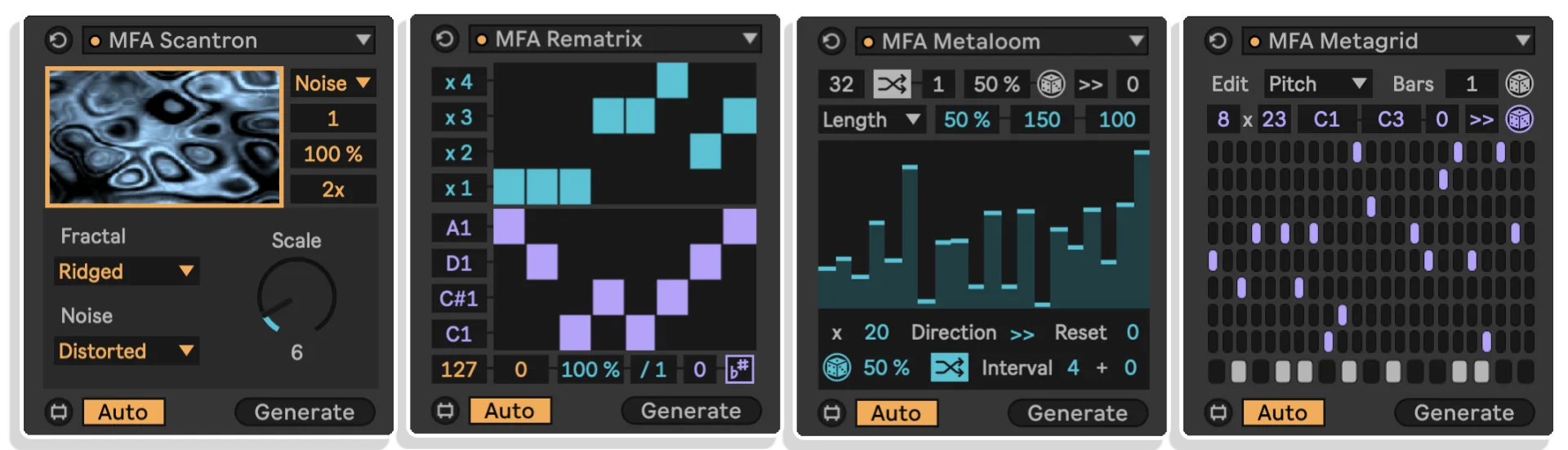
- Metagrid – Build polymetric, overlapping parameter sequences across eight customizable grids for pitch, velocity, chance, and more.
- Metaloom – Weave evolving musical sequences with six parameter sequencers and extensive randomization controls.
- Rematrix – Use dual probability matrices to remix selected notes across timing and pitch dimensions.
- Scantron – Sonify visual noise patterns and fractal algorithms to generate MIDI based on image data or procedural textures.
Transformers
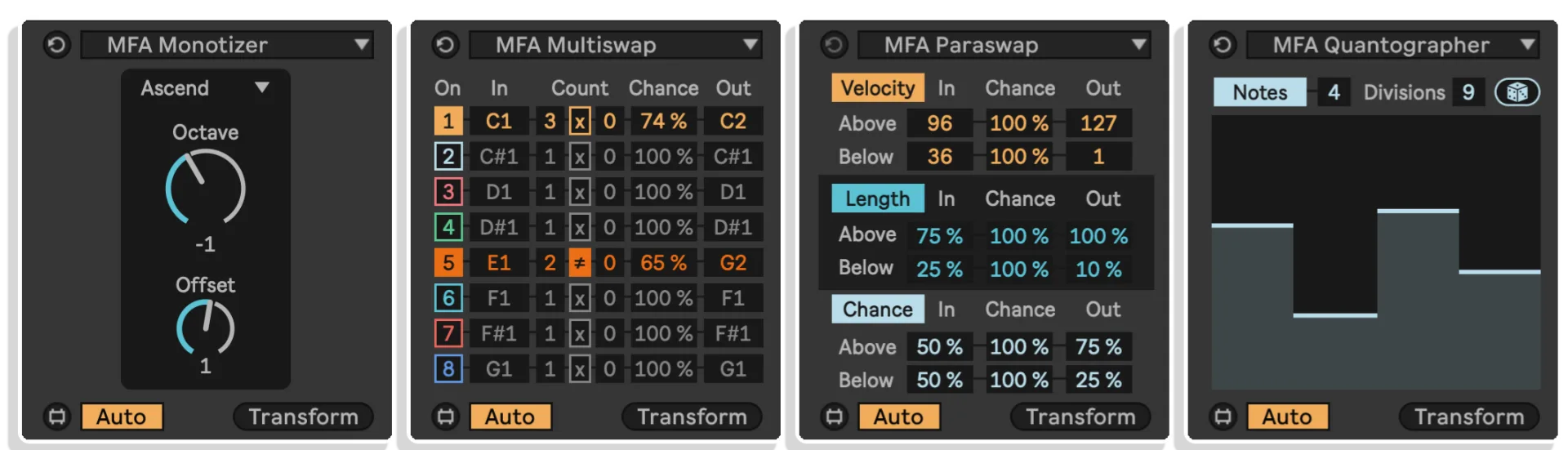
- Monotizer – Collapse polyphonic MIDI into single-note lines using nine algorithms like Lowest, Highest, Median, or Random.
- Multiswap – Probabilistically transpose up to eight specific note pitches to new targets with chance and count controls.
- Paraswap – Transform MIDI parameter values (velocity, length, chance) above or below thresholds into new outputs.
- Quantographer – Re-quantize MIDI clips into tupletted rhythmic divisions with groove extraction capability.
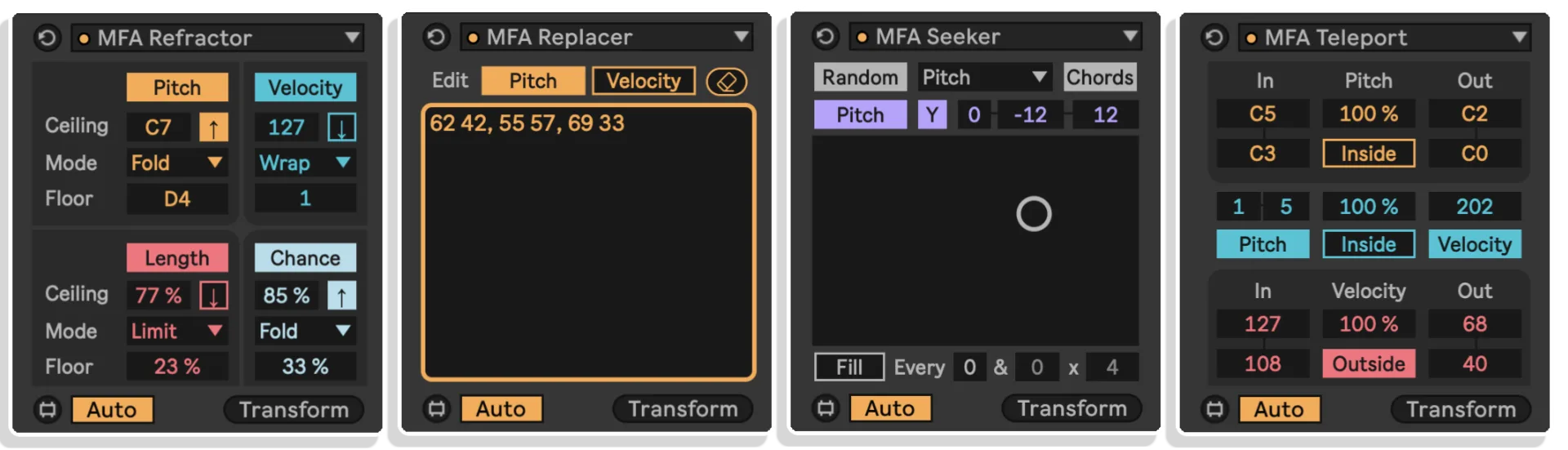
- Refractor – Fold, wrap, and limit pitch, velocity, and other values into creative rhythmic and melodic transformations.
- Replacer – Instantly remap pitch and velocity values with editable text-based maps — perfect for adapting drum kits.
- Seeker – Explore real-time XY-based variation control for pitch, velocity, length, chance, and offset with interval-based randomization.
- Teleport – Probabilistically relocate notes within your clip across pitch, velocity, and grid timing for generative variation.
All devices are Info View annotated and built with intuitive visual feedback for immersive, hands-on use.
How to Use
After installation into your User Library under the appropriate MIDI Tools folder structure, the devices become selectable directly within the Generator or Transformer tabs of any MIDI Clip in Live 12’s Note Editor. Just load, tweak, and generate – or transform existing MIDI clips with new levels of expressive control.
Tech Specs & Requirements
- Software: Ableton Live 12.2 Suite or higher
- Platform: MaxforLive (Max 9.0.7 recommended)
- Installation: Place devices into “User Library > MIDI Tools > Generators / Transformers” folders
- Formats: MaxforLive devices (.amxd), includes PDF manual
- Delivery: Instant digital download
BUILD YOUR OWN BUNDLE: Purchase any 3 Manifest Audio Packs at the same time and get a 20% Discount automatically applied at Checkout!
ALSO AVAILABLE: | MIDI TOOLSET 002 | MIDI TOOLSET 001 | OCTOPULSE | PATTERN ENGINE | X-FX 2 | SUBTRACTION ENGINE | TRIFECTA
Automatically detecting and adopting your MIDI clip length, selection, and quantization settings, each voice can even be expressed through a particular rhythm, generating on — or avoiding — specific beats using the count settings. Density determines how talkative each voice can be, while the central weight dial controls which voice dominates — and if so, by how much.
Base velocity combines with randomization and global deviation to make each voice more lively, while length control and randomization express your voices even more distinctively — with note probability to provide even more dynamic results.
Ideal for bass lines, melodic developments, percussive patterns, or any musical opportunity for call and response, Converser is designed to help your music speak. Scale aware, theme adaptive, and Info View annotated, this creative MIDI Tool Generator is designed to seamlessly enhance your creativity.

Hexaline generates patterns based on up to six available note choices which never overlap to produce linear drums or unique melodies at the current grid count. Each note line gets a pitch, velocity, length, and probability, along with a mute key. Velocity, deviation, length, and chance of all steps can be set globally. In the default Rest mode, muted lines result in rest gaps in the pattern; toggle into Fill mode to instead generate a full new pattern based on the new count total voice count. Finally, generation modes offer two random styles – along with forward, reverse, and elliptical generation with optional hold duration.

Explore geometric melodies with Metagraph, plotting points on a grid to optionally be scaled between a variety of pitches, velocities, lengths, or probabilities. Globally control deviation, and randomize new patterns for scratch with an optional density control to reduce the number of grid points that to be filled. Clear the pattern, or unlock the grid to enter to enter notes freehand. Set the number of vertical grid intervals to explore new note distributions with the lock activated, multiply the number of notes generated per interval with the division control, and reduce note output density to taste. Enter Manual grid mode to create a horizontally tupletted note entry grid of any division. Zoom in on either axis, hold Shift and click to remove a breakpoint – or hold Alt/Option to impose curves on the line.

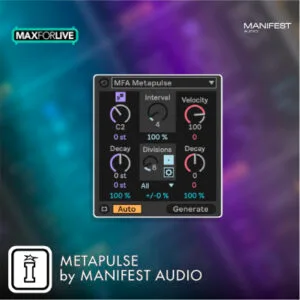
Inspired by our real-time Pulse Engine generator, Metapulse probabilistically generates new note pulses at the specified interval of the current grid setting, with a random division within the maximum selected each interval to generate complex note patterns. Pitch, velocity, and length can all be randomized each interval, have positive or negative decay imposed each interval, and have the amount of that decay randomized each interval as well. Explore different quantization restrictions – and enter the advanced mode to explore minimum and maximum limits on each pitch, velocity, or length decay, and decide on a behavior when those limits are reached: Clip at the obtained limit value, Wrap back to the upper limit, or Fold to reflect back in the opposite direction.

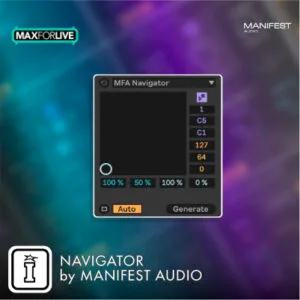
Navigator enables intuitive exploration of an endless pool of possible MIDI patterns via a simple XY field. The vertical axis controls the variety of note pitches and velocities explored within the ranges defined at right, with increasing variety at higher values, while the horizontal axis controls the density of the pattern and the variety of note lengths as specified by the sliders at bottom. Density always increases going right, pitch range always expands going up – but horizontal note length and vertical velocity ranges can be inverted. Velocity deviation and overall note probability can be set for all output globally. Increase the number slider below the scale awareness toggle to add up to six polyphonic voices within the note range. At bottom left, patterns will be more simple and sparse, at upper right they will be busiest and most complex.

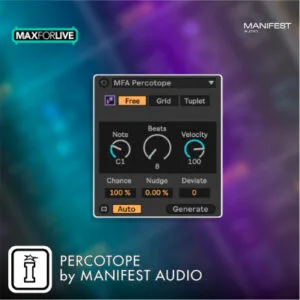
Create unconventional unquantized rhythms by setting a destination note pitch, velocity, and arbitrary number of beats within a selected timespan. For more conventional patterns, enable quantization. Either way, explore the unique Nudge control to shift the focus of the pattern forward or backward in time. Set the probability and deviation for all generated notes globally.

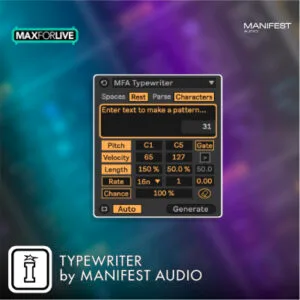
Typewriter converts the ASCII values of typed or pasted text to generate unique MIDI patterns by remapping those values to a range of pitch, velocity, length, or probability values. You can also use them to control the rhythmic rate of generated notes – or gate notes above or below a specified ASCII value threshold. You can also skew the curve of how those values are interpreted. Up top you can set whether spaces are interpreted as rests, and whether individual characters are translated to MIDI – or whether entire words are averaged as discrete musical units instead.

Unlike note warp markers, Chronoflex allows for quantized manipulation of note timings. You can of course disable quantization overall, or apply it only to note starts or note ends. Use the start and end range controls to compress or even invert patterns in the time domain. Use the Factor control to stretch or squeeze all selected notes, or try Offset to slide them all forward or backward together.
New in version 1.1: Added Tuplet mode to quantize selected notes to any-tupletted division of the current time selection specified by the user. Added Skew factor to cluster selected notes toward the start or end of the current time selection.

Take a repetitive pattern and imbue with a narrative by randomizing note transposition by a chance amount within a specified range at an interval of the current Grid count – or in raw note count interval, with Optional offset either way. Be advised the graphical display is for reference purposes only.

Remap (and invert) selected notes to pitches in the current scale and key, new lengths, velocities, or probabilities. Up top, set the probability notes will be remapped, or apply an exponential curve to the remapping applied.

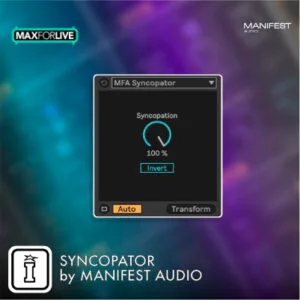
Apply syncopation to selected notes via note activation, using a random algorithm to interpolate down to no syncopation. Invert to mute even note count values instead of odd note count values.

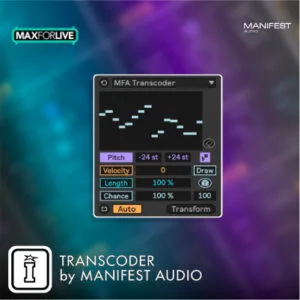
Use the same Draw mode as Metasketch to intuitively apply dynamic MIDI transformations to polyphonic pitch, velocity, length, or chance within specified ranges. Prefer the linear function of Metagraph? No problem – flip into Grid mode to apply dynamic breakpoint editing to the same ranges instead, easily applying extended contours to any note selection. In either mode, easily randomize a starting point by clicking the dice, governed by the slider beneath for added randomization control too.

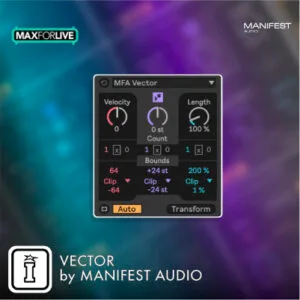
Apply deterministic count-based velocity, pitch, and length modulation at a specified interval (with optional inversion and offset), within specified ranges along with Clip, Wrap, or Fold limiting styles.

Frequently Asked Questions
A: MFA MIDI Toolset 003 is a collection of twelve MaxforLive MIDI devices (4 generators, 8 transformers) that run within Ableton Live 12’s MIDI clip editor for MIDI creation, manipulation, and transformation.
A: Yes.
A: MaxforLive extends Ableton Live with the creative power of Max, letting you craft and perform with custom MIDI, audio, and modulation tools directly inside your workflow.
A: You can explore more of Manifest Audio’s tools and devices here:
Manifest Audio
A: To use this product, ensure the following requirements are met:
- Ableton Live 12.2 or higher
- MaxforLive installed (Max 9.0.7 or higher)
- Windows or macOS system capable of running Live 12
- Internet connection for download and updates
Important Information
## v1.0.52 – 18 September 2026
Monotizer v1.0.2 updated to resolve an issue where certain chord voices might be excluded when using Random mode under certain conditions.
V1.0.51 – Released March 2026
Typewriter now adapts loop length to include generated notes, rounded to the nearest bar.
V1.0.5 – Released January 2026
Minor bug fixes, improvements, Scantron length-rate gating, Global Hub 2.0 and improved X-Relay bundled with Utility Boost
v1.0.4 – Released September 2025
Updated with new rate divisor option in fixed rate mode and Repeat/Unique toggle option to reduce repeated note pitches in Scantron
V1.0.0 – Initial Release – February 2025
To install MIDI Tools, first double-click to decompress the ZIP archive it arrived in. !
In Live’s Browser, navigate to the User Library in Places
Then find the MIDI Tools folder located there (2). If you don’t see a folder called MIDI Tools in your User Library, simply create it yourself.
We’d advice adding two subfolders for Generators and Transformers for neatness.
Finally, drag our Generators to the Generators subfolder and our Transformers to the Transformers subfolder
Live should automatically detect them and within the next few minutes, they should appear in the dropdown chooser of Live’s Generators or Transformers in the corresponding tab of any MIDI Clip’s Note Editor.
PLEASE NOTE: Once installed MIDI Tools, since they are not Max MIDI Effects, cannot be dragged and dropped onto MIDI tracks: they can only be loaded by the Generator and Transformer tabs of the MIDI clip editor.
END-USER LICENSE AGREEMENT FOR ISOTONIK STUDIOS SOFTWARE PRODUCTS.
PLEASE READ THE TERMS AND CONDITIONS OF THIS LICENSE AGREEMENT CAREFULLY BEFORE CONTINUING WITH THIS PROGRAM INSTALL.
This End-User License Agreement (referred to as “EULA”) is a legal agreement between an individual or a single entity (referred to as “LICENSEE”) and Isotonik Studios for the Isotonik Studios software product(s) which may include associated software components, media, printed materials, and “online” or electronic documentation (referred to as “SOFTWARE PRODUCT”). By installing, copying, or otherwise using the SOFTWARE PRODUCT, the LICENSEE agrees to be bound by the terms of this EULA.
This EULA represents the entire agreement concerning the program between the LICENSEE and Isotonik Studios and it supersedes any prior proposal, representation, or understanding between the parties. If the LICENSEE does not agree to the terms of this EULA, the LICENSEE should not install or use the SOFTWARE PRODUCT.
The SOFTWARE PRODUCT is protected by copyright laws and international copyright treaties, as well as other intellectual property laws and treaties. The SOFTWARE PRODUCT is licensed, not sold.
- GRANT OF LICENSE.
The SOFTWARE PRODUCT is licensed as follows:
(a) Installation and Use. Providing that the LICENSEE has paid any applicable license fees, Isotonik Studios grants the LICENSEE the right to install and use copies of the SOFTWARE PRODUCT on up to two computers in the LICENSEE’s possession that are running a validly licensed copy of the operating system for which the SOFTWARE PRODUCT was designed [e.g., Windows 10, macOS]. The computer(s) must be owned by the LICENSEE.
(b) Backup Copies. The LICENSEE may also make copies of the SOFTWARE PRODUCT as may be necessary for backup and archival purposes.
- DESCRIPTION OF OTHER RIGHTS AND LIMITATIONS.
(a) Maintenance of Copyright Notices. The LICENSEE must not remove or alter any copyright notices on any and all copies of the SOFTWARE PRODUCT.
(b) Distribution. The LICENSEE may not distribute registered copies of the SOFTWARE PRODUCT to third parties.
(c) Prohibition on Reverse Engineering, Decompilation, and Disassembly. The LICENSEE may not reverse engineer, decompile, or disassemble the SOFTWARE PRODUCT, except and only to the extent that such activity is expressly permitted by applicable law notwithstanding this limitation.
(d) Rental. The LICENSEE may not rent, lease, or lend the SOFTWARE PRODUCT.
(e) License transfer The LICENSEE may not transfer their license to the SOFTWARE PRODUCT to any third party. Any attempt to do so will be considered a violation of this EULA.
(f) Support Services. Isotonik Studios may provide the LICENSEE with support services related to the SOFTWARE PRODUCT for a period of 12 months following the date of purchase. Any supplemental software code provided to the LICENSEE as part of the Support Services shall be considered part of the SOFTWARE PRODUCT and subject to the terms and conditions of this EULA.
(g) Compliance with Applicable Laws. The LICENSEE must comply with all applicable laws regarding use of the SOFTWARE PRODUCT.
- TERMINATION Without prejudice to any other rights, Isotonik Studios may terminate this EULA if the LICENSEE fails to comply with the terms and conditions of this EULA. In such event, the LICENSEE must destroy all copies of the SOFTWARE PRODUCT in the LICENSEE’s possession.
- COPYRIGHT All title, including but not limited to copyrights, in and to the SOFTWARE PRODUCT and any copies thereof are owned by Isotonik Studios or its suppliers. All title and intellectual property rights in and to the content which may be accessed through use of the SOFTWARE PRODUCT is the property of the respective content owner and may be protected by applicable copyright or other intellectual property laws and treaties. This EULA grants the LICENSEE no rights to use such content. All rights not expressly granted are reserved by Isotonik Studios.
- NO WARRANTIES Isotonik Studios expressly disclaims any warranty for the SOFTWARE PRODUCT. The SOFTWARE PRODUCT is provided ‘As Is’ without any express or implied warranty of any kind, including but not limited to any warranties of merchantability, noninfringement, or fitness of a particular purpose. Isotonik Studios does not warrant or assume responsibility for the accuracy or completeness of any information, text, graphics, links or other items contained within the SOFTWARE PRODUCT. Isotonik Studios makes no warranties respecting any harm that may be caused by the transmission of a computer virus, worm, time bomb, logic bomb, or other such computer program. Isotonik Studios further expressly disclaims any warranty or representation to the LICENSEE or to any third party.
- LIMITATION OF LIABILITY In no event shall Isotonik Studios be liable for any damages (including, without limitation, lost profits, business interruption, or lost information) arising out of the LICENSEE’s use of or inability to use the SOFTWARE PRODUCT, even if Isotonik Studios has been advised of the possibility of such damages. In no event will Isotonik Studios be liable for loss of data or for indirect, special, incidental, consequential (including lost profit), or other damages based in contract, tort or otherwise. Isotonik Studios shall have no liability with respect to the content of the SOFTWARE PRODUCT or any part thereof, including but not limited to errors or omissions contained therein, libel, infringements of rights of publicity, privacy, trademark rights, business interruption, personal injury, loss of privacy, moral rights or the disclosure of confidential information.
More from Manifest Audio
 -19%
-19%Manifest AudioOctopulse V2 by Manifest AudioLive 12 · Max for Live Original price was: £36.00.£29.00Current price is: £29.00.
Frequently Bought Together