

Console 80 by Monomono
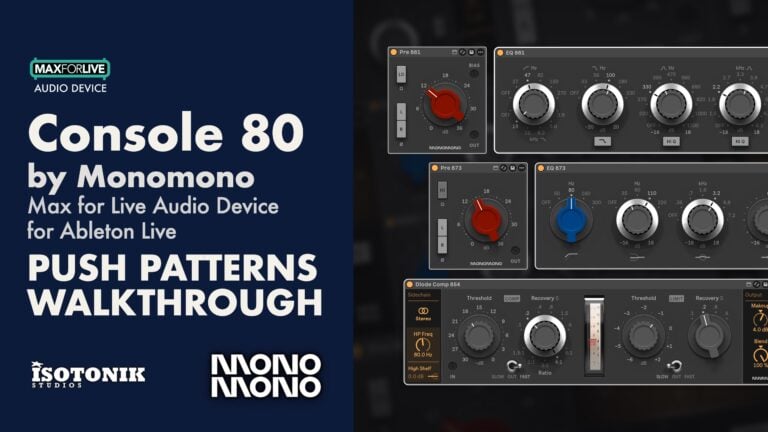
Vintage Analog CHANNEL STRIP SUITE FOR ABLETON LIVE Console 80 brings six modelled devices from four distinct Neve circuits of the late 1960s and early 1970s into your Live session. Each device is modelled part by part from factory drawings, including the transistors, transformers and coils of the original signal path. Build the desk your session needs, with every channel carrying its own component tolerances so no two tracks are quite identical. • Six devices: Pre 873, EQ 873, Pre 881, EQ 881, Diode Comp 854 and Bus 872, covering channel strips, compression and bus amplification • Class A and Class AB preamps: Pre 873 models the class A design; Pre 881 uses a push-pull class AB output, so you can hear the difference for yourself • Serial number system: every channel draws components within factory tolerances from a unique six-digit serial, giving a stereo pair that is never a clone • Modular desk building: mix modules across eras and circuits to recreate documented configurations such as the BCM10, 8014, 8048 and 8038, or design your own
Buying for someone?Send a gift card →
Overview
Neve channel strip suite for Ableton Live
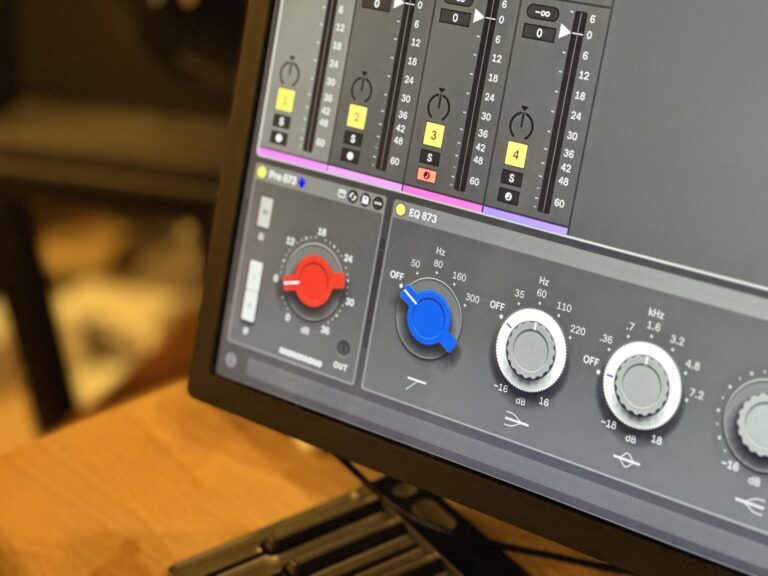
Console 80 brings six Max for Live devices built from four distinct Neve circuits of the late 1960s and early 1970s into your session. Each device is modelled part by part from factory drawings, including the transistors, transformers and coils of the original signal path, so when you reach for it on a vocal or a bus, you are hearing the actual circuit behaviour, tolerances and all.
The hardware desks were modular and built to order, and Console 80 works the same way. Place devices across tracks, groups and the master bus as a desk would be wired, mix modules from different circuits and eras, and build the desk your session actually needs. A full PDF user guide is included.
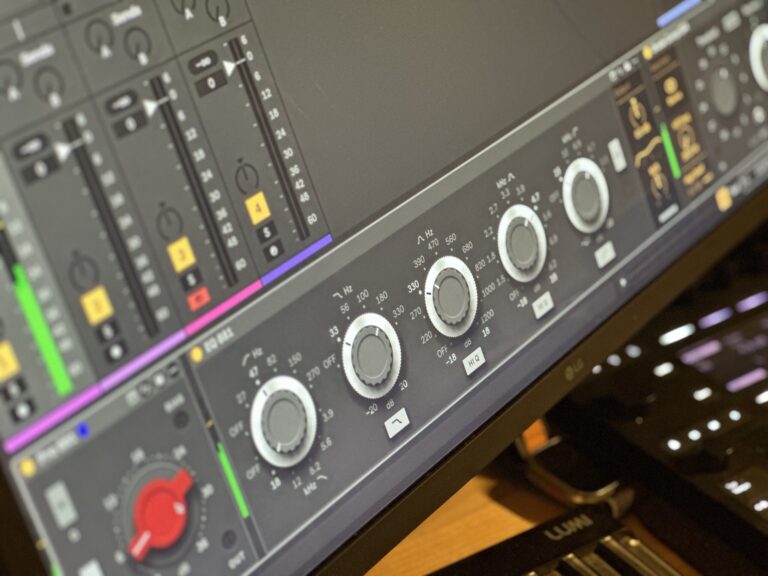
- Six devices covering the full signal path: Pre 873, EQ 873, Pre 881, EQ 881, Diode Comp 854 and Bus 872, modelled on the Neve 1073, 1081, 2254 and 1272 circuits
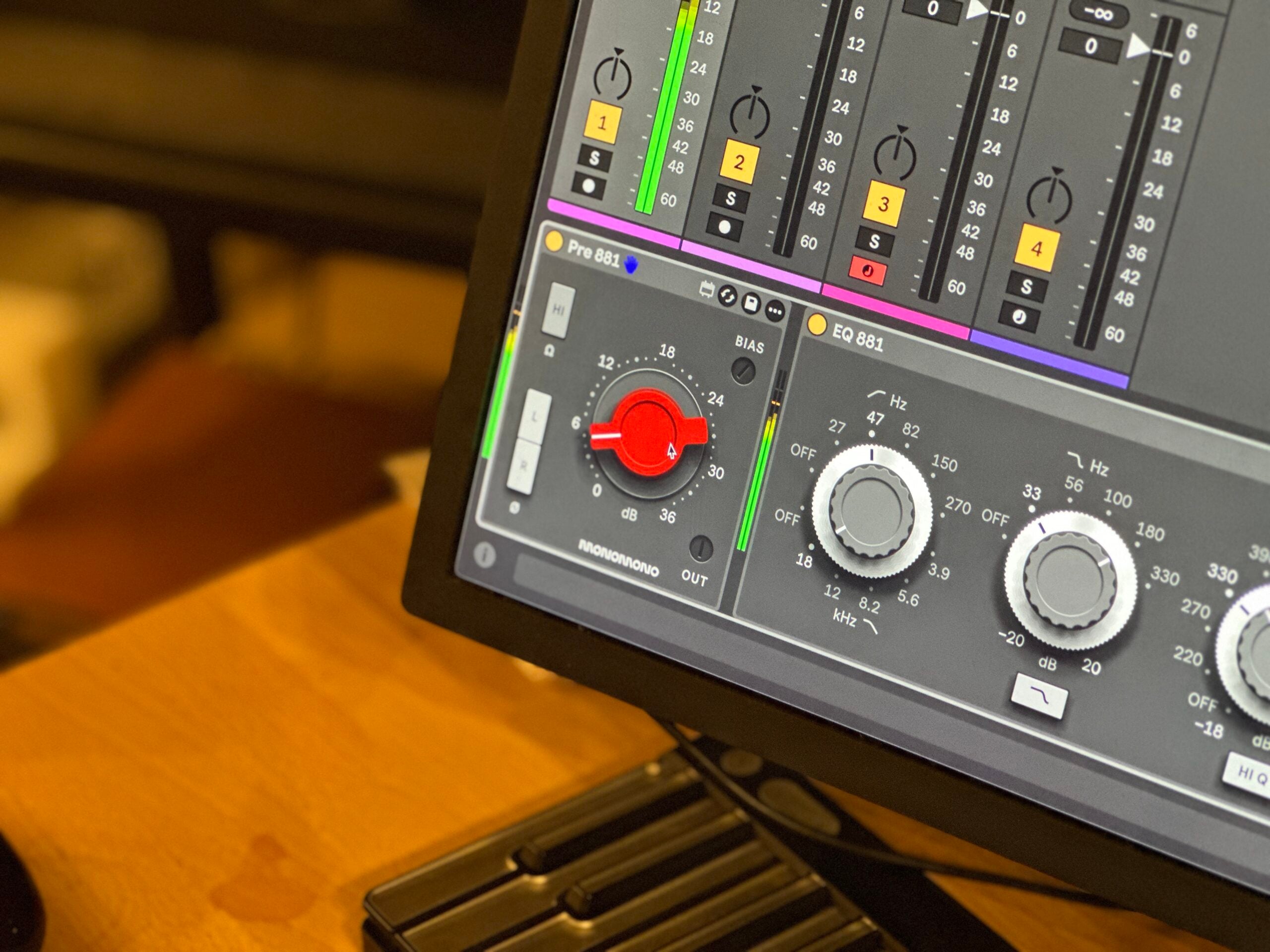
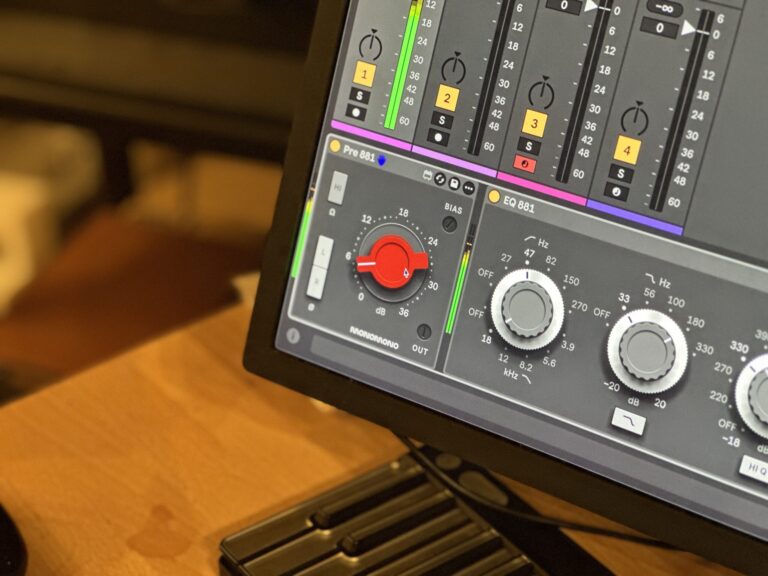
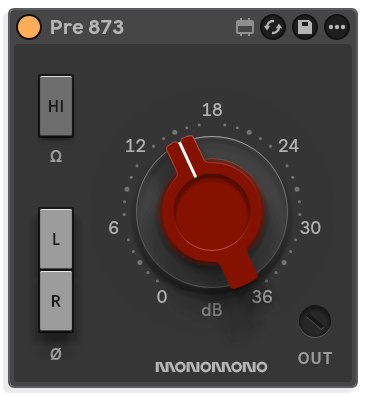
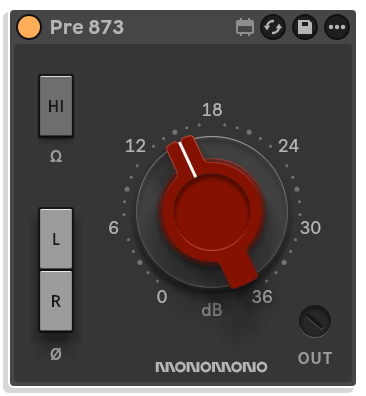
- Class A and Class AB preamp designs: Pre 873 models the single-ended class A circuit with its even-order harmonic character; Pre 881 models the push-pull class AB output stage for a cleaner result at normal levels, with high-order harmonics at the extremes noted by Rupert Neve himself
- Serial number system: every device carries a six-digit serial that draws transformers, inductors, resistors, capacitors, output stage bias and compressor rectifier diodes each within factory tolerance, so no two channels ever measure quite the same
- Consecutive serials come from the same production batch for a matched stereo pair; distant serials spread wider across the tolerance window, broadening the stereo field and giving the track more space
- Set Stereo function provides a random pair of consecutive serial numbers for mastering-level left-right matching with a little natural character difference
- Modular desk building: mix modules across eras and circuits to recreate documented configurations such as the BCM10, 8014, 8048 and 8038, or design your own
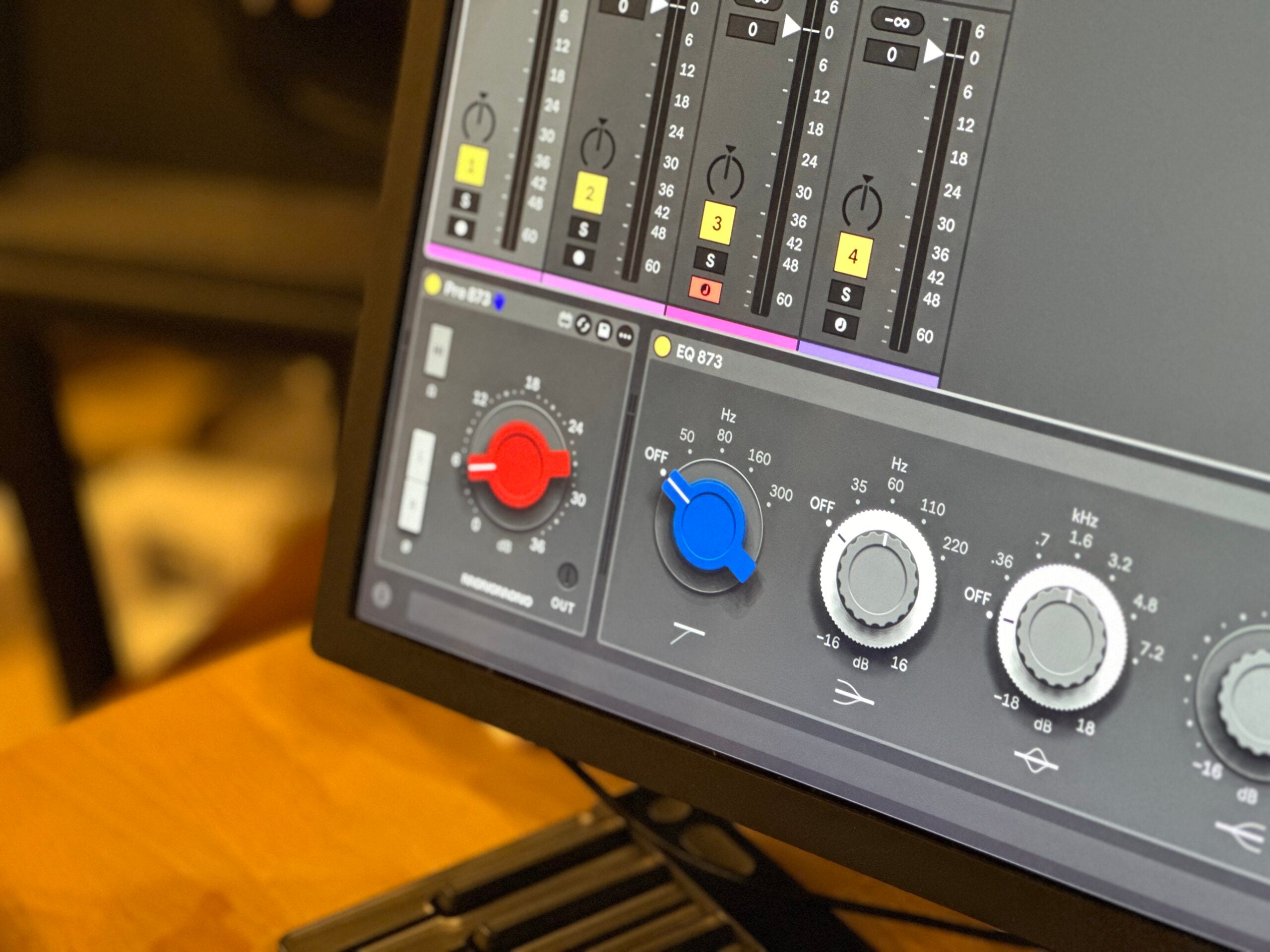
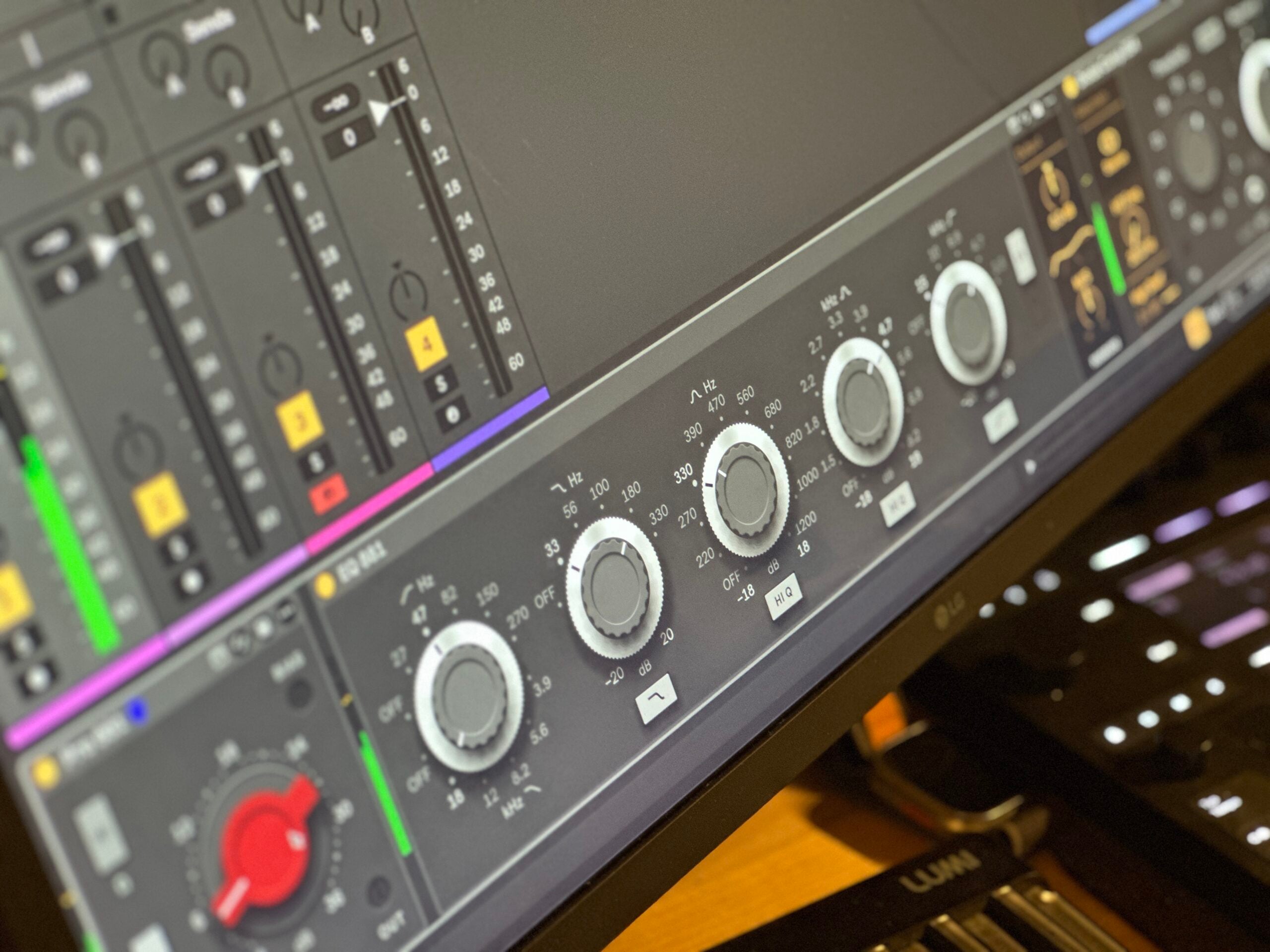
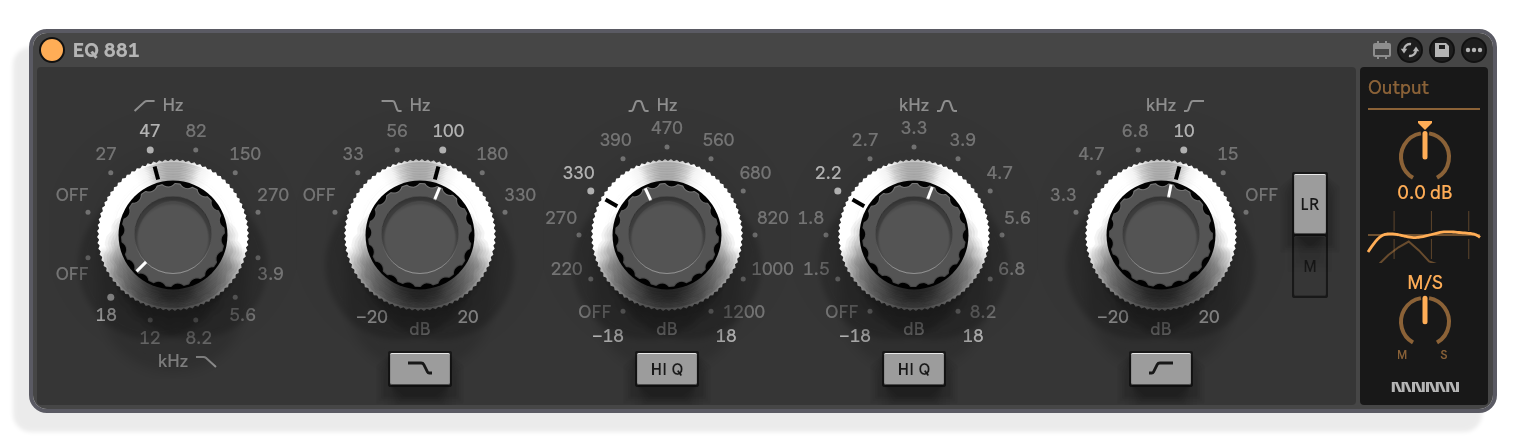
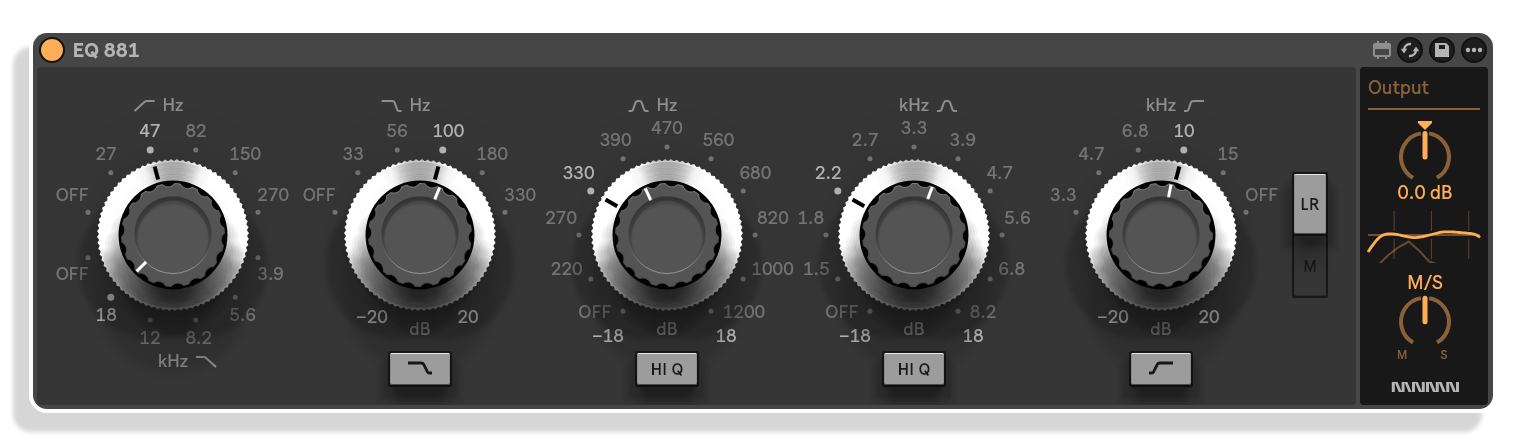
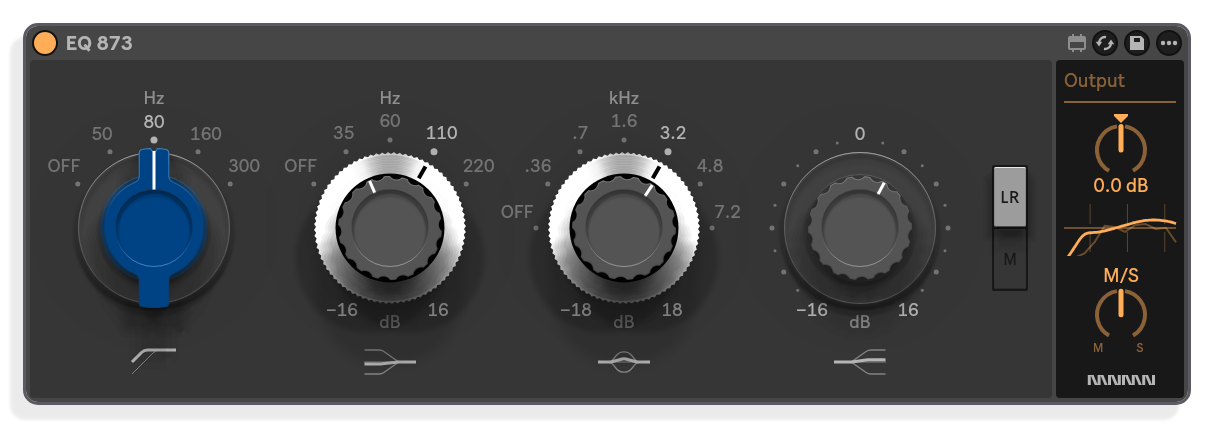
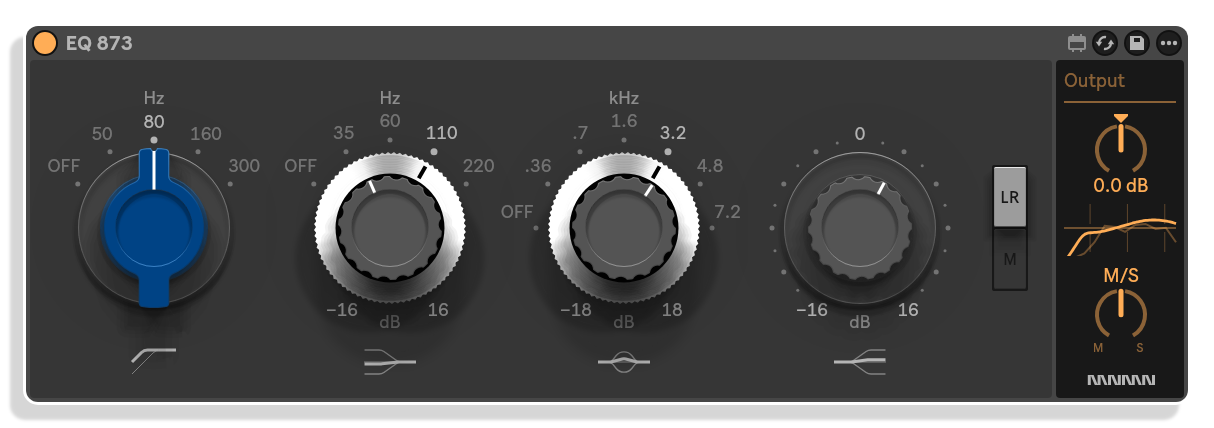
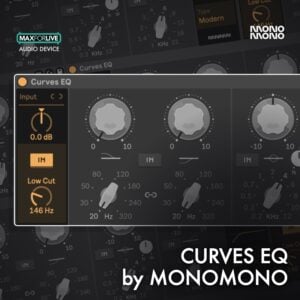
- Three-band EQ with low-cut filter on EQ 873; four-band EQ on EQ 881, every frequency on a switch, with broad curves that shape regions rather than surgical points
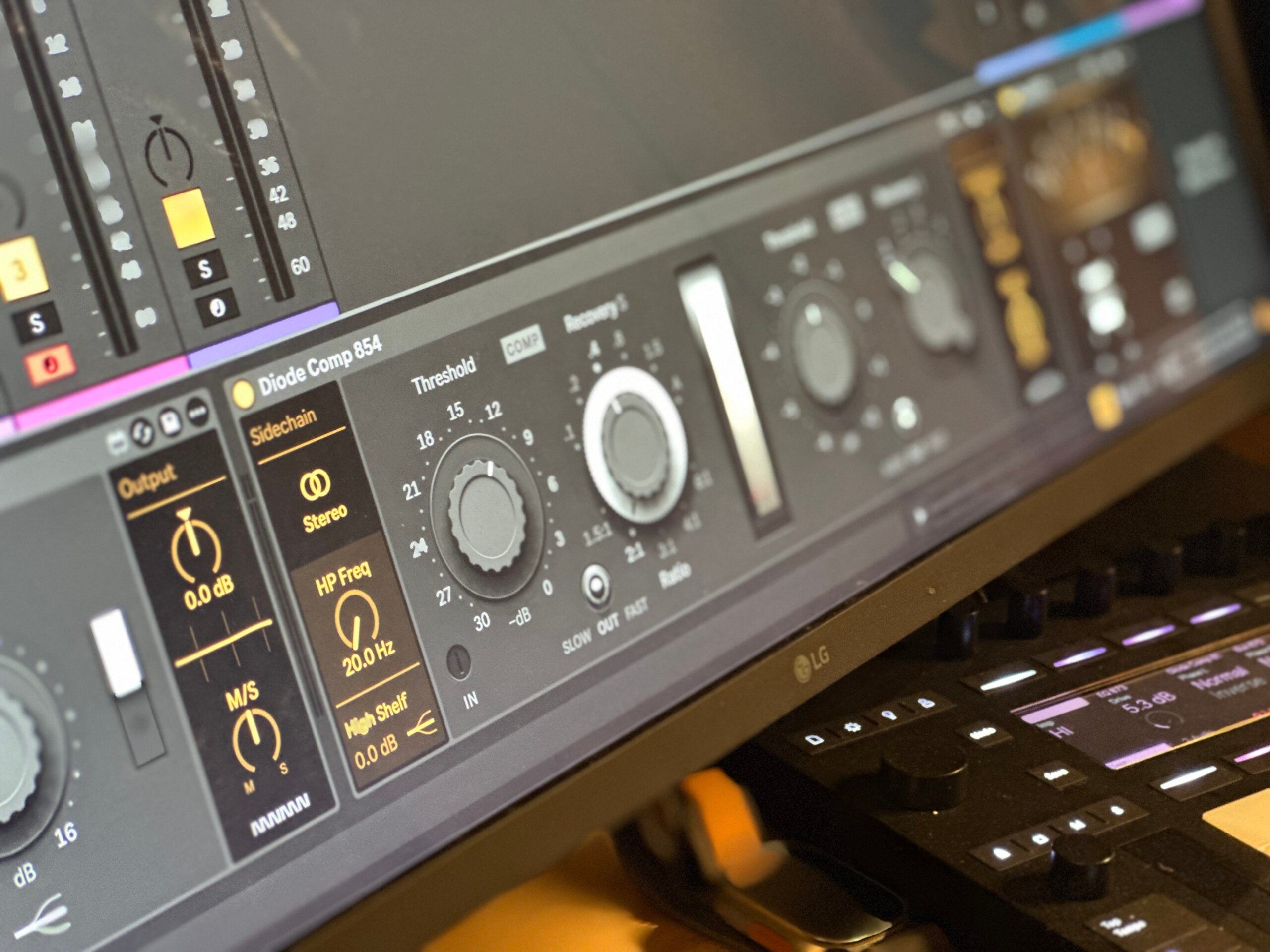
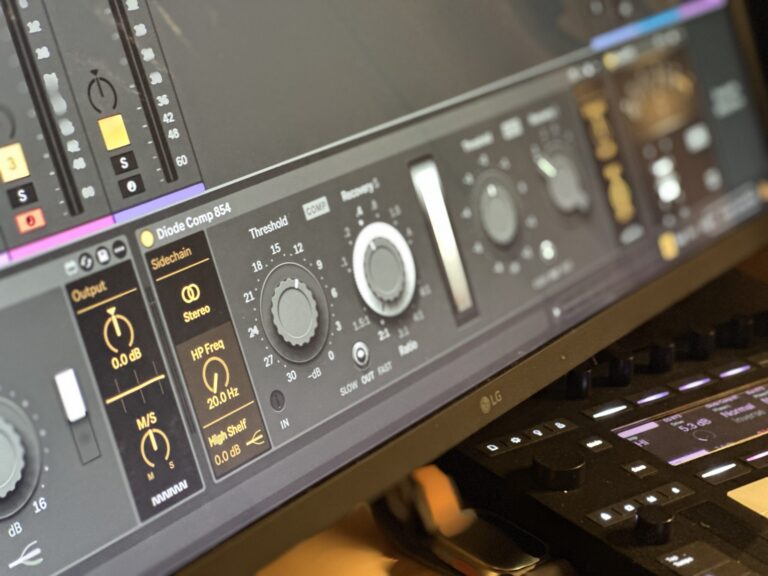
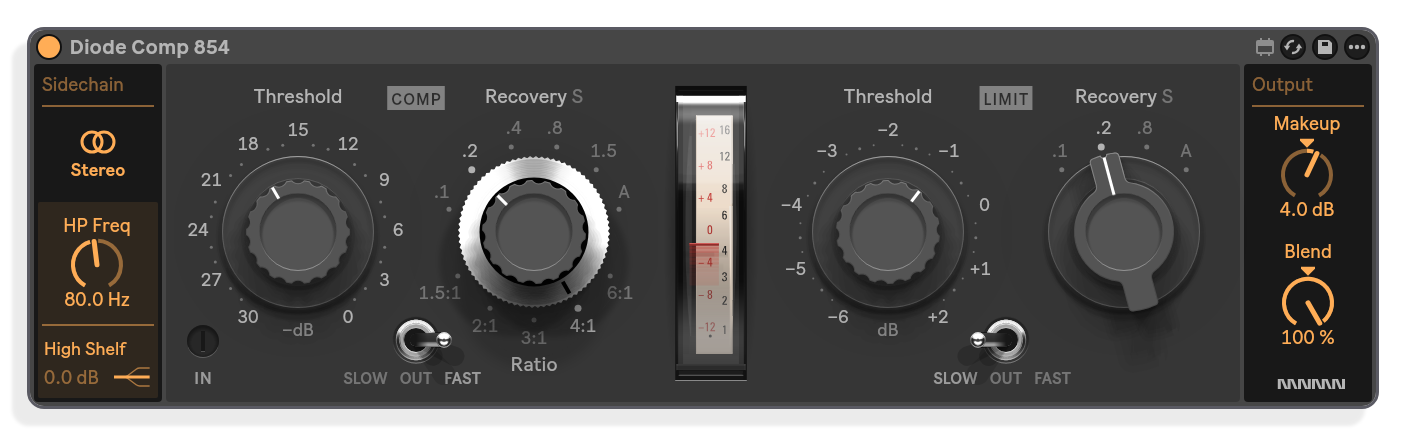
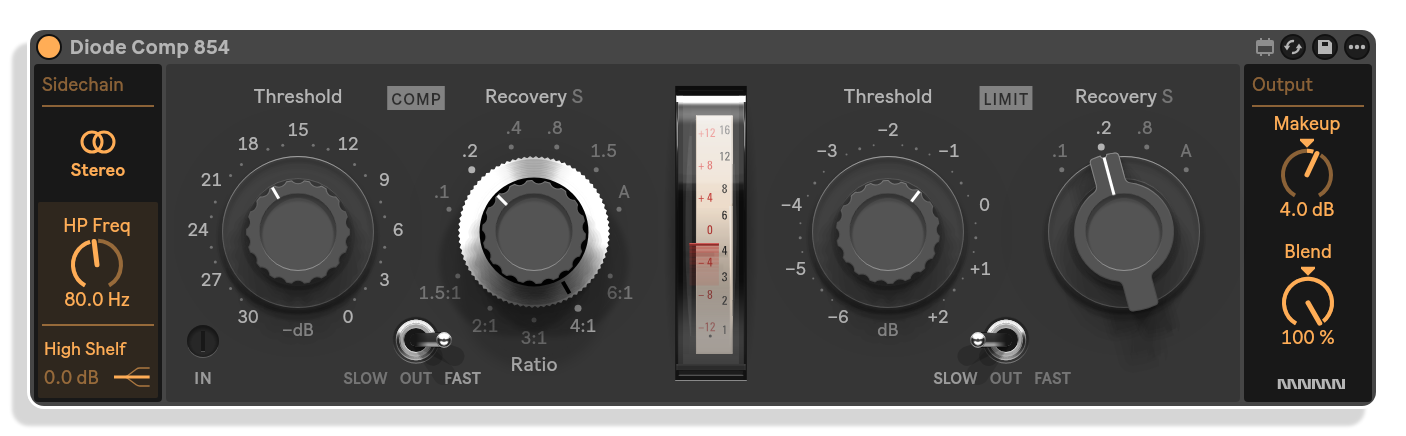
- Diode Comp 854 models the 2254 diode bridge topology, with the serial number system affecting the gain reduction curve so left and right sides can compress with slightly different characteristics
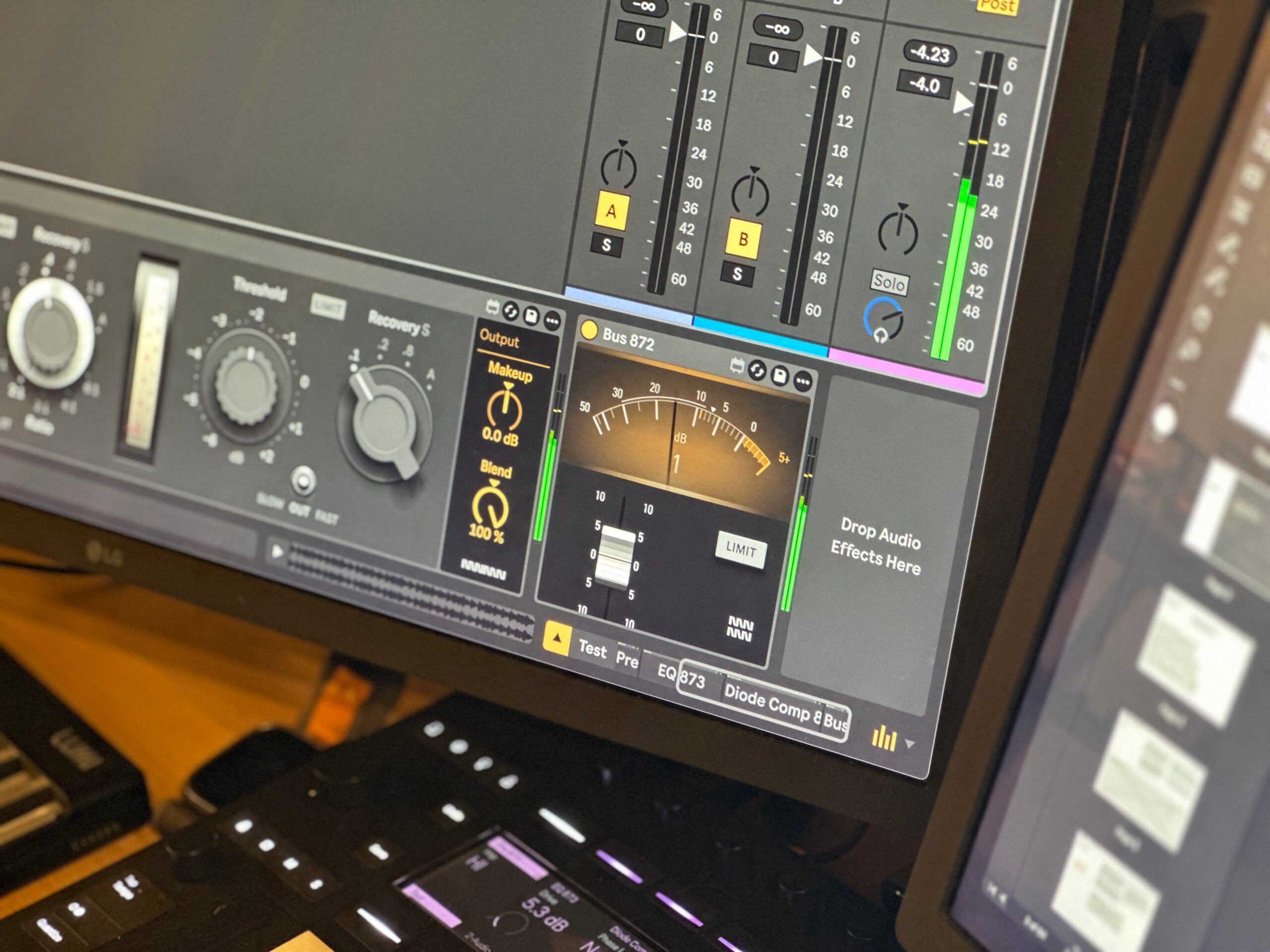
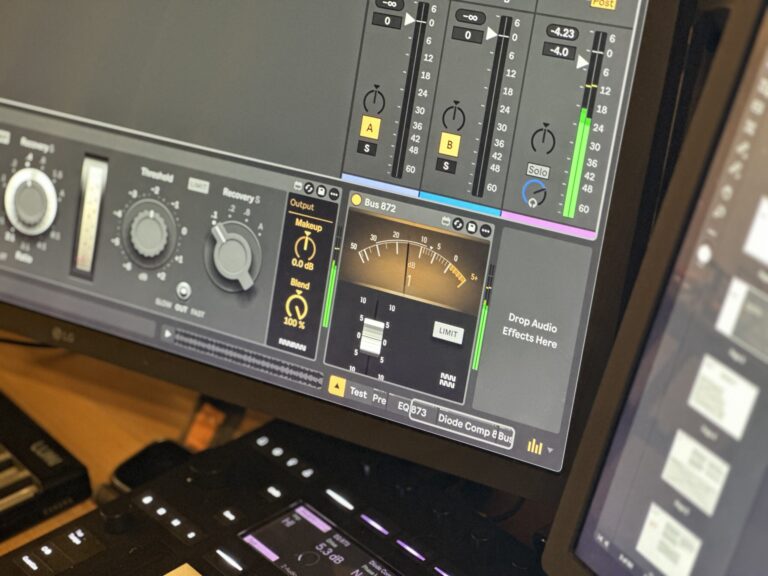
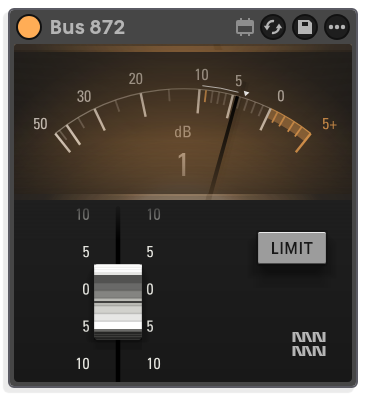
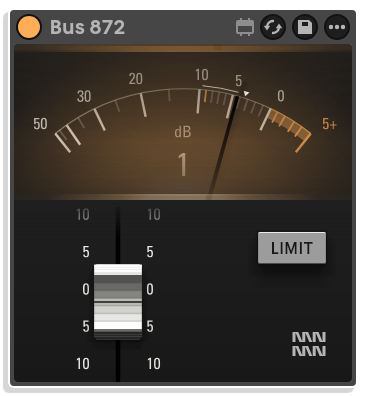
- Bus 872 models the 1272 line amplifier for bringing group outputs back to level after summing
- Max for Live Audio Effect .amxd device
- User manual (PDF)
Free for subscribers
Join the list and get 9 free downloads, including 7 Max for Live devices
Subscribers get Isotonik FX, Live Scratcher, Modular Series LE Part ONE, Modular Series LE Part TWO and more for free. You also hear about new releases and deals first.
Just your email. No spam, unsubscribe anytime.


Reviews
"It’s very heavy. It takes a long time to open when inserted, and when opening the project, it becomes very heavy and takes a long time to load."
Console 80
What Console 80 Is
Console 80 is a suite of six Max for Live audio devices modelled on Neve channel strips of the late 1960s and early 1970s. It includes two preamps, two equalisers, a compressor and a bus amplifier, each built from the circuit drawings of its source hardware: transistors, transformers and coils modelled part by part.
Console 80
Where It Comes From
Rupert Neve's company produced its first all-silicon channel module in 1969, followed by the 1073, the 1081 with its class AB output stage, the 2254 diode bridge compressor and the 1272 line amplifier. Console 80 models those specific circuits.
Console 80
Building Your Desk
The hardware desks were modular and built to order, and Console 80 works the same way: place devices across your Live session the way a desk would be wired, mix modules from different circuits and eras, and build the desk your session actually needs. Four example configurations are documented in the manual, including a BCM10 with ten 1073 channels into two groups, an 8014 with sixteen channels and 2254 compressors on the groups, and a 32-channel 8048.
Console 80
Class A and Class AB
Pre 873 models the class A preamp circuit, where one transistor handles both halves of the audio waveform and introduces even-order harmonic content and a more saturated character. Pre 881 models the push-pull class AB output configuration, which raises the saturation threshold and should produce a cleaner output at normal levels, though both Rupert Neve and the factory's head of electrical drawing noted that the crossover transition leaves high-order harmonics at the extremes.
Console 80
Serial Numbers and Component Tolerances
Every device carries a six-digit serial number that acts as its build sheet, drawing transformers, inductors, resistors, capacitors, output stage bias and, on the compressor, the rectifier diodes and timing capacitors, each within their factory tolerance range. Consecutive serial numbers come from the same production batch and make a matched pair; numbers far apart draw from different batches and spread further across the tolerance window, broadening the stereo field and giving the track more space.
Console 80
The Devices
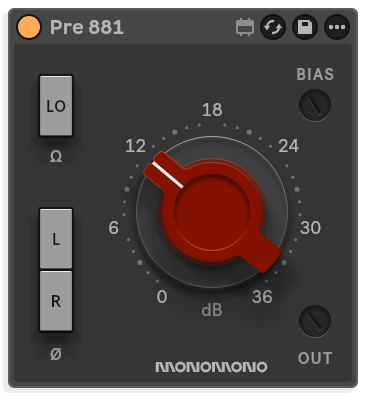
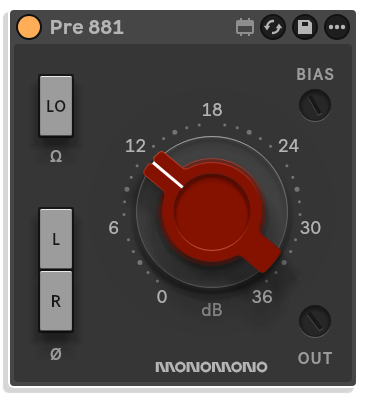
Pre 873 and EQ 873 are the two halves of the 1073 circuit, split for convenience and to keep CPU use manageable; Pre 881 and EQ 881 model the 1081 circuit with four EQ bands and the class AB output stage. Diode Comp 854 models the 2254 compressor's diode bridge topology, where the serial number system affects the gain reduction curve so left and right sides can start compressing at slightly different points, and Bus 872 models the 1272 line amplifier used on group outputs to bring levels back up after summing.
Important Information
CHANGELOG
v1.01 · released 6 Nov 2026
- Fixed an issue with 44.1 KHz sample rate on Pre 873, Pre 881 and Bus 872.
INSTALLATION
Our Products are generally provided as Zip file downloads which in all cases will need to be extracted and saved to your hard drive prior to installation. Details on the different file type provided and what to do with them are below.
.alp Files: These are Ableton Live Packs and will either install directly into the Packs Section of the browser of Ableton Live or ask you to save them to your hard drive. For packs that install to the library, when you double click on them you will see a pop up window asking you to confirm that installation is ok as the files are described as “Legacy”. This is fine and you are ok to proceed, the packs are created using the format for an earlier version of Live and so remain compatible with the current version.
.amxd files: These are individual MaxforLive Devices and can be stored anywhere on your hard drive. We’d advise creating a folder for them and then adding that folder as a location within the Places section of Lives Browser.
LICENSE
END-USER LICENSE AGREEMENT FOR ISOTONIK STUDIOS SOFTWARE PRODUCTS.
PLEASE READ THE TERMS AND CONDITIONS OF THIS LICENSE AGREEMENT CAREFULLY BEFORE CONTINUING WITH THIS PROGRAM INSTALL.
This End-User License Agreement (referred to as “EULA”) is a legal agreement between an individual or a single entity (referred to as “LICENSEE”) and Isotonik Studios for the Isotonik Studios software product(s) which may include associated software components, media, printed materials, and “online” or electronic documentation (referred to as “SOFTWARE PRODUCT”). By installing, copying, or otherwise using the SOFTWARE PRODUCT, the LICENSEE agrees to be bound by the terms of this EULA.
This EULA represents the entire agreement concerning the program between the LICENSEE and Isotonik Studios and it supersedes any prior proposal, representation, or understanding between the parties. If the LICENSEE does not agree to the terms of this EULA, the LICENSEE should not install or use the SOFTWARE PRODUCT.
The SOFTWARE PRODUCT is protected by copyright laws and international copyright treaties, as well as other intellectual property laws and treaties. The SOFTWARE PRODUCT is licensed, not sold.
- GRANT OF LICENSE.
The SOFTWARE PRODUCT is licensed as follows:
(a) Installation and Use. Providing that the LICENSEE has paid any applicable license fees, Isotonik Studios grants the LICENSEE the right to install and use copies of the SOFTWARE PRODUCT on up to two computers in the LICENSEE’s possession that are running a validly licensed copy of the operating system for which the SOFTWARE PRODUCT was designed [e.g., Windows 10, macOS]. The computer(s) must be owned by the LICENSEE.
(b) Backup Copies. The LICENSEE may also make copies of the SOFTWARE PRODUCT as may be necessary for backup and archival purposes.
- DESCRIPTION OF OTHER RIGHTS AND LIMITATIONS.
(a) Maintenance of Copyright Notices. The LICENSEE must not remove or alter any copyright notices on any and all copies of the SOFTWARE PRODUCT.
(b) Distribution. The LICENSEE may not distribute registered copies of the SOFTWARE PRODUCT to third parties.
(c) Prohibition on Reverse Engineering, Decompilation, and Disassembly. The LICENSEE may not reverse engineer, decompile, or disassemble the SOFTWARE PRODUCT, except and only to the extent that such activity is expressly permitted by applicable law notwithstanding this limitation.
(d) Rental. The LICENSEE may not rent, lease, or lend the SOFTWARE PRODUCT.
(e) License transfer The LICENSEE may not transfer their license to the SOFTWARE PRODUCT to any third party. Any attempt to do so will be considered a violation of this EULA.
(f) Support Services. Isotonik Studios may provide the LICENSEE with support services related to the SOFTWARE PRODUCT for a period of 12 months following the date of purchase. Any supplemental software code provided to the LICENSEE as part of the Support Services shall be considered part of the SOFTWARE PRODUCT and subject to the terms and conditions of this EULA.
(g) Compliance with Applicable Laws. The LICENSEE must comply with all applicable laws regarding use of the SOFTWARE PRODUCT.
- TERMINATION Without prejudice to any other rights, Isotonik Studios may terminate this EULA if the LICENSEE fails to comply with the terms and conditions of this EULA. In such event, the LICENSEE must destroy all copies of the SOFTWARE PRODUCT in the LICENSEE’s possession.
- COPYRIGHT All title, including but not limited to copyrights, in and to the SOFTWARE PRODUCT and any copies thereof are owned by Isotonik Studios or its suppliers. All title and intellectual property rights in and to the content which may be accessed through use of the SOFTWARE PRODUCT is the property of the respective content owner and may be protected by applicable copyright or other intellectual property laws and treaties. This EULA grants the LICENSEE no rights to use such content. All rights not expressly granted are reserved by Isotonik Studios.
- NO WARRANTIES Isotonik Studios expressly disclaims any warranty for the SOFTWARE PRODUCT. The SOFTWARE PRODUCT is provided ‘As Is’ without any express or implied warranty of any kind, including but not limited to any warranties of merchantability, noninfringement, or fitness of a particular purpose. Isotonik Studios does not warrant or assume responsibility for the accuracy or completeness of any information, text, graphics, links or other items contained within the SOFTWARE PRODUCT. Isotonik Studios makes no warranties respecting any harm that may be caused by the transmission of a computer virus, worm, time bomb, logic bomb, or other such computer program. Isotonik Studios further expressly disclaims any warranty or representation to the LICENSEE or to any third party.
- LIMITATION OF LIABILITY In no event shall Isotonik Studios be liable for any damages (including, without limitation, lost profits, business interruption, or lost information) arising out of the LICENSEE’s use of or inability to use the SOFTWARE PRODUCT, even if Isotonik Studios has been advised of the possibility of such damages. In no event will Isotonik Studios be liable for loss of data or for indirect, special, incidental, consequential (including lost profit), or other damages based in contract, tort or otherwise. Isotonik Studios shall have no liability with respect to the content of the SOFTWARE PRODUCT or any part thereof, including but not limited to errors or omissions contained therein, libel, infringements of rights of publicity, privacy, trademark rights, business interruption, personal injury, loss of privacy, moral rights or the disclosure of confidential information.
Frequently Asked Questions
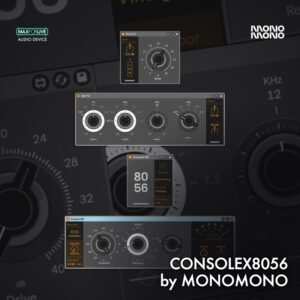
What's the difference between Console 80 and Console×8056?
Console×8056 was a set of hand-tuned models of the hardware: measured the output and derived transfer functions along its signal path. In short Console 80 models actual voltage component by component. Every component of the original schematics, modelled and checked against a full circuit, so the transformers, saturation and frequency response behave the way the hardware does.
What changed, device by device:
– Pre×73 + EQ×73 → Pre 873 + EQ 873: the three-band channel, rebuilt from the original circuit
– New: Pre 881 + EQ 881: the four-band channel, with its own preamp and EQ character
– Console×80 → Bus 872: the class-A line amp that brought the desk’s group bus back up to level; put it on your groups and master
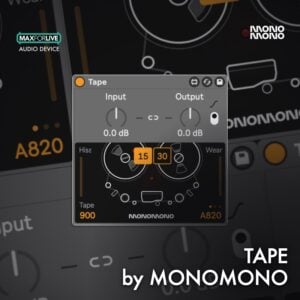
– Comp×54 → Diode Comp 854: the diode-bridge compressor, now with the limiter too
Every device also carries real component tolerances, so no two channels sound quite the same, just like on a real desk.
What Neve circuits does Console 80 model?
Console 80 covers four distinct circuits. Pre 873 and EQ 873 are modelled on the 1073, using a class A single-ended output. Pre 881 and EQ 881 are modelled on the 1081, which was the first Neve channel module to use a class AB push-pull output. Diode Comp 854 is modelled on the 2254 compressor, and Bus 872 is modelled on the 1272 line amplifier.
What does the serial number system do?
Each device carries a six-digit serial number per channel. That number acts as a build sheet, drawing every component, including transformers, output-stage bias settings, inductors, resistors, capacitors, rectifier diodes and timing capacitors, within its factory tolerance. Consecutive numbers come from the same batch and produce a closely matched stereo pair. Numbers far apart draw from different batches, introducing wider differences in processing and a broader stereo stage.
What is the difference between the class A and class AB preamp models?
Pre 873 uses a class A single-ended design where one transistor handles both halves of the waveform. This treats the two halves unequally, introducing even-order harmonic content and a more saturated character. Pre 881 uses a class AB push-pull pair, one transistor for each half of the signal. The saturation threshold is higher and the output is generally cleaner, though the design is prone to some crossover distortion at the handover point.
Can I recreate specific historic desk configurations?
Yes. The manual documents four example configurations: the BCM10 (ten 1073 channels into two groups), the 8014 (sixteen 1073 channels into four groups with compressors on the groups), the 8048 (thirty-two 1081 channels into sixteen groups) and the 8038 (1081 channels with the compressor on the channel insert). You can set these up as shown or use them as a starting point and mix modules freely across eras and circuits.
What are the system requirements for Console 80?
Console 80 requires Ableton Live 11 or 12 Suite with Max for Live. It runs on both Mac and Windows.
Does it run on Push 3 Standalone?
Yes it does. The devices are native to Live, quite conservative on the CPU and provide same reliable output on Push 3 Standalone as on the desktop.
In Depth
What Console 80 Is
Console 80 is a suite of six Max for Live audio devices modelled on Neve channel strips of the late 1960s and early 1970s. It includes two preamps, two equalisers, a compressor, and a bus amplifier, each built from the circuit drawings of its source hardware: transistors, transformers, and coils modelled part by part. The aim is to let you build a desk of the period inside your Live session, to your own specification.
Where It Comes From
Rupert Neve’s company moved into a new factory near Cambridge in 1969, and that year produced its first all-silicon channel module. The recipe was a transformer input, class A amplifier boards running from a 24-volt rail, and a transformer output. From 1970 the 1073 arrived, becoming one of the most sought-after preamp and EQ designs in recording history. The 1081 followed, with four bands and, for the first time in the range, a class AB output stage. The 2254 compressor used a diode bridge design, and the 1272 line amplifier brought group outputs back to level. Console 80 models those specific circuits.
Building Your Desk
The hardware desks were modular and built to order: the number of channels, the choice of equaliser, the position of compressors, and the group configuration were all specified by the customer. Console 80 works the same way. Place the devices across your Live session the way a desk would be wired, because each device is one module in a frame. Four example configurations are documented in the manual, including a BCM10 with ten 1073 channels into two groups, an 8014 with sixteen channels and 2254 compressors on the groups, and a 32-channel 8048. None of these is a limit. Mix devices from different circuits, different eras, and your own instruments, and build the desk your session actually needs.
Class A and Class AB
Pre 873 models the class A preamp circuit. In a single-ended class A design, one transistor handles both halves of the audio waveform and treats them unequally, which introduces even-order harmonic content and produces a more saturated character. Pre 881 models the push-pull class AB output configuration. The push-pull pair raises the saturation threshold, aided by a step-up output transformer, and should produce a cleaner output at normal levels, though both Rupert Neve and the factory’s head of electrical drawing noted that the crossover transition leaves high-order harmonics at the extremes. Both devices are in the suite so you can hear the difference for yourself.
Serial Numbers and Component Tolerances
No two channels on a real desk ever measured quite the same, because every component sits somewhere inside its production tolerance. Console 80 models this directly. Every device carries a six-digit serial number that acts as its build sheet, drawing the transformers, inductors, resistors, capacitors, output stage bias, and, on the compressor, the rectifier diodes and timing capacitors, each within their factory tolerance range. Consecutive serial numbers come from the same production batch and make a matched pair. Numbers far apart draw from different batches and spread further across the tolerance window. The Set Stereo function gives you a random pair of consecutive numbers, suitable when you want some character difference while keeping mastering-level left-right matching. Fully random serials widen that difference, which broadens the stereo field and gives the track more space. The differences are deliberate and small: hundredths of a decibel between close neighbours, a couple of decibels between extremes. Enough that two instances never sum identically, and enough that a stereo pair has a little width and a little life.
The Devices
Pre 873 and EQ 873 are the two halves of the 1073 circuit, split for convenience and to keep CPU use manageable. The EQ uses three bands and a low-cut filter, every frequency on a switch, with curves broad enough that each position shapes a region rather than a surgical point. With every band switched off, EQ 873 still softens the top end slightly, as the original hardware does when its EQ section is engaged. Pre 881 and EQ 881 model the 1081 circuit, which brought four EQ bands and the class AB output stage. Diode Comp 854 models the 2254 compressor’s diode bridge topology, where the serial number system affects the gain reduction curve on each channel, meaning the left and right sides can start compressing at slightly different points and work with different characteristics at full scale. Bus 872 models the 1272 line amplifier, used on group outputs to bring levels back up after summing.
How to Use It
Load devices across individual tracks, groups, and the master bus the way a hardware desk would be wired. The serial number backplate, revealed by clicking the Monomono logo in the device corner, lets you set matched or deliberately mismatched pairs for any stereo processing stage. Think in tone with the EQ sections rather than precision surgery, because the curves are forgiving and broad. Use the low-cut filter to clear rumble before adding weight with the low shelf. On the compressor, let the serial numbers introduce small timing differences between left and right, because that small asymmetry is often enough to open up a mix that feels too controlled or too flat.
More from Monomono
 New
 -20%★ Popular
 ★ Popular
 ★ Popular
 ★ Popular
 -30%★ Popular
 -30%★ Popular
 -30%