Black Week: up to 30% off across the whole store with code BLACK2026
Apply code × Skip to main content
Language
🇬🇧 English 🇩🇪 Deutsch 🇮🇹 Italiano 🇪🇸 Español 🇯🇵 日本語
Language
🇬🇧 English 🇩🇪 Deutsch 🇮🇹 Italiano 🇪🇸 Español 🇯🇵 日本語
Filtering requires JavaScript.
Hide filters
Show filters
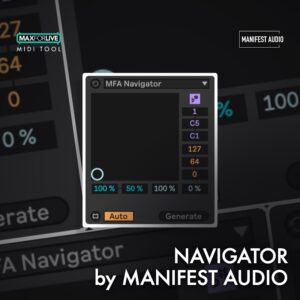
XY MIDI pattern explorer for Live 12
Key features
XY pattern field: explore an endless pool of possible MIDI patterns via a simple XY field, from simple and sparse at bottom left to busiest and most complex at upper right Vertical axis: controls the variety of note pitches and velocities explored within the ranges you set Horizontal axis: controls pattern density and the variety of note lengths set by the sliders at bottom Invertible ranges: horizontal note length and vertical velocity ranges can be inverted Compatibility
Live 12 · Max for Live
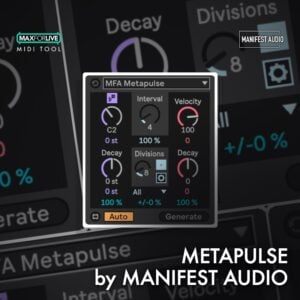
Probabilistic note pulse generator for Live 12
Key features
Explore different quantization restrictions Advanced mode lets you set minimum and maximum limits on each pitch, velocity, or length decay Choose a behaviour when limits are reached: Clip at the obtained limit value, Wrap back to the upper limit, or Fold to reflect back in the opposite direction Compatibility
Live 12 · Max for Live
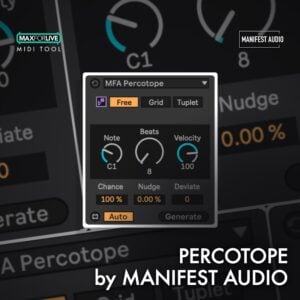
Unquantized rhythm generator for Live 12
Key features
Unquantised rhythms: set a destination note pitch, velocity and an arbitrary number of beats within a selected timespan Grid quantisation: enable note editor grid quantisation for more conventional patterns Tuplet mode: quantise notes to any user-specified division of the current time selection Nudge control: shift the focus of the pattern forward or backward in time Compatibility
Live 12 · Max for Live
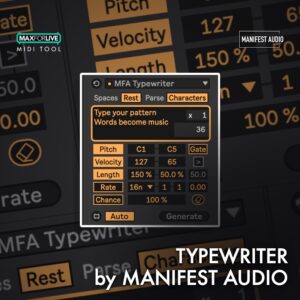
Convert typed text into unique MIDI patterns
Key features
Converts ASCII values of typed or pasted text to generate unique MIDI patterns Remaps ASCII values to a range of pitch, velocity, length, or probability values Use ASCII values to control the rhythmic rate of generated notes Gate notes above or below a specified ASCII value threshold Compatibility
Live 12 · Max for Live
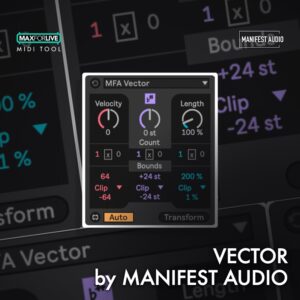
Count-based MIDI modulation for Live 12
Key features
Count-based modulation: applies deterministic, count-based velocity, pitch and length modulation at a specified interval Inversion and offset: optional inversion and offset of the modulation interval Range control: keeps modulation within the ranges you specify Clip, Wrap or Fold: choose a limiting style for values at the edges of those ranges Compatibility
Live 12 · Max for Live
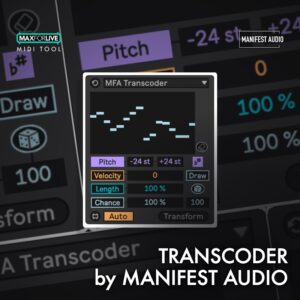
Dynamic MIDI transformations for Live 12
Key features
Apply dynamic MIDI transformations to polyphonic pitch, velocity, length, or chance within specified ranges Use Draw mode to intuitively apply dynamic MIDI transformations Flip into Grid mode to apply dynamic breakpoint editing to the same ranges, easily applying extended contours to any note selection Easily randomize a starting point by clicking the dice, governed by the slider beneath for added randomization control Compatibility
Live 12 · Max for Live
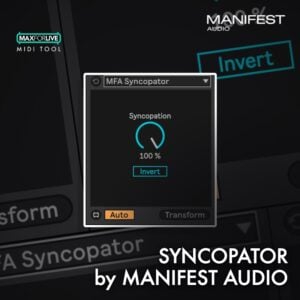
Apply syncopation to selected MIDI notes
Key features
Syncopation by note activation: applies syncopation to selected notes via note activation Random interpolation: a random algorithm interpolates the effect down to no syncopation Invert: mute even note count values instead of odd note count values Works on any selection: syncopate any selection of notes in a MIDI clip Compatibility
Live 12 · Max for Live
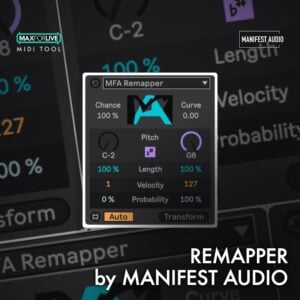
Remap notes to scale, length, velocity, or probability
Key features
Remap selected notes to pitches in the current scale and key, new lengths, velocities, or probabilities Set the probability notes will be remapped Apply an exponential curve to the remapping applied Invert selected notes as part of the remapping process Compatibility
Live 12 · Max for Live
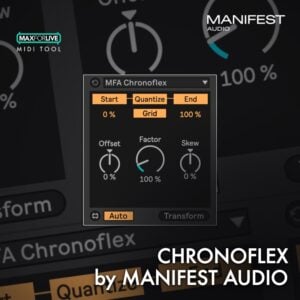
Quantized note timing manipulation for Live 12
Key features
Allows for quantized manipulation of note timings Disable quantization overall, or apply it only to note starts or note ends Use the start and end range controls to compress or even invert patterns in the time domain Use the Factor control to stretch or squeeze all selected notes Compatibility
Live 12 · Max for Live
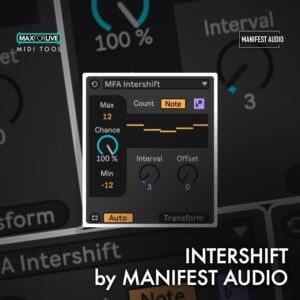
Randomise note transposition in Live 12 MIDI patterns
Key features
Chance-based transposition: randomises note transposition by a chance amount within a specified range Grid count interval: transposes at an interval of the current Grid count Raw note count interval: alternatively sets the interval by raw note count Optional offset: offset the interval either way Compatibility
Live 12 · Max for Live
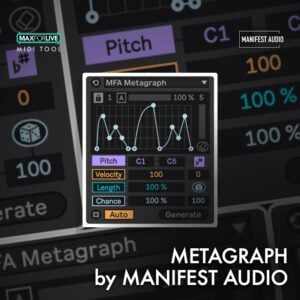
Geometric melody plotting for Ableton Live 12
Key features
Geometric melodies: plot points on a grid and scale them between a variety of pitches, velocities, lengths or probabilities Randomise from scratch: generate new patterns, with an optional density control to reduce how many grid points are filled Freehand entry: clear the pattern, or unlock the grid to enter notes freehand Grid intervals and division: set the number of vertical grid intervals with the lock on, and multiply the notes generated per interval Compatibility
Live 12 · Max for Live
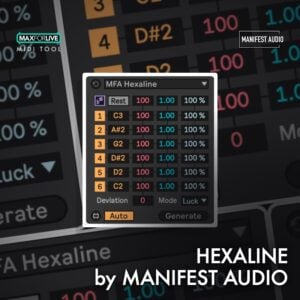
Six-voice linear pattern generator for Live 12
What’s inside
Generates patterns based on up to six available note choices which never overlap to produce linear drums or unique melodies at the current grid count Each note line gets a pitch, velocity, length, and probability, along with a mute key Velocity, deviation, length, and chance of all steps can be set globally In the default Rest mode, muted lines result in rest gaps in the pattern Compatibility
Live 12 · Max for Live
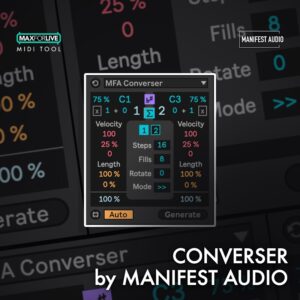
Call-and-response MIDI generator for Live 12
Key features
Automatically detects and adopts your MIDI clip length, selection, and quantization settings Each voice can be expressed through a particular rhythm, generating on, or avoiding, specific beats using the count settings Density determines how talkative each voice can be Central weight dial controls which voice dominates, and if so, by how much Compatibility
Live 12 · Max for Live
Instant audio preview for ADG, ADV, ALC, AUPRESET, VSTPRESET files
Key features
Instant audio preview for ADG, ADV, ALC, AUPRESET, VSTPRESET files Floating window browser with hierarchical folder navigation Multiple insertion methods: click-to-insert or drag-and-drop Three interface sizes: Small, Medium, Big Compatibility
Live 10 & 11 & 12 · Mac · Win
Retroactive audio capture from 1-60 minutes or 4-128 bars of continuous buffering
Key features
Retroactive audio capture from 1-60 minutes or 4-128 bars of continuous buffering Up to 16 simultaneous inputs (external sources or internal tracks) Three capture modes: Arrangement insertion, Session clips, or Disk Only Auto-Reset mode matching Capture MIDI workflow (buffer clears on transport start) Compatibility
Live 12 · Max for Live · Mac · Win
Floating window displaying Session View clips in Arrangement View
Key features
Floating window displaying Session View clips in Arrangement View Dual insertion methods: drag-and-drop or click to insert at playhead Automatic mode: displays clips from selected track Manual mode: choose any track for cross-track clip insertion Compatibility
Live 10 & 11 & 12 · Max for Live · Mac · Win
Two versions: MIDI Explorer with full folder navigation, MIDI Explorer LT for single-folder workflow
Key features
Two versions: MIDI Explorer with full folder navigation, MIDI Explorer LT for single-folder workflow One-click MIDI file preview through your current instrument Drag-and-drop loading directly into arrangement or session view Loop function for continuous pattern playback Compatibility
Live 10 & 11 & 12 · Max for Live · Mac · Win
60+ configurable buttons spanning clip, track, file, edit, and workflow operations
Key features
60+ configurable buttons spanning clip, track, file, edit, and workflow operations Clip parameter quick access without opening detail view (volume, transpose, groove, quantize) Advanced scene capture with alternative insertion modes Global track activation, auto-expand, and color-to-clips automation Compatibility
Live 10 & 11 & 12 · Max for Live · Win
Non-exclusive parameter linking: control from device window or source tracks simultaneously
Key features
Non-exclusive parameter linking: control from device window or source tracks simultaneously Up to 32 parameters across three window sizes (8, 16, or 32 parameter views) 16 saveable presets for instant A/B comparisons without undo history impact Global randomization with per-parameter range control for sound design exploration Compatibility
Live 10 & 11 & 12 · Max for Live · Mac · Win
MIDI-triggered step sequencer with up to 64 steps
Key features
MIDI-triggered step sequencer with up to 64 steps Two versions: v2 optimized for Live 12 modulation mapping, v1 compatible with Live 10/11/12 8 parameter mapping slots plus 8 MIDI CC outputs Intelligent chord detection (chords advance only one step) Compatibility
Live 10 & 11 & 12 · Max for Live · Mac · Win
IsoBOT staging
🔊 Voice off
×
Attached:
Free for subscribers
Join the list and get 10 free downloads Subscribers get Isotonik FX, Live Scratcher, Modular Series LE Part ONE and more for free, plus first word on new releases and deals.
10 free downloads for subscribers Join free Close
Close Free for subscribers
Join the list and get 10 free downloads Subscribers get Isotonik FX, Live Scratcher, Modular Series LE Part ONE and more for free, plus first word on new releases and deals.
No thanks
We value your privacy
We use cookies to keep the site working, understand how it's used, and (optionally) personalise the experience. You can accept all, reject all, or pick what you're happy with.
Accept all
Reject all
Customise
Read our privacy policy
Manage cookies